
Lead finder with signal-based discovery
Search LinkedIn for people matching an ideal customer profile and surface leads based on signals such as job changes, keyword activity, and competitor engagement.

Linkdify is a LinkedIn outbound automation platform that helps sales teams, founders, recruiters, consultants, and freelancers find high-intent leads and run outreach campaigns. It supports both user-owned and rented LinkedIn accounts, plus MCP-based control from compatible AI clients.
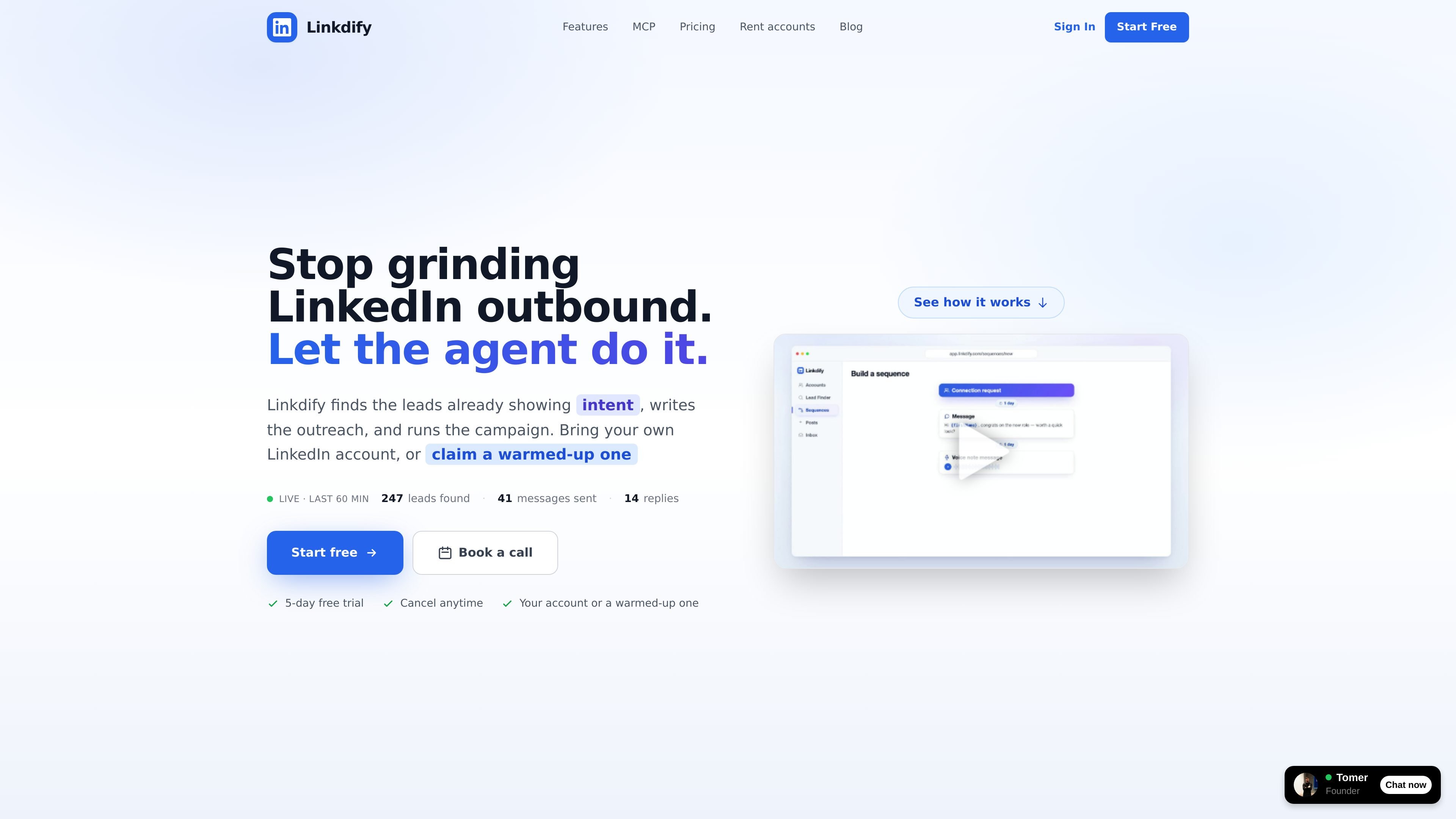
Linkdify is a LinkedIn outbound platform that helps users find high-intent leads and turn them into automated outreach campaigns. The site positions it for sales teams, founders, recruiters, consultants, and freelancers who want to move from manual prospecting to a more automated workflow.
It combines lead discovery, campaign sending, reply handling, and LinkedIn account management in one system. Users can connect their own LinkedIn account or use a warmed-up rented account, and the same platform also exposes an MCP server for operating from compatible AI clients.
Search LinkedIn for people matching an ideal customer profile and surface leads based on signals such as job changes, keyword activity, and competitor engagement.
Turn discovered leads into multi-step outreach sequences with personalized variables, AI icebreakers, and human-like timing.
Keep warm replies in a single place so incoming conversations can be reviewed and responded to from one inbox.
Publish posts from the connected account to expand reach and support outbound with more visible activity.
Use the Model Context Protocol server to run lead discovery, campaigns, messaging, posts, and reply triage from Claude, Cursor, or another MCP client.
Use Linkdify on a connected personal account or on a warmed-up, ID-verified rented account that can be rebranded to a company profile.
A salesperson can describe an ICP, find leads who recently changed jobs or engaged with relevant posts, and launch a personalized outreach sequence without exporting to another tool.
A founder can use the platform to identify high-intent LinkedIn contacts, send connection requests and follow-ups, and monitor the inbox for replies in one place.
A recruiter can search for people matching role and signal criteria, then run campaign steps and respond to warm replies from the unified inbox.
A consultant or freelancer can use the rented-account option if they do not want to use their own LinkedIn profile, then run branded outreach from that account.
No. The site says you can either connect your own LinkedIn account or claim a warmed-up account from Linkdify and run the platform on that account.
The pricing page says the product starts with a 5-day free trial. Paid plans are covered by a 30-day money-back guarantee.
According to the MCP page, Linkdify can be used from Claude Desktop, Claude Code, Cursor, or any MCP-compatible client. The server exposes tools for lead discovery, campaigns, messaging, posts, replies, and account management.
Yes. The site says agencies running outreach for several clients can ask for more than one account, and Linkdify will set them up.
The source says the rented accounts are delivered within 24 hours, already connected, and ready to post and send.

Blinked is a free Chrome extension for LinkedIn outreach that helps users research leads, draft personalized messages, and manage follow-ups inside LinkedIn. It is local first, with outreach data kept in the browser rather than on Blinked’s servers.

Sumora is an autonomous outreach agent for finding, qualifying, warming, and booking leads through LinkedIn and Instagram. It helps users manage replies from one inbox while keeping final sends under review.

Podium is an AI lead generation and lead management platform for local businesses. It centralizes lead conversations, automated follow-up, reviews, payments, and booking, with a 24/7 AI Employee available as an add-on.

Ninjō AI is an AI sales agent platform for creators and agencies that qualifies leads, handles sales conversations, and supports multi-channel follow-up. It can also be controlled from Claude or ChatGPT through MCP for users who want to manage agents by chat.

Cold Mail Server provides dedicated outbound email infrastructure for cold outreach teams, agencies, and outbound SaaS operators. It offers isolated mail servers, unlimited mailboxes and domains, a unified reply inbox, and deliverability monitoring on flat-rate plans.

Oppora AI is an outbound sales platform that automates lead finding, enrichment, outreach, inbox replies, and CRM sync. It is built for teams and operators who want to run repetitive sales workflows from one system instead of piecing together separate tools.