
Single-thread export
Exports one Messages conversation at a time, rather than producing a full-device backup. The archive includes both sides of the thread, timestamps, and sender names where they can be resolved.

Message Album is a native macOS app that exports one Messages conversation at a time into a private, searchable offline archive. It helps people keep a readable local record of iMessage threads, attachments, and checksummed exports without sending anything off their Mac.
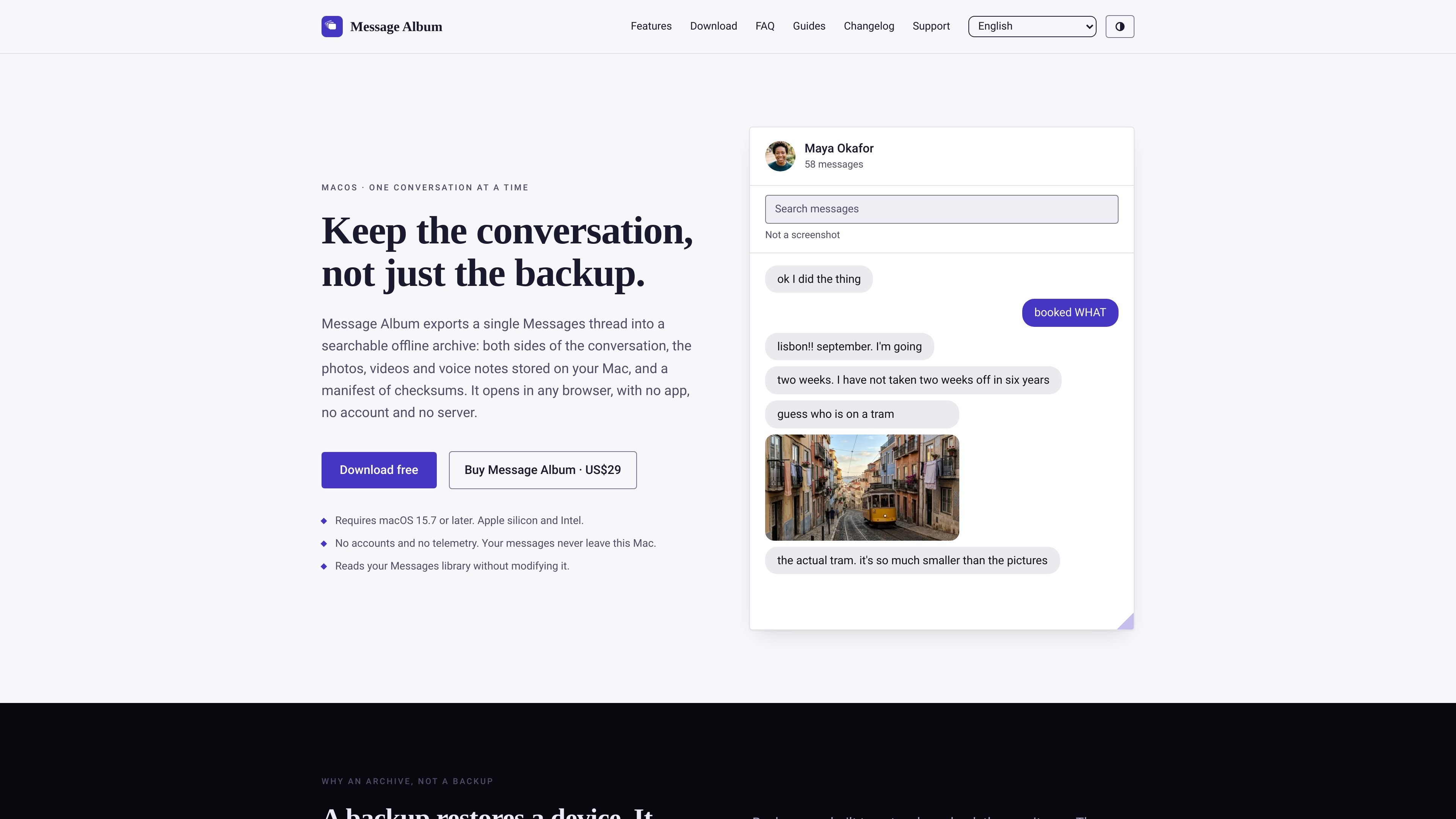
Message Album is a native macOS app for exporting one Messages conversation at a time into a private offline archive. It captures both sides of the thread, the attachments stored on the Mac, and a checksum manifest, then packages them into a folder that opens in a browser.
The export is designed to stay readable without the app or Apple’s services. Message Album writes HTML, JSON, and Markdown files plus media assets, so the archive can be searched, viewed, and kept as a self-contained record long after the original Messages context changes.
Exports one Messages conversation at a time, rather than producing a full-device backup. The archive includes both sides of the thread, timestamps, and sender names where they can be resolved.
Copies photos, videos, voice notes, stickers, and documents at original quality into the archive’s attachments folder. Items that were never downloaded to the Mac are flagged instead of silently omitted.
Builds a self-contained offline website plus transcript files. The archive includes HTML for browsing, JSON for structured data, Markdown for reading in plain text, and optional CSV for analysis.
Ships each export as a timestamped folder with SHA-256 checksums in manifest.json. Re-exporting a conversation creates a separate archive rather than overwriting the earlier one.
Reads either the Mac’s Messages library or an iPhone/iPad Finder backup stored on the Mac. Encrypted backups are handled locally, and the app says it uses read-only/query-only access when reading the Messages database.
Uses a browser-based reader that does not depend on a server, CDN, external font, or framework. The archive opens from index.html in a browser without needing the app installed.
Export a single thread when you want something you can read later without opening Messages, signing into Apple, or keeping the app installed. The folder can be stored as a personal record and searched in a browser.
Create a PDF by opening the exported website in Safari or Chrome and using Print › Save as PDF. This is useful when you want a printable copy of a thread, while still retaining the richer archive on disk.
Recover a conversation that exists only in a Finder backup on the Mac. The app can read encrypted or unencrypted backups and export just the thread you need.
Review whether a thread is complete before paying. The free version exports the last 7 days, marks missing attachments, and shows what is present in the archive so you can see what your library contains.
Preserve a conversation as a stable record when you plan to leave the platform, hand off a Mac, or simply keep a local archive that does not depend on Apple’s services.
Yes. Without a licence, Message Album exports the last 7 days of a conversation in the same format used by the paid version. The limit is measured from the thread’s newest message, not from today.
No. It is a one-time purchase, and updates within the current major version are included. The exported albums remain usable even if you never buy, because they are plain HTML, JSON, Markdown, and media files in a normal folder.
Message Album needs Full Disk Access on macOS because it reads the Messages library and, if present, Finder backups stored under the user Library. The app says the permission is only for reading those files; it does not send them anywhere.
Yes, if the conversation is in an iPhone or iPad backup on the Mac. Message Album can read encrypted and unencrypted Finder backups and export the thread from that backup.
Yes. The export is an ordinary folder containing HTML, JSON, Markdown, and media files, so the archive can be opened in any modern browser on systems such as Windows, Android, Linux, or macOS.

ArtDeck is a visual reference board app for iPhone, iPad, and Mac that lets artists collect mixed reference material on one canvas and study it with ToolBox lenses. It works offline, supports optional iCloud sync, and is sold as a one-time purchase with no account required.

Goldfish is an AI memory app for macOS that helps you reply, write, summarize, and continue using the context already on your Mac. It stores memory locally and writes in your tone.

Lasso is an ecommerce product data platform for enriching catalog records, processing supplier files, generating product content, and monitoring competitors. It combines a web app with a REST API, SDK, and MCP server for teams and developers.

Codex Plugins bundle reusable skills, app integrations, and MCP servers into workflows you can install in the Codex app or use from Codex CLI. They help extend Codex with connected-service tasks, reusable instructions, and shared team workflows.

Struere is an AI-native platform for turning spreadsheet data into structured operational software with dashboards, alerts, and automations. It is aimed at teams that want to replace manual spreadsheet workflows without building custom tools from scratch.

MacSpoof é um alterador de MAC no macOS que permite trocar ou randomizar o endereço Wi‑Fi para reconectar e reduzir o registro da identidade.