
Searchable codebase docs
Connect a selected GitHub repository and generate searchable documentation from the code that is already there, with source-cited pages that stay tied to the repo.

Moxie Docs turns selected GitHub repositories into searchable, source-cited documentation and MCP-ready context for AI coding agents. It helps teams onboard faster, keep docs current, and review documentation changes through pull requests.
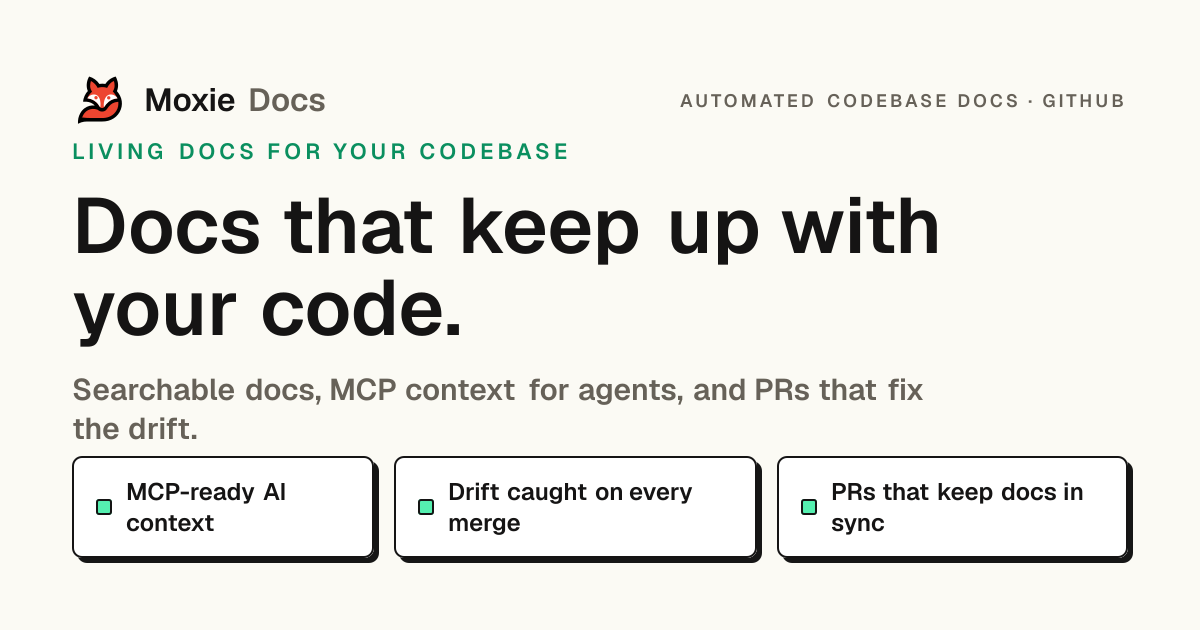
Moxie Docs is a GitHub-connected documentation tool that turns private repositories into searchable codebase docs and MCP-ready context for AI coding agents. It reads a selected repo, generates source-cited documentation, and keeps that documentation aligned as the code changes.
The product is built around a review-first workflow: docs updates are proposed as pull requests, drift is checked on every merge, and a Friday cleanup process groups missed documentation into a small, reviewable PR. Pricing is trial-based, with a 14-day trial before the paid plan starts.
Connect a selected GitHub repository and generate searchable documentation from the code that is already there, with source-cited pages that stay tied to the repo.
Expose repo conventions, known gaps, and verified commands through MCP so agents can use compact, scoped context instead of re-crawling the repository on every prompt.
Flag stale or missing documentation when code changes, then regenerate affected pages so the documentation stays aligned with merges.
Open docs-only Cleanup PRs that collect a week of drift into one reviewable change, instead of changing docs piecemeal.
Summarize merges and surface documentation impact so teams can review what changed and what still needs attention.
Keep documentation changes reviewable by proposing them as pull requests rather than merging automatically.
Give a new engineer searchable architecture pages, walkthroughs, glossary entries, and saved notes so they can answer repo questions without relying on ad hoc help.
Provide Cursor, Claude Code, Codex, and similar tools with repo conventions, commands, known boundaries, and source-linked docs before they edit code.
Keep docs current by checking every merge for drift, then turning missed updates into a reviewable docs-only Cleanup PR.
Help maintainers and engineering leads see documentation gaps, changed behavior, and weekly merge impact at a glance.
Let teams search generated docs, existing Markdown, highlights, and notes from one workspace instead of jumping across files and tools.
Moxie Docs starts with a 14-day trial. You connect a GitHub repo, index a real repository, and use generated docs, search, gap detection, and MCP context during the trial. You can cancel before it ends and avoid being billed.
Yes. Plans can be billed monthly or annually, and annual billing is priced at two months free compared with monthly billing. The pricing page lists annual rates for Starter, Pro, and Team, and billing can be switched in the portal.
Moxie Docs connects through a GitHub App with read-only access scoped to the repositories you select. Documentation changes are proposed as pull requests, and your team reviews and merges them.
Starter is aimed at a solo builder, Pro at a growing team, and Team at an organization with more repositories and seats. The plans differ mainly by repository limits, seat limits, indexed file capacity, and whether Friday Cleanup and priority indexing are included.
Yes. Every plan includes the MCP context endpoint, so MCP-compatible agents and editors can pull repo conventions, docs, and verified context while they work.

ByteAsk is a terminal-first AI coding agent for C and C++ that edits repositories and verifies changes with the real compiler, debugger, sanitizers, and tests before showing a diff. It offers a free tier plus paid plans, with editor connectors and zero-retention handling described in the source.

hob is an independent workspace for coding agents that keeps agent sessions, terminals, history, and follow-up work organized around the tools and providers you already use. It is aimed at developers who want local control over routing, history, and workspace structure rather than a bundled model stack.

Ably Chat is a chat API platform for building custom realtime chat applications. It supports room-based messaging, typing indicators, presence, reactions, and message updates, with usage-based pricing options for different deployment stages.

Manta AI is an autonomous web app testing tool for teams that want to map application behavior, catch regressions, and generate tests without writing scripts or maintaining selectors. It works from a URL and supports plain-English test flows, run results with screenshots, and scheduled or deployment-triggered checks.

Falconer is an AI-powered company brain that keeps internal documentation accurate, searchable, and up to date by syncing with tools like GitHub, Slack, and Linear. It helps engineering and cross-functional teams centralize knowledge and answer questions from a shared source of truth.

SonOf connects to your repo and PM tool, audits the codebase and surrounding product context, and turns approved work into shipped tickets with senior engineering review. It is aimed at founders and engineering leaders who need backlog help without hiring a full team immediately.