
Local, offline inference
Run models locally and offline without API keys or ongoing service fees, which keeps inference self-contained on the device.

NobodyWho is an on-device inference engine for running LLMs locally and efficiently without API keys or cloud calls. It supports multiple app frameworks and can load GGUF models from Hugging Face or a direct URL.
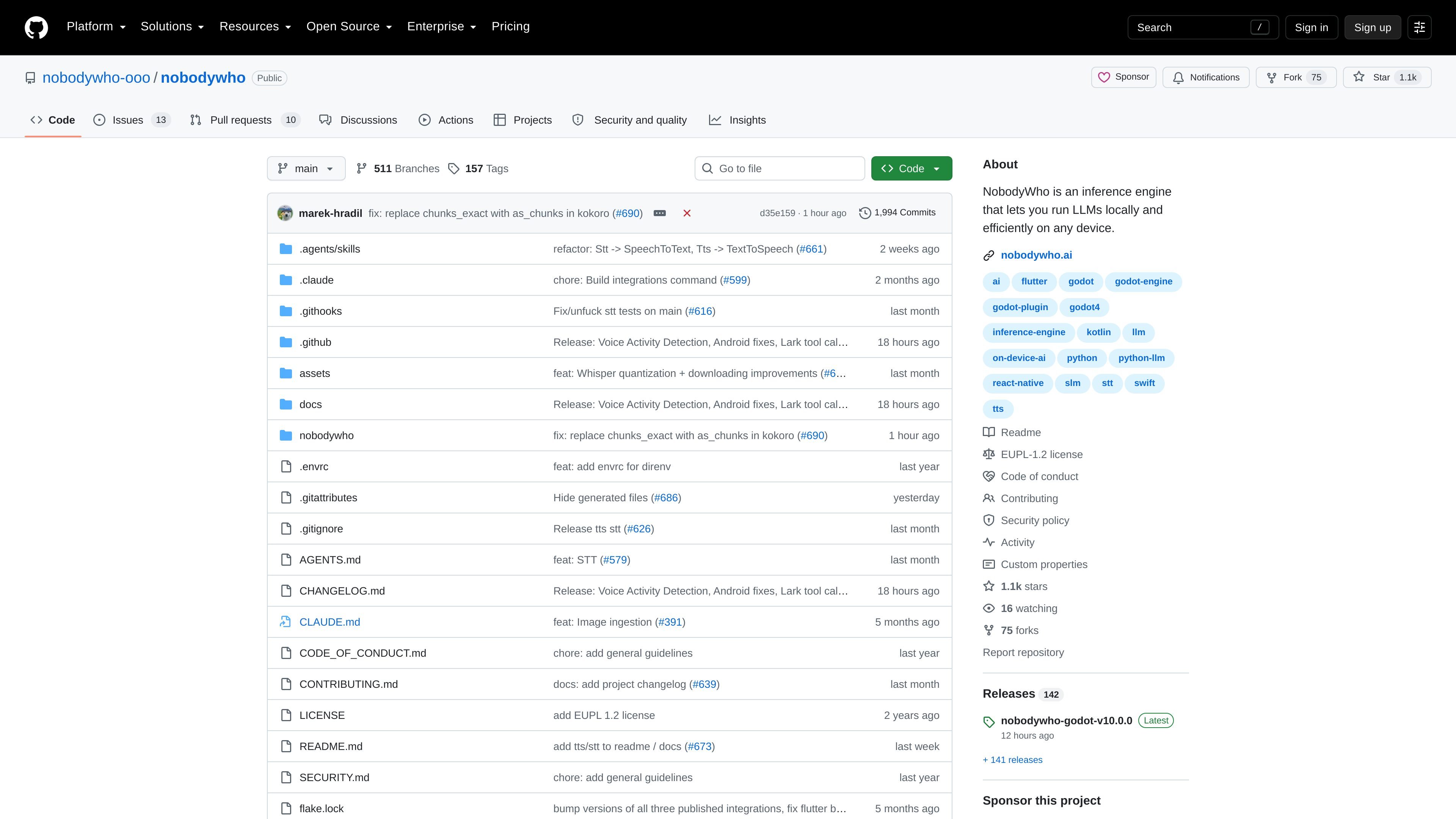
NobodyWho is an inference engine for running large language models locally and efficiently on supported devices. It is positioned as on-device AI for apps that need chat model inference without sending requests to an external API.
The README emphasizes offline operation, support for GGUF-format models, and compatibility with multiple client platforms including Kotlin, Swift, Python, Flutter, React Native, and Godot. It also documents paths for loading models from Hugging Face or a direct URL, along with support for GPU-accelerated inference through Vulkan or Metal.
Run models locally and offline without API keys or ongoing service fees, which keeps inference self-contained on the device.
Work with chat models including Gemma, Qwen, Mistral, and other GGUF-based LLMs, rather than being tied to a single model family.
Define function signatures and have the engine generate structured grammars for tool calls automatically, avoiding manual schema work.
Send image and audio information to the model, enabling multimodal prompts where supported by the host app.
Use local text-to-speech and speech-to-text components, including Kokoro, Pocket TTS, Supertonic, and Whisper.
Load models from Hugging Face or any URL, which makes it easier to point an app at a remote model file or download source.
Build an app that answers user prompts on-device without sending data to a hosted LLM API, useful when you want offline operation or fewer external dependencies.
Add LLM-backed actions to an app by exposing functions from your code and letting NobodyWho generate the structured grammar for calls.
Create mobile or desktop apps in supported stacks such as Swift, Flutter, React Native, Kotlin, or Python and connect them to the same local inference layer.
Combine chat with local audio features, such as speech-to-text for transcription or text-to-speech for generated responses, in a single device-side workflow.
Load a model from Hugging Face or a direct URL when you want to point the app at a specific model artifact instead of a hosted API endpoint.
NobodyWho can run locally without API keys or hidden fees, so it is designed for offline use on supported devices and platforms.
The README lists Kotlin, Swift, Python, Flutter, React Native, and Godot, with documentation links for each.
It supports chat LLMs such as Gemma, Qwen, Mistral, and other models in GGUF format, and it can load models from Hugging Face or a direct URL.
The README says desktop is supported across all bindings, Android is supported on Kotlin, Godot, Flutter, and React Native, and iOS is supported on Swift, Flutter, and React Native.
The repository license section says you may use NobodyWho in proprietary and commercial projects free of charge, but modified versions of the code in the repo must be open sourced.

AakarDev AI helps teams manage AI provider access, project-level setups, logs, and analytics from one dashboard. It supports BYOK workflows and lists providers including OpenAI, Google Gemini, Anthropic, Groq, Mistral AI, and Perplexity AI.

ByteAsk is a terminal-first AI coding agent for C and C++ that edits repositories and verifies changes with the real compiler, debugger, sanitizers, and tests before showing a diff. It offers a free tier plus paid plans, with editor connectors and zero-retention handling described in the source.

CreateOS Sandbox is an isolated compute environment for running code and agent workloads inside Firecracker micro-VMs. It is designed for workflows that need machine-level isolation, private networking between sandboxes, and programmatic control through SDK, CLI, or MCP.

hob is an independent workspace for coding agents that keeps agent sessions, terminals, history, and follow-up work organized around the tools and providers you already use. It is aimed at developers who want local control over routing, history, and workspace structure rather than a bundled model stack.

Ably Chat is a chat API platform for building custom realtime chat applications. It supports room-based messaging, typing indicators, presence, reactions, and message updates, with usage-based pricing options for different deployment stages.

Manta AI is an autonomous web app testing tool for teams that want to map application behavior, catch regressions, and generate tests without writing scripts or maintaining selectors. It works from a URL and supports plain-English test flows, run results with screenshots, and scheduled or deployment-triggered checks.