
On-device model library
Download supported text, vision, speech, image, and computer-use models to run on your own phone or computer. Once a model is downloaded, chat can work without an internet connection.

Off Grid AI is a local AI assistant for Android, iOS, macOS, Windows, and Linux. It runs downloaded AI models on your own devices, supports offline chat, and adds memory, Sync, and approval-based actions with Pro.
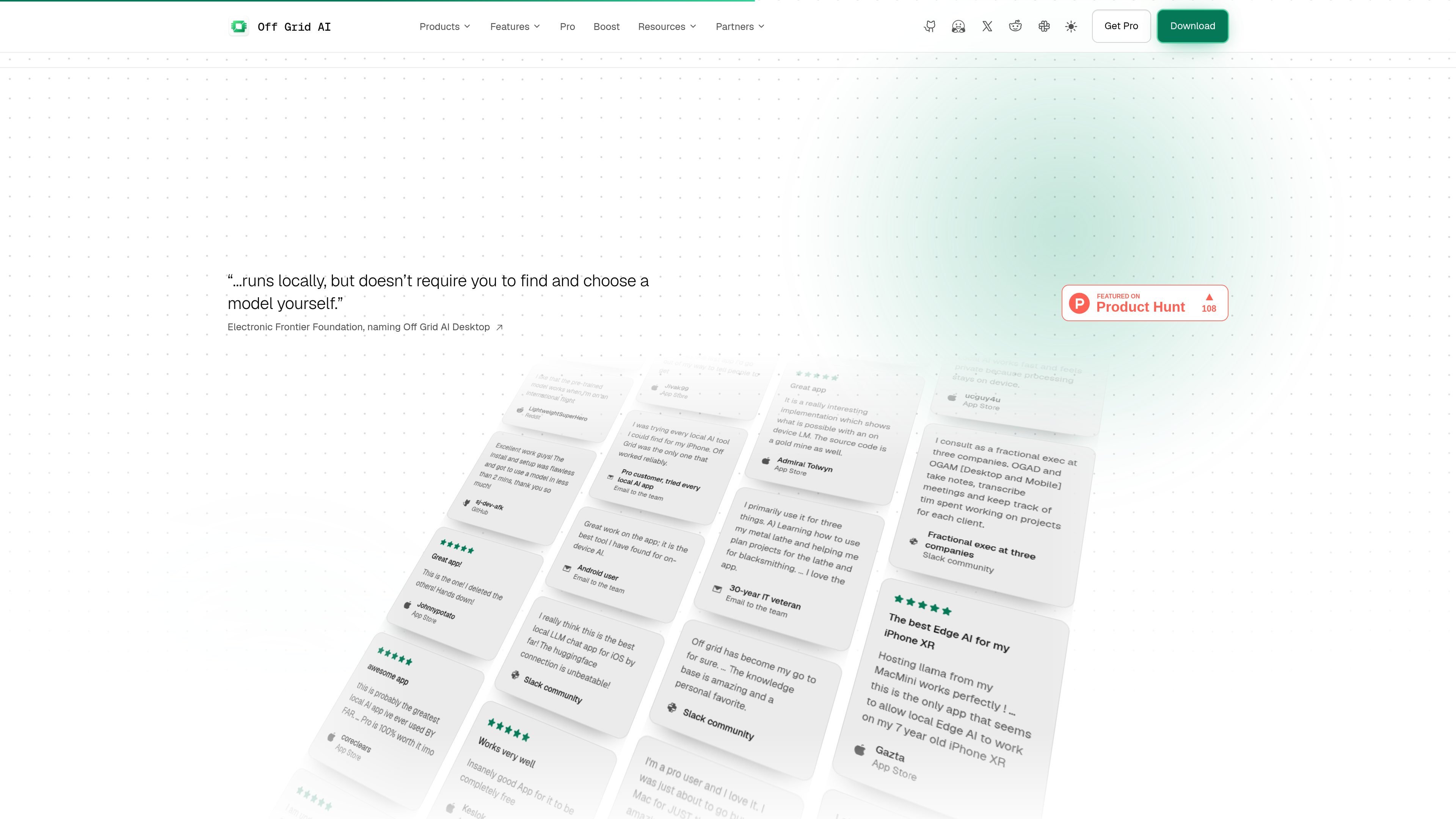
Off Grid AI is a local AI assistant for Android, iOS, macOS, Windows, and Linux. It lets users download models to hardware they already own, start chats without an account or API key, and continue chatting offline after the model is downloaded.
Beyond chat, the product presents tools for personal context, meeting transcription, document and image questions, voice interaction, clipboard recall, and approved tasks in desktop apps or browsers. Its workflow is built around user control: actions require approval, and the site says prompts remain on the user's devices rather than passing through an Off Grid AI server.
Download supported text, vision, speech, image, and computer-use models to run on your own phone or computer. Once a model is downloaded, chat can work without an internet connection.
Use models selected for the memory available on the device, with Q4_K_M as the default quantisation. The model guide provides RAM-based recommendations for text and vision workloads.
Add personal memory, capture selected information, and maintain context across work such as meetings, to-dos, journals, people, companies, and projects. The site states that these features require Pro.
Use approved tasks in desktop apps and browsers, with the ability to approve, pause, stop, or take over. Password entry remains under the user's control.
Pair devices to share chats, files, and models through encrypted device-to-device Sync. One Pro key covers up to five devices according to the download page.
Use an OpenAI-compatible API on the local machine, while desktop and mobile experiences also support voice, image, clipboard, document, and meeting-related workflows described on the site.
Download a model suited to a phone's RAM and use chat while offline, including situations where an internet connection is unavailable.
Transcribe meetings on a Mac without a bot joining the call, then use the resulting information for answers, to-dos, or a journal based on what was shared.
Ask questions about documents, photos, pages, charts, or saved clipboard content using local multimodal models rather than moving the prompt to a cloud AI service.
Let the assistant carry out selected tasks in desktop apps or a browser, while reviewing each action and taking over for passwords or other sensitive steps.
Pair a phone and computer to continue using shared chats, files, and models through encrypted device-to-device Sync.
Off Grid AI is available on Android 10 or later, iOS 17 or later on iPhone 12 or later, Apple Silicon macOS, Windows x64, and Ubuntu 24.04 or later on x64 Linux. A Chrome browser extension is also available and requires the desktop app.
Install the app, open Models, download a text model that fits the device's memory, and start a chat. After a model is downloaded, chat works offline. Features differ by platform and release.
No account or API key is required to start. The app is free to start on hardware you already own, with a Pro key available for memory, Sync, and approved actions.
The model guide recommends choosing based on available RAM. Examples include Qwen 3.5 2B for 4GB devices, Gemma 4 E4B or Phi-4 Mini for 6GB devices, and Qwen 3.5 9B for devices with 8GB or more. Models use Q4_K_M quantisation by default.
Pro adds memory, encrypted device-to-device Sync, and approved actions. One Pro key can cover up to five devices, while platform support and limits vary by release.

Gemma AI is a phone call reminder app that calls you with scheduled reminders instead of push notifications. It helps people who want a more direct way to stay on schedule, with Google Calendar sync and conversational call interactions.

Spotit é um app para macOS que lê sua tela em outro app e destaca exatamente onde clicar, com perguntas por voz e orientação na tela.

ConscioussAI is an AI assistant for macOS, Windows, iOS, and Android that helps execute tasks across apps, files, the browser, and messages. It is aimed at people who want permission-based help on both desktop and mobile.

Flunkey is a voice-first productivity layer for Windows that converts speech into text, AI-assisted outputs, and remembered context. It is built for users who want to capture ideas and actions without leaving the app they are working in.

Malyatko is a baby tracker for logging feeding, sleep, growth, teething, and milestones in one app. It works on iPhone, Apple Watch, and widgets, with no sign-up, offline use, and family sharing through iCloud.
Gerty is a local AI assistant for Apple silicon Macs that handles chat, writing, documents, voice and selected Mac app tasks without sending data to the cloud. It works offline after model downloads and is designed for users who want private everyday AI without an account or subscription.