
Shared home workspace
Share tasks, calendar events and shopping lists across the household so everyone sees the same information on every device.

OneHaus is a household management app for couples, families and shared homes. It combines shared tasks, calendars, shopping lists, home inventory and an AI assistant that can turn text or voice into the right household item.
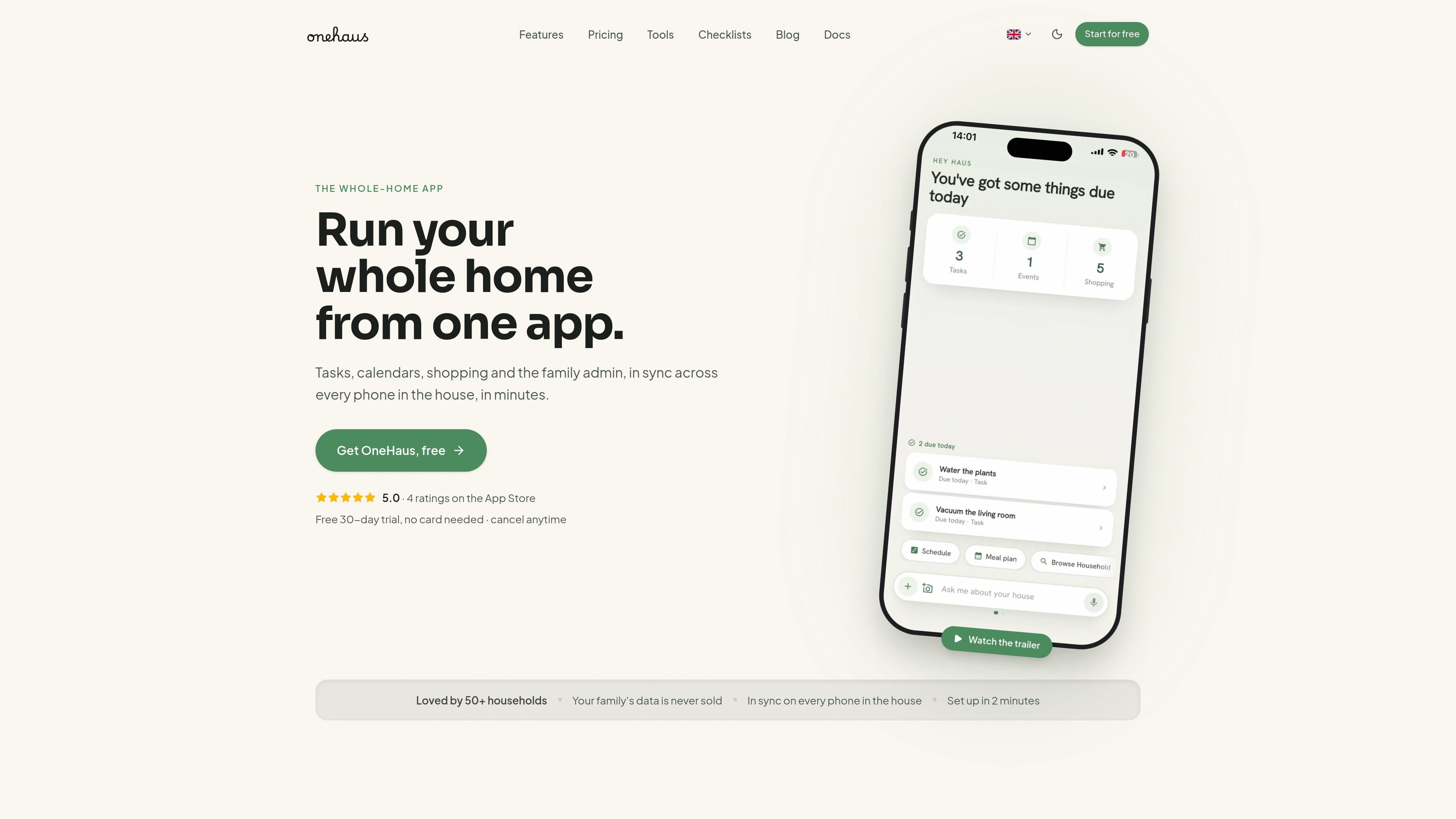
OneHaus is a household management app built to keep tasks, calendars, shopping lists and home admin in one shared place. It is designed for couples, families and other shared homes that want a single source of truth instead of scattered notes, chats and calendars.
The product combines shared lists with an AI assistant that can take text or voice prompts and turn them into the right task, event or list item. It also supports a workflow for forwarding chat chaos, screenshots and web content into OneHaus so the household can sort and share it together.
Share tasks, calendar events and shopping lists across the household so everyone sees the same information on every device.
Use plain language by typing or speaking a request, and OneHaus turns it into the right task, event or list item.
Sort forwarded chat messages, screenshots and other incoming items into tasks, dates, lists and documents automatically.
Sync schedules with device calendars and with Google, Apple and Outlook on the couples and family pages.
Track household admin beyond chores, including home inventory items such as appliances, vehicles, pets, documents, reminders and contacts.
Save recipes, events and other web content with a Chrome extension, and share links and pages straight into OneHaus.
Keep appointments, chores and shopping visible to both people, use one shared calendar, and see whose turn it is so the mental load does not sit with one partner.
Coordinate school runs, clubs, recurring chores and shopping for the whole household, with tasks assigned once and visible to everyone, including kids where appropriate.
Manage rotas, shared costs, shopping and other day-to-day admin in a house share where multiple adults need the same source of truth.
Turn forwarded messages, screenshots, recipes, letters and web pages into tasks, events or list items instead of manually retyping them later.
Every household gets a 30-day free trial with the full OneHaus experience, including the AI assistant, shared tasks, calendar, shopping lists and home inventory. No card is needed to start.
Yes. One subscription covers everyone in your home, including partners, kids, flatmates or family members.
OneHaus supports iPhone, iPad, Apple Watch and Android. The site also says it is available on mobile, web and with a favorite AI assistant.
You can subscribe on the website by card through Polar or through the App Store on iPhone. Cancel anytime from the website or your App Store subscriptions.
OneHaus says household data is encrypted, never sold and never used for ads.

Biji é uma plataforma versátil projetada para aumentar a produtividade por meio de ferramentas e recursos inovadores.

Dcyde is a decision log for product teams that captures what was decided, the reasoning behind it, and the source in one shared place. It supports pinning decisions from Slack, Figma, or inside Dcyde and keeps the record searchable over time.

Carbon Voice is an asynchronous voice messaging app for teams and individuals, with transcripts, AI catch-up, and cross-device access. It helps people and agents communicate without needing a live call.

Goldfish is an AI memory app for macOS that helps you reply, write, summarize, and continue using the context already on your Mac. It stores memory locally and writes in your tone.

Liam is an AI copilot for managing inboxes, writing replies, prioritizing email, and scheduling meetings. It is offered free for individuals, with custom pricing for teams and enterprise.

hob is an independent workspace for coding agents that keeps agent sessions, terminals, history, and follow-up work organized around the tools and providers you already use. It is aimed at developers who want local control over routing, history, and workspace structure rather than a bundled model stack.