
Plain-English questions
Orion accepts business questions in plain language, so users can ask for the metric or analysis they need without building a query first.

Orion is an AI business analyst that helps business owners, operators, and analysts ask plain-English questions of their data and get back a report with findings and next steps.
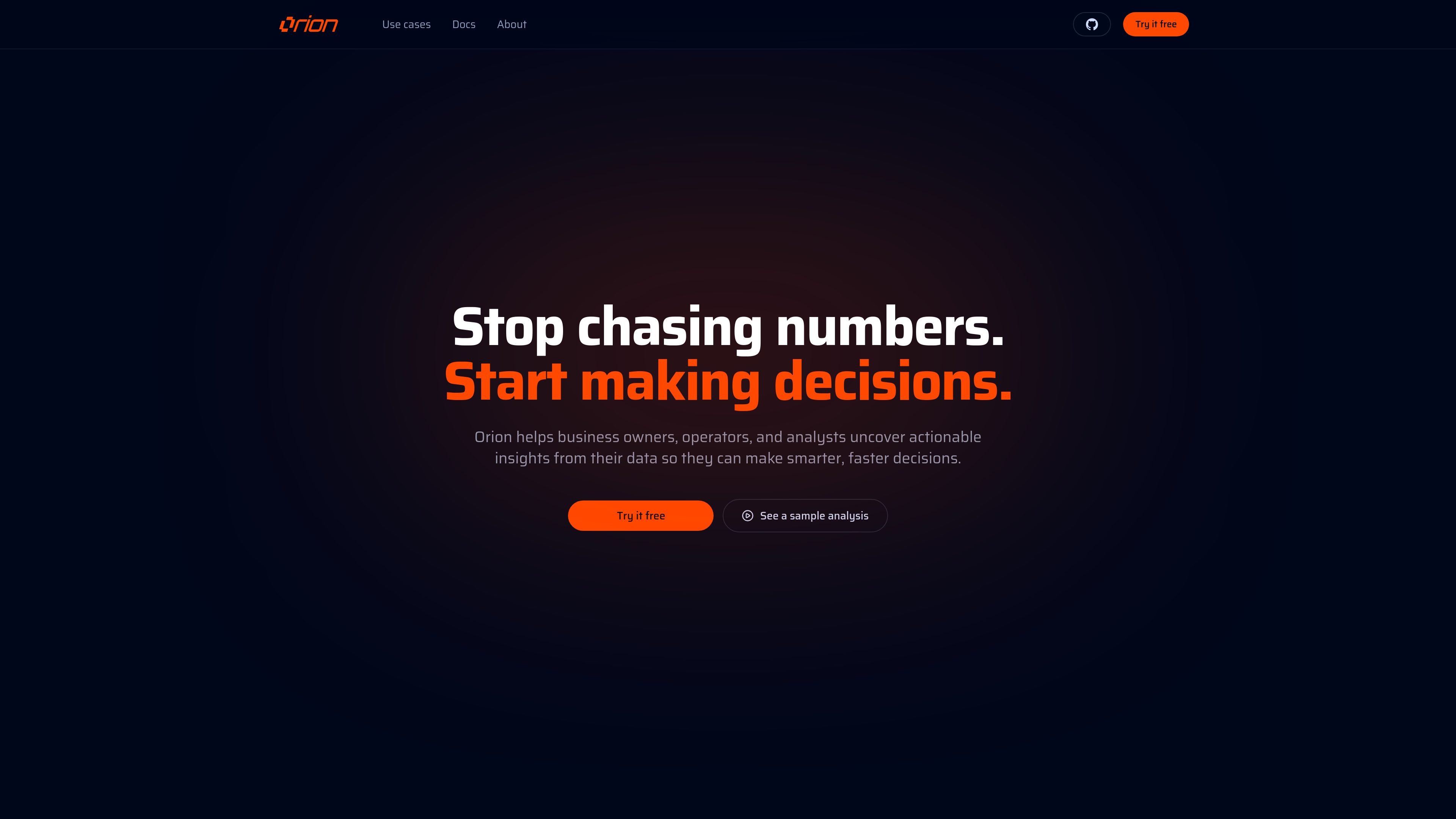
Orion is an AI business analyst that turns questions about business data into reports and next steps. The site presents it as a tool for business owners, operators, and analysts who want answers from spreadsheets and other scattered data sources without manually joining everything themselves.
Its workflow starts with a short setup interview to capture goals, data sources, and existing context. After that, users ask a business question in plain English, and Orion assembles the relevant information into a single report that can be explored and shared.
Orion accepts business questions in plain language, so users can ask for the metric or analysis they need without building a query first.
The setup flow asks for context about goals, sources, and existing workflow before analysis starts, which helps Orion frame the request around the business task.
The homepage shows Orion bringing together scattered sources such as spreadsheets, CRMs, ERPs, databases, and external systems to form a single answer.
An example report shows Orion joining multiple sources, checking the analysis, and presenting the result as a clean report that can be explored and shared.
The sample analysis includes a structured view with category-level results and an “Orion’s finding” summary, indicating that outputs combine data tables with written takeaways.
The install page shows a desktop app install flow with downloads for Windows, macOS, and Linux, plus a CLI mention for technical teams.
Ask a question about revenue, cost, or margin performance and have Orion assemble the relevant business data into a readable report instead of leaving you to reconcile exports by hand.
Combine sales data with campaign or channel data to evaluate return on ad spend and identify which product categories or segments are performing best.
Use Orion to review inventory-related data and surface where stock or product performance may need attention across different sources.
Analyze cash flow or runway questions by pulling together the relevant financial inputs into one report for decision-making.
Use the setup interview and plain-English questioning flow when you want a repeatable way to investigate customer segments, pricing opportunities, or invoice-related workflows.
Orion’s homepage says it asks a few questions about your goals, data sources, and workflow before analysis begins. The install page also shows a desktop app installation flow, including a downloadable installer for Windows and other desktop options.
The site positions Orion for business owners, operators, and analysts. It is designed for people who want to ask plain-English questions of spreadsheets and other business data and get a report back.
The homepage shows Orion turning a question into a clean, interactive, presentable report that can be explored and shared. It also shows an example analysis with joined sources and category-level results.
The source pages show Orion working with spreadsheets, CSV exports, JSON APIs, ERPs, operational systems, SQL databases, and CRM data at a high level. The site does not publish a full connector list or integration documentation on the pages provided.

PromptScout tracks how ChatGPT, Gemini, Google AI Overviews, and Perplexity mention your brand or competitors, then pairs those results with source analysis and website audits. It helps teams decide what to fix in content, positioning, or site readiness next.

SaveMRR is a Stripe retention tool for SaaS teams that scans billing data for churn and MRR leaks, then automates recovery through dunning, cancel-save offers, win-back emails, and onboarding nudges. It is built for founders and bootstrapped teams using Stripe.

Hype is a web tool for finding trending YouTube topics by category, time range, and scoring mode. It helps creators spot emerging ideas, inspect source videos, and decide what to cover next.

Sleek Analytics is a privacy-friendly web analytics tool with real-time visitor tracking, Core Web Vitals, and revenue attribution. It helps site owners understand traffic and conversions without cookie banners or a heavy setup.

Struere is an AI-native platform for turning spreadsheet data into structured operational software with dashboards, alerts, and automations. It is aimed at teams that want to replace manual spreadsheet workflows without building custom tools from scratch.

ClayHog é uma plataforma de visibilidade em AI search para monitorar marcas no ChatGPT, Gemini, Perplexity, Claude e Google AI Overviews.