
Document-specific photo formats
Select a country and document type first, so the output follows the stored requirements for that format rather than a generic crop.

PhotoGov is a web-based passport, visa, and ID photo maker that converts a portrait into a correctly sized image for a selected document format. It supports 49 document types across 17 countries and regions, with digital and print-ready output where available.
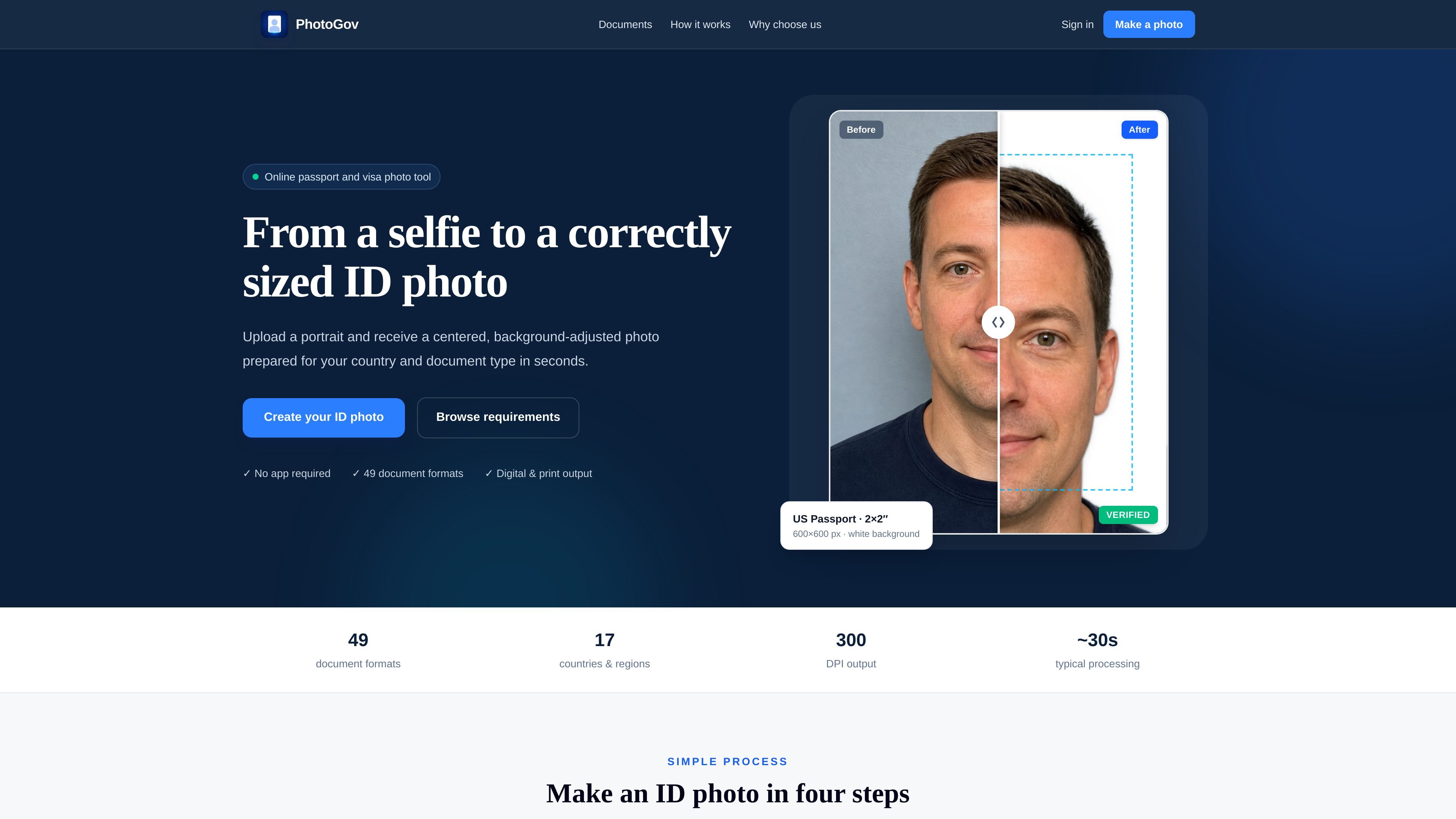
PhotoGov is an online passport, visa, and ID photo maker that turns a portrait photo into a document-sized image for a selected country and document type. The site is designed for users who need correctly sized photos for applications such as passports, visas, residence cards, and driving licences.
The workflow starts with selecting the exact document, after which PhotoGov applies the stored size, crop, background, and file requirements for that format. It supports a catalog of 49 document formats across 17 countries and regions and offers digital output, print-ready layouts, and 300 DPI preparation where applicable.
Select a country and document type first, so the output follows the stored requirements for that format rather than a generic crop.
The service aligns the head, crops the portrait, and places it on the required background based on the selected document rules.
The site says supported outputs include digital photos and printable layouts, with JPEG, DPI, and file-size requirements prepared for submission where applicable.
PhotoGov shows a catalogue of 49 document formats across 17 countries and regions, including passports, visas, residence cards, driving licences, and related document photos.
The page describes a simple four-step workflow: choose the document, upload a portrait, let the tool process it, then download the result.
Useful when you need a passport photo for a specific country and want the tool to handle the exact size, crop, and background requirements after you choose the document.
Helpful for visa or residence card applications where the output has to match a documented format rather than a general headshot.
Suitable for people using a phone photo at home and needing the image adjusted into a document-ready file without studio equipment.
Useful when a paper application needs a printable sheet as well as a digital image, depending on the document’s available export options.
Yes. The site says you can upload a portrait from a phone, and the source image does not need to be pre-cropped. The tool then applies the selected document’s size, crop, and background rules.
The catalog shown on the site includes 49 document formats across 17 countries and regions, covering passport, visa, residence card, and driving licence photo sizes.
Yes. The site states that the processor removes the original background, applies the required color, and crops the portrait to the chosen document dimensions.
Yes. The site says completed jobs can provide both an individual digital image and a print-layout file when available.

Pixelcut is an AI photo editor for creating and editing product images, social content, and video assets. It offers free and paid plans, plus mobile app and browser access for individual users and teams.

Petalica Paint is a web service for automatically coloring line art and tracing line drawings from photographed images. The home page says it can be used under the stated terms for commercial and noncommercial work, but it is scheduled to end on 2025-07-31 at 16:00 JST.

nolainocr is an AI OCR tool that extracts structured data from PDF invoices, receipts, forms, contracts, and bank statements. It helps teams move document data into Excel, Google Sheets, JSON, or CSV without manual entry.

Wearvue AI generates personalized outfit previews from a photo, lets users refine the style for an occasion, and surfaces similar real products to shop. It is aimed at people who want to preview outfit ideas before buying and compare them with shoppable alternatives.

Upscale.media is an AI image upscaling and enhancement tool from Pixelbin that enlarges low-resolution or pixelated images and improves clarity in the browser. It offers free individual image use, paid credit plans, and team-oriented workflows such as bulk processing and API integration.

PDFTools is a browser-based suite of free and premium PDF utilities for editing, conversion, and document handling. It helps users work on PDFs locally in the browser without uploading files to a server.