
AI photo generation and editing
Create high-quality AI photos from prompts and use the platform for both image generation and editing in one place.

PixNova AI is a browser-based AI image and video platform for generating, enhancing, and editing photos online. It offers free-to-start tools for image extension, upscaling, object removal, and other stylized transformations.
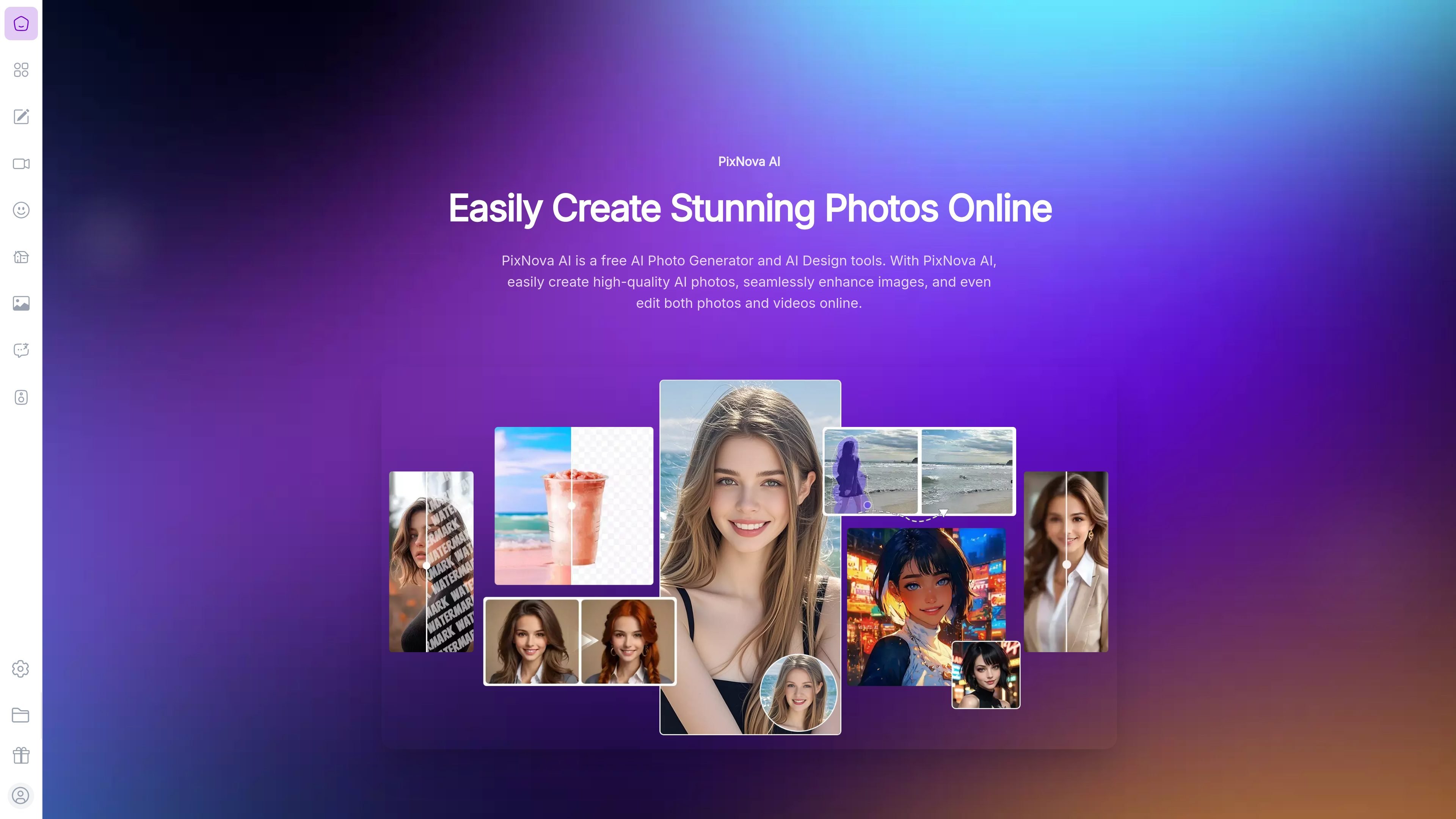
PixNova AI is a browser-based AI image and video creation platform for generating photos, enhancing images, and editing visuals online. The site positions it as an all-in-one studio that combines photo generation, image editing, and selected video features in a single web app.
The product includes tools for extending image borders, upscaling low-resolution photos, enhancing image quality, removing unwanted objects, and producing stylized results such as anime portraits, sketches, headshots, and other transformations. Pricing is credit-based for paid usage, while the site also states that many tools are free to start and available without login.
Create high-quality AI photos from prompts and use the platform for both image generation and editing in one place.
Extend images beyond their original frame using content-aware outpainting that preserves style, composition, and visual continuity.
Enlarge low-resolution images up to 4x with super-resolution processing designed to improve clarity, detail, and edge sharpness.
Improve lighting, sharpness, color balance, and overall clarity in photos with automatic enhancement tools.
Remove unwanted people, objects, text, watermarks, and other distractions using AI inpainting and brush-based selection.
Generate stylized outputs such as headshots, baby predictions, anime portraits, sketches, and appearance changes with dedicated creative tools.
Use the platform to generate or refine photos for social posts, concept visuals, and other creative projects without switching between separate apps.
Remove passers-by, text overlays, watermarks, or clutter from photos to produce cleaner images for portfolios, listings, or personal archives.
Expand a photo’s frame when the original crop is too tight, preserving the subject while adding background or scene context for reframing and print use.
Upscale older or low-resolution images when you need a sharper version for display or print, while keeping the original composition intact.
Try stylized transformations such as anime portraits, sketch effects, headshots, or clothing and hairstyle changes for personal or exploratory visuals.
PixNova AI is a web-based AI photo and video creation platform. It lets users generate photos, enhance images, edit photos and videos online, and use tools such as object removal and image expansion.
Yes. The site says you can try PixNova AI for free, with no login required, and generated photos have no watermarks.
No installation is needed. PixNova AI is entirely web-based and can be used directly in a browser on desktop or mobile.
The site states that uploads are processed securely and that user information is not stored, but the public pages do not provide deeper implementation details.
The pricing page says PixNova uses one-time credit purchases, with no monthly charge on purchased credits. It also notes that paid credits do not expire, while free credits are only usable on the day they are claimed.

TapNow is a web-based AI visual creation platform for businesses, creators, and teams. It supports image and video generation along with editing, planning, and collaboration tools.

Kling AI is an AI creative studio for generating and editing images and videos, with web, mobile, and API access for creators and developers. It supports a broad set of visual workflows, including video generation, image creation, editing, and native 4K output for the V3 series.

Uma plataforma de IA tudo-em-um que combina ferramentas para imagem, vídeo, voz, escrita e chat para melhorar a criatividade e a colaboração.

VIDEOAI.ME is an AI video generator for making spokesperson-style videos, ads, explainers, and social content from a script. It is aimed at founders, marketers, agencies, and creators who want to produce videos without filming.

Pixelcut is an AI photo editor for creating and editing product images, social content, and video assets. It offers free and paid plans, plus mobile app and browser access for individual users and teams.

PixelDrive is a bulk image generation API for creating many on-brand images from one template through a browser editor, REST API, CSV batch, or MCP. It suits teams that need repeatable image output with cacheable renders and usage-based pricing.