
Frontmost window to PiP reference
Turn the current frontmost window into a compact floating reference view so you can keep information visible while working in another app.
Pocket Screen is a macOS menu bar app that turns the frontmost window into a small always-on-top PiP-style reference window. It helps Mac users keep browser pages, documents, videos, or dashboards visible while working in another app.
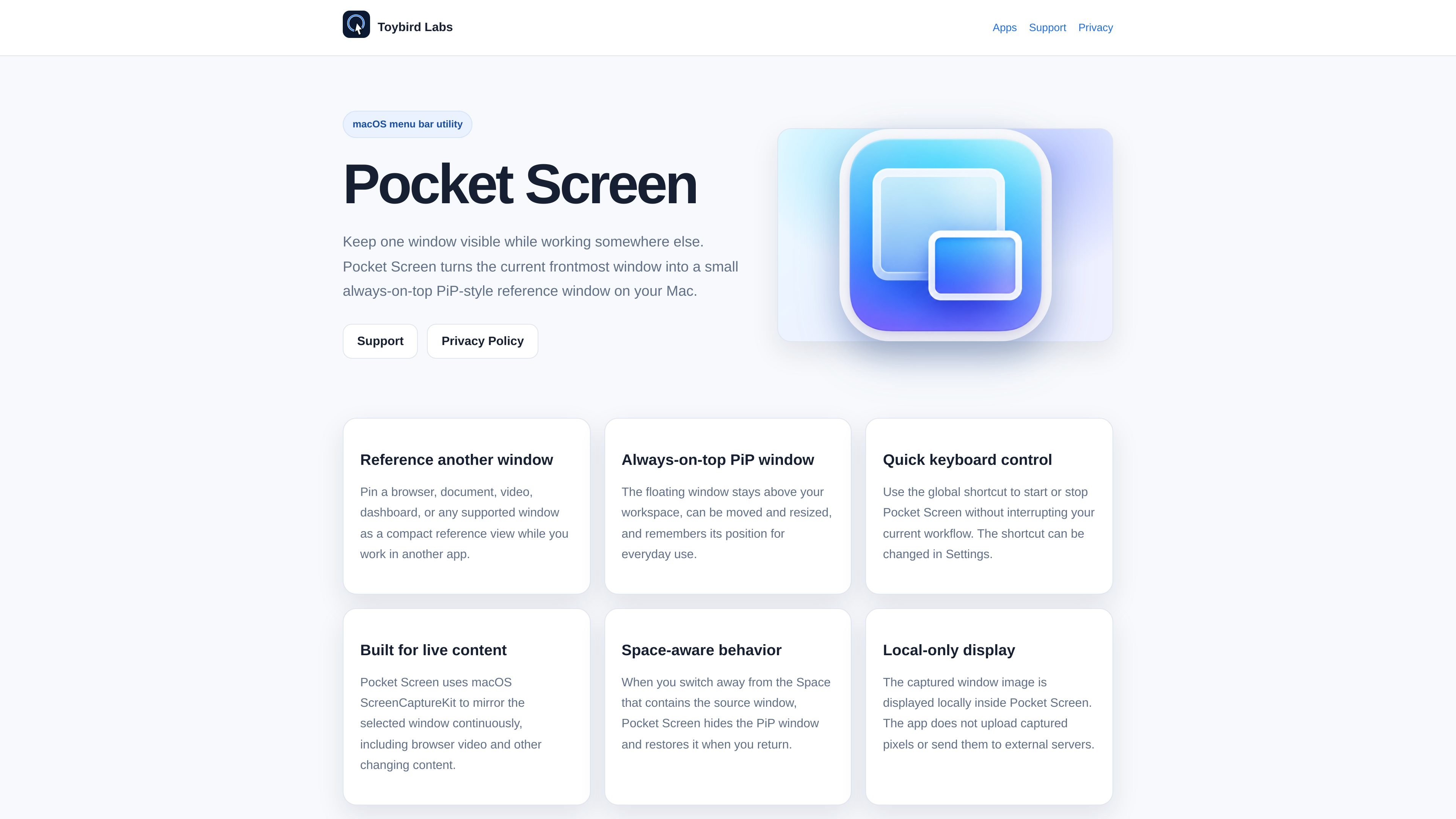
Pocket Screen is a macOS menu bar app that turns the current frontmost window into a small always-on-top PiP-style reference window. It is built for keeping one window visible while you work in another app.
The product is aimed at people who want a lightweight way to reference a browser page, document, video, dashboard, or other supported window without constantly switching away from their current task. It runs locally on the Mac, uses ScreenCaptureKit to mirror the selected window, and requires macOS 14 or later.
Turn the current frontmost window into a compact floating reference view so you can keep information visible while working in another app.
The preview stays above your workspace, can be moved and resized, and remembers its position for everyday use.
Start or stop the app with a global keyboard shortcut instead of switching back to the menu bar each time; the shortcut can be changed in Settings.
Uses macOS ScreenCaptureKit to mirror the selected window continuously, which helps keep live content such as browser video up to date.
When you move to a different Space than the source window, Pocket Screen hides the PiP window and restores it when you return.
The captured image is displayed locally inside Pocket Screen and is not uploaded to external servers.
Keep a browser article, documentation page, or reference tab visible while writing, coding, or editing in another app.
Monitor a live dashboard or constantly changing page in a small floating window while you continue your main task.
Follow a video, tutorial, or demo in a compact view while working in a separate workspace.
Pin a document or notes window in view during research, planning, or meeting prep so key information stays on screen.
Pocket Screen is started from the macOS menu bar or with a configurable global shortcut. To stop it, you can use the shortcut again or choose the stop action from the menu bar.
Pocket Screen can display the current frontmost window in a small always-on-top PiP-style reference window. The source window stays live, so it can be useful for browser content, documents, dashboards, and video.
The app requires macOS Screen Recording permission because it captures the selected window for local display.
Pocket Screen requires macOS 14 or later and is designed for both Apple silicon Macs and Intel Macs.

Goldfish is an AI memory app for macOS that helps you reply, write, summarize, and continue using the context already on your Mac. It stores memory locally and writes in your tone.

Biji é uma plataforma versátil projetada para aumentar a produtividade por meio de ferramentas e recursos inovadores.

Redline is a budgeting tool for Claude Code that paces sessions to stay within time, token, cost, or plan-percentage limits. It uses Claude Code’s native hooks and statusline to help sessions finish with a usable result instead of stopping abruptly.

Claude Overlay is a Windows desktop overlay for Claude Code that reads your screen so you can ask questions, inspect content, and request edits without leaving the current app. It runs on your existing Claude subscription through the Claude CLI, so no separate API key is required.

Macuse is a macOS app that lets AI assistants control native Mac apps through MCP and use Computer Use for any app. It works with clients like Claude Desktop, Cursor, and Raycast, and keeps automation on-device.

Dcyde is a decision log for product teams that captures what was decided, the reasoning behind it, and the source in one shared place. It supports pinning decisions from Slack, Figma, or inside Dcyde and keeps the record searchable over time.