
On-device transcription
QuietHint converts speech to text on the Mac using a local speech model. Audio is not uploaded or recorded to disk, and the transcript separates the microphone channel from the call channel.

QuietHint is a macOS meeting assistant that transcribes microphone and call audio on the Mac, labels speakers as You and Them, and suggests concise replies when questions arise. It helps people stay oriented during sales calls, support conversations, interviews, and other remote discussions without adding a bot to the meeting.
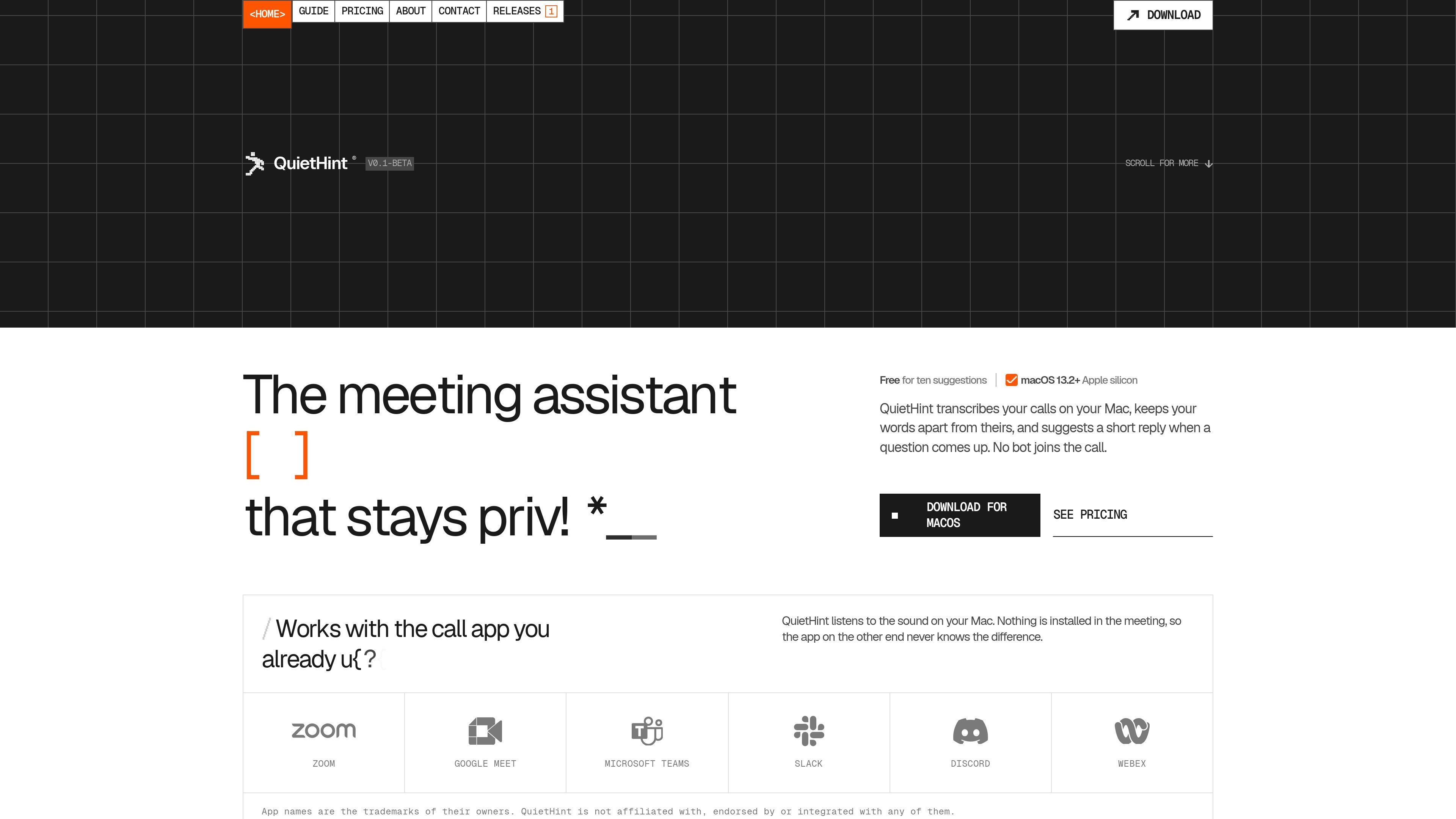
QuietHint is a macOS meeting assistant for people who want live transcription and lightweight response help without adding a bot to the call. It listens to the microphone and call audio on the Mac, displays a transcript with You and Them labels, and can surface a concise suggested reply when a question arises.
The app runs as a small floating overlay rather than an in-meeting integration. Transcription uses a speech model on the device; generating a hint sends recent transcript text to Anthropic through the user's own API key, with an optional screenshot when Screen mode is enabled.
QuietHint converts speech to text on the Mac using a local speech model. Audio is not uploaded or recorded to disk, and the transcript separates the microphone channel from the call channel.
Each transcript line is marked You or Them, making it easier to distinguish your own words from what the other participant said.
When a question comes up, the overlay can produce a short sentence to say plus two or three concise supporting points. Auto mode can detect questions, while ⌘↩ requests a hint manually.
The floating overlay stays above the call app without taking keyboard focus. Shortcuts control visibility and quitting, and click-through keeps the window out of the way.
Screen mode can include a shared dashboard, error message, or slide in a hint. It is off by default and can be switched on from the overlay.
QuietHint listens to audio already playing on the Mac, so it does not require a meeting bot, plugin, extension, or integration inside the call app.
During a sales conversation, the overlay can help frame a concise response to objections such as price concerns, while keeping the relevant question and supporting points visible.
When a customer reports a technical issue, a hint can suggest a clarifying question or a focused next step based on the reported symptoms and optional shared-screen context.
For interview or presentation practice, the assistant can give an answer structure—such as stating what happened, what changed, and the result—without requiring a separate note-taking workflow.
In product demos or remote consultations, Screen mode can use a shared dashboard, slide, or error message as additional context for a more relevant prompt.
QuietHint requires an Apple silicon Mac running macOS 13.2 or later. An internet connection is needed to generate AI hints, while the speech model used for transcription ships inside the app and can work offline.
Download the disk image, open it, drag QuietHint to Applications, and launch it once. macOS then guides you through microphone and screen-audio permissions, followed by adding your Anthropic API key.
QuietHint listens to your microphone and the call audio playing on your Mac. It does not install a plugin, bot, or extension in the meeting app, and it works with call apps that play audio through the Mac, including Zoom, Google Meet, Microsoft Teams, Slack, FaceTime, Discord, and Webex.
Transcription is performed on the Mac. Audio is not uploaded or recorded to disk. When you generate a hint, recent transcript text—and a screenshot if Screen mode is enabled—is sent to Anthropic using your API key. QuietHint says it does not see your key, audio, or transcripts.
The overlay can suggest a short sentence and two or three supporting points when a question is detected. You can use Auto mode or request a hint on demand with ⌘↩; Screen mode is off by default and can provide visual context when enabled.

QuickQuill is a macOS dictation and transcription app that runs locally on the device. It helps users record meetings, transcribe audio, generate summaries, and export notes without using a cloud service.

Tactiq is an AI note taker for Google Meet, Zoom, and Microsoft Teams that transcribes meetings live and turns them into summaries, action items, and follow-up outputs. It is built around a Chrome extension and supports team workflows through sharing and integrations.

SpeakoFlow is a free, open-source desktop voice-to-text app for Windows, macOS, and Linux. It supports dictation into any app, voice-driven writing with Flow, cleanup, translation, and a screen-aware assistant.

Scripta is a privacy-first AI notetaker that records, transcribes, and summarizes meetings directly on your device. The public site currently shows a Mac beta download and a Windows waitlist.

Zen Whisper is a local-first dictation and transcription app for Apple Silicon Macs running macOS 14 or later. It lets users dictate into most Mac text fields, transcribe media or supported public links, and work across 110 spoken language options.

MeetStream is a meeting bot API for Zoom, Google Meet, Microsoft Teams, and Webex. It helps developers record, stream, and analyze meetings programmatically, with usage-based pricing and a $5 free credit to start.