
RAW capture in CinemaDNG/DNG and MCRAW
Records RAW video in CinemaDNG/DNG and MCRAW for workflows that prioritize image data and grading flexibility.
RAW Cam + Log Cam is a pair of iPhone camera apps for filmmakers who want RAW capture in CinemaDNG/DNG or MCRAW, plus log-video recording with HEVC, ProRes, LUTs, and monitoring tools. Both apps focus on manual camera control and post-friendly workflows.
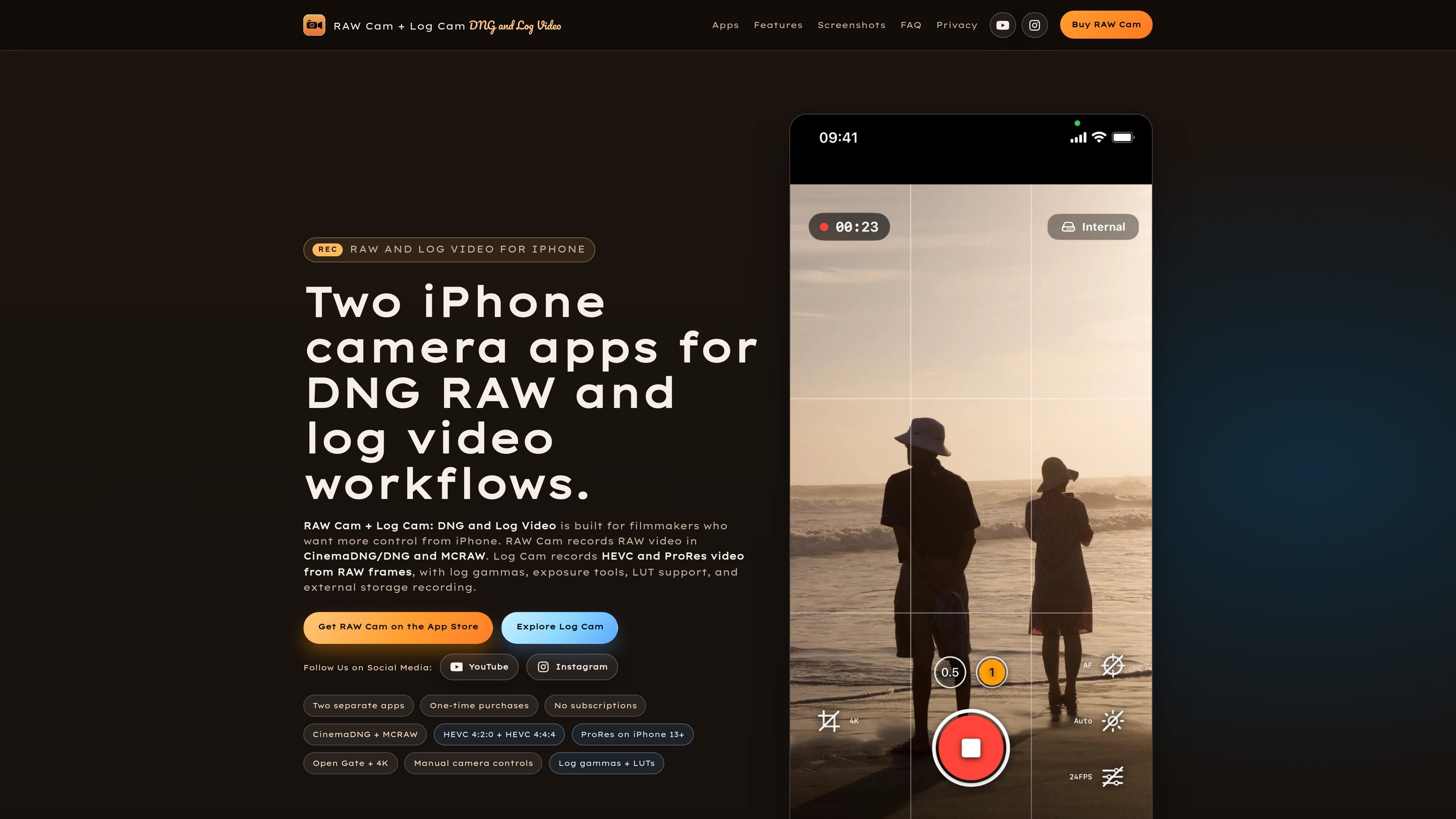
RAW Cam + Log Cam is a pair of iPhone camera apps for filmmakers who want more control over capture and post-production than the stock camera app provides. RAW Cam focuses on RAW recording in CinemaDNG/DNG and MCRAW, while Log Cam focuses on encoded video output from RAW frames.
Together, the apps cover two different production paths: one optimized for maximum image flexibility in grading and finishing, and another optimized for smaller, edit-ready files with log gammas, LUT support, and monitoring tools. Both apps share manual camera controls, open gate or 4K workflows, and support for internal or external storage recording.
Records RAW video in CinemaDNG/DNG and MCRAW for workflows that prioritize image data and grading flexibility.
Supports HEVC 4:2:0, HEVC 4:4:4 up to 300 Mbps, and ProRes recording, with ProRes available on iPhone 13 and later.
Includes manual ISO, shutter, focus, and white balance controls in both apps for repeatable exposure and focus decisions.
Provides Log Cam monitoring aids such as false color, zebras, Rec709 gamma assist, RAW linear histogram, and LUT preview or bake-in.
Supports open gate, 4K, and Full HD workflows, plus external storage recording and Gyroflow GCSV data for stabilization workflows.
Offers one-time purchases with no subscription model, and Log Cam includes a free 5-day trial.
Use RAW Cam when you want CinemaDNG/DNG or MCRAW files for grading, finishing, and other post-production-heavy work.
Use Log Cam when you need HEVC or ProRes files that are more compact or easier to hand off into an edit pipeline.
Use the apps on set when you need manual ISO, shutter, focus, and white balance control instead of automatic camera behavior.
Use Log Cam’s false color, zebras, Rec709 assist, and LUT preview when you want more confidence judging exposure and image intent while recording.
Use external storage recording and Gyroflow GCSV when you want a cleaner handoff to post-production or stabilization workflows.
RAW Cam records RAW video in CinemaDNG/DNG and MCRAW formats for workflows that need maximum grading flexibility and post-production latitude.
Log Cam records HEVC and ProRes video from RAW frames and adds log gammas, LUT support, and monitoring tools for a more compressed, edit-ready workflow.
The source describes one-time purchases for both apps and a free 5-day trial for Log Cam, with no subscriptions.
The page shows internal and external storage workflows, but it does not provide a detailed setup guide or list specific storage device requirements.
The source does not describe team accounts or multi-user management features; it presents RAW Cam and Log Cam as separate individual apps.

Tavus is an AI video platform for building real-time, face-to-face agents, digital twins, and AI companions. It combines APIs, custom replicas, and multilingual conversational workflows for developers and teams.

HiringPartner.ai is an autonomous AI recruiting platform for sourcing, screening, and interviewing candidates 24/7. It supports ATS-connected workflows, bulk resume uploads, and reviewable interview outputs for hiring teams.

Bezel é um app para macOS que espelha e grava dispositivos Apple no Mac, com AirPlay e USB, ideal para demos, tutoriais e capturas de tela.

Capso is a native macOS screenshot and screen recording app for capturing, annotating, recording, and extracting text from screen content. It is free forever, open source, and positioned as an alternative to CleanShot X.
Lumox is a Mac app for wireless screen mirroring from iOS devices. It supports screenshots, video recording, multiple devices, and presentation-friendly display modes such as transparent background and fullscreen.

Ailytics is an AI-powered video analytics product for construction, manufacturing, and other heavy industries. It is positioned to improve safety and operational efficiency by turning site footage into actionable insight.