
Text-to-image and image-to-image
Create still images from text prompts or turn an uploaded photo into a new image using image-to-image workflows.

Realistic AI is a web-based AI image and video generator for creating images from text or photos and videos from text or images. It includes free credits to start, a credit-based pricing model, and options for private generation and commercial use on paid plans.
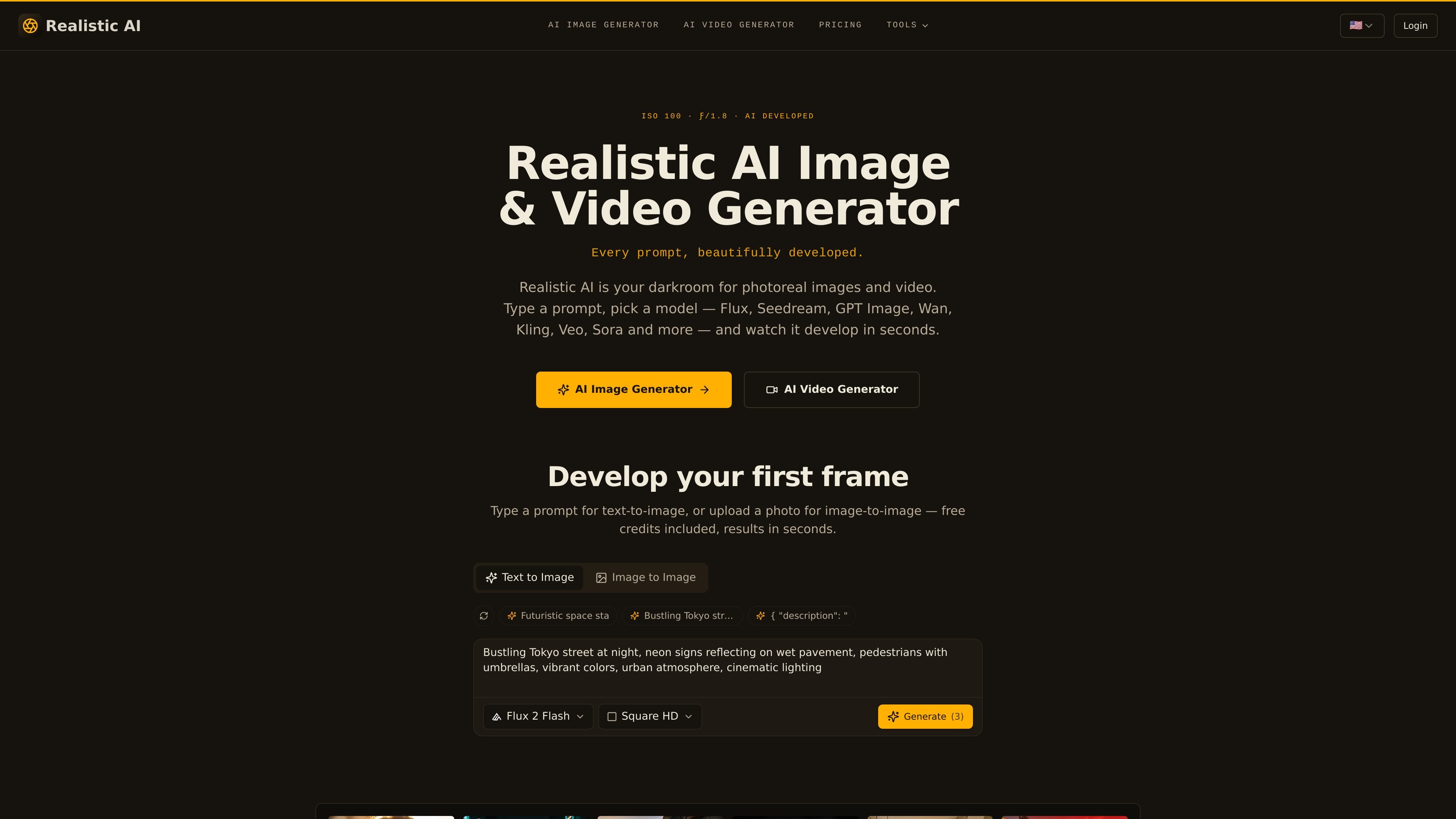
Realistic AI is an AI image and video generation platform that lets users create still images from text prompts or uploaded photos, and generate videos from text or images. The site presents it as a “darkroom” for photoreal content, with model selection built into the workflow.
The product emphasizes access to many frontier models in one place rather than a single-model demo. Across the site, it highlights image generation, video generation, private creation, saved generation history, and a credit-based pricing system with a free plan and paid options.
Create still images from text prompts or turn an uploaded photo into a new image using image-to-image workflows.
Generate videos from text or animate a reference image, with separate image and video generator pages on the site.
Choose from a large model set, including Seedream, Flux, GPT Image, Qwen, Wan, Kling, Veo, and Sora models mentioned across the site.
Adjust generation settings such as ratio and steps, and develop up to four frames at once for image generation.
Store generations in My Creations with prompts, model names, and settings so you can search, revisit, and redevelop past outputs.
Use private generation to keep work visible only to you; the site also states that generated content is yours to keep and commercial use is included on paid plans.
Create photoreal portraits, products, interiors, food shots, or scene concepts from text prompts when you need quick visual drafts or finished-looking images.
Upload an existing photo and transform it with image-to-image generation for alternate styles, refinements, or more controlled variations.
Generate short videos from prompts or animate still images when you need motion content for concepting, social content, or scene previews.
Compare models for different jobs, such as text-heavy images, fine detail, cinematic motion, or faster draft generation, without switching to separate tools.
Keep client or personal work organized in My Creations, then search, revisit, and redevelop prior outputs when refining a prompt or production direction.
Yes. The site says Realistic AI offers a free plan with bonus credits, and the image generator page also says free credits are included to start.
The product supports text-to-image and image-to-image for images, plus text-to-video and image-to-video for video generation.
The site says generations can be private, and that you can switch on private generation so work is visible only to you.
The pricing page states that paid plans include a commercial license, and the homepage says you own everything you create, with commercial use included.
The site does not describe a public API or third-party integrations in the provided content. It does mention My Creations for saved generations and model selection within the app.

Kling AI is an AI creative studio for generating and editing images and videos, with web, mobile, and API access for creators and developers. It supports a broad set of visual workflows, including video generation, image creation, editing, and native 4K output for the V3 series.

ngram is an AI video generator and editor for teams and individual creators. It turns prompts, uploaded files, or screen recordings into editable videos for demos, training, onboarding, sales enablement, explainers, and launches.

艺映AI is a free AI video creation tool for generating video from text, images, or existing footage. It is positioned for short-form social content, promotional clips, and stylized AI video projects.

Clipia.ai is an AI image and video generation platform with presentations, an agent workflow, and developer integrations. It helps creators, teams, and developers produce media and decks from prompts, briefs, or source files using a shared credit system.

TapNow is a web-based AI visual creation platform for businesses, creators, and teams. It supports image and video generation along with editing, planning, and collaboration tools.

O gerador de pintura AI é um software online que gera automaticamente obras de arte com base em descrições de texto fornecidas pelos usuários.