
AI recipe import
Paste links from recipe websites, YouTube, or Instagram, share links from other apps, or photograph cookbook and handwritten pages on mobile. AI extracts recipe details, and imported recipes are categorized automatically.

Recipe Chest is a digital cookbook that uses AI to import recipes from websites, YouTube, Instagram, photos, or manual entries. It helps individuals and households organize, personalize, plan, and shop from their recipe collections in a browser-based app.
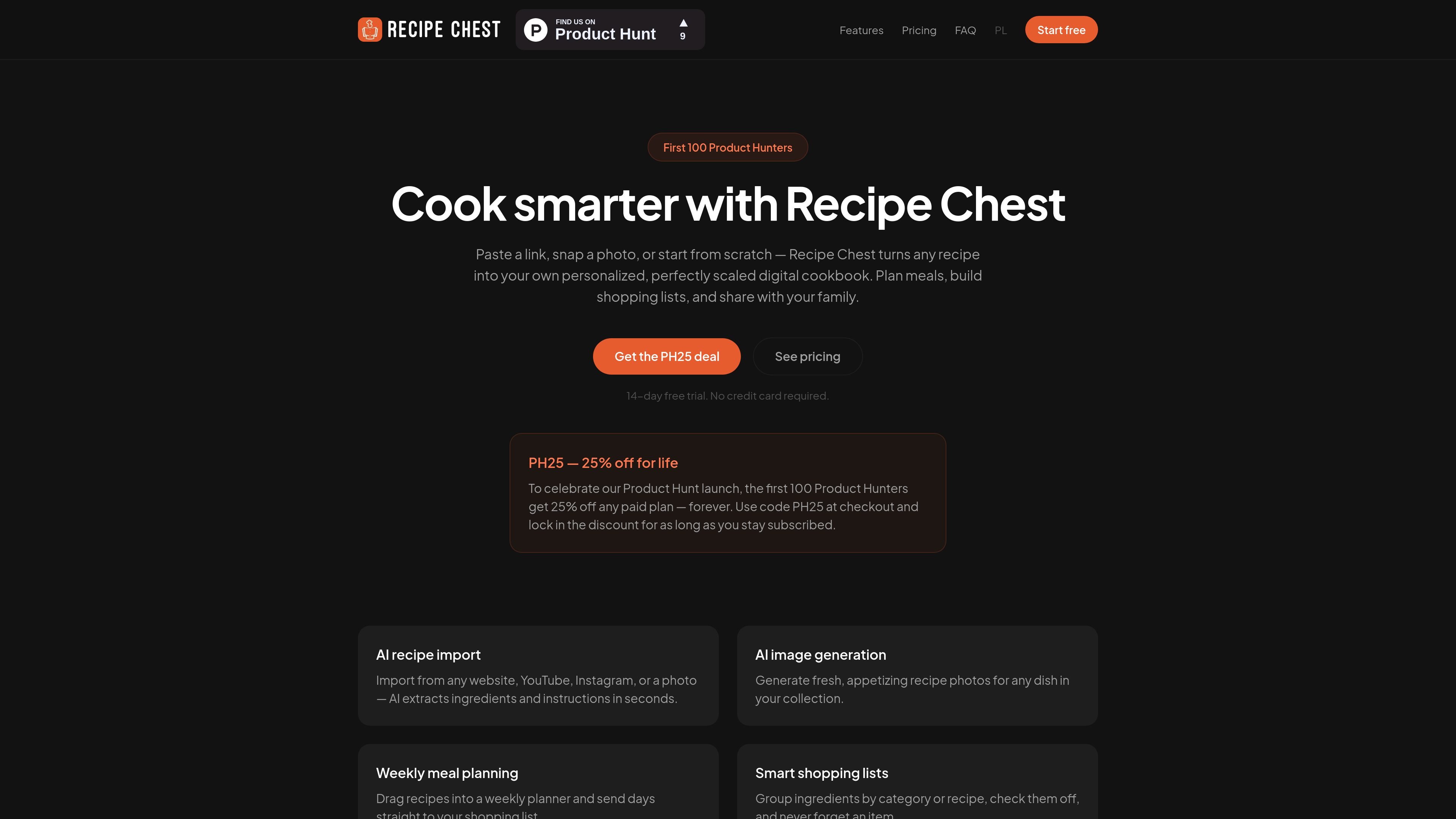
Recipe Chest is a browser-based digital cookbook for collecting recipes from websites, YouTube, Instagram, photos, or scratch-created entries. Its AI-assisted import turns supported recipe sources into editable records containing details such as ingredients and instructions, while automatic categorization and search help keep the collection organized.
The app extends the cookbook into meal planning and grocery preparation. Users can personalize recipes and scale servings, place meals on a weekly calendar, and convert planned recipes into categorized shopping lists. It also supports device synchronization, mobile and desktop installation as an app, English and Polish interfaces, and shared household collections on family plans.
Paste links from recipe websites, YouTube, or Instagram, share links from other apps, or photograph cookbook and handwritten pages on mobile. AI extracts recipe details, and imported recipes are categorized automatically.
Edit ingredients, instructions, times, difficulty, categories, and tags. Adjust servings to recalculate quantities, choose metric or US units, and display values as fractions or decimals.
Search the collection, filter by category or favorites, hide categories, and add custom categories as the cookbook grows.
Arrange breakfast, lunch, dinner, and snacks on a weekly calendar with drag-and-drop planning. Send a day or a date range to a shopping list.
Build lists from recipe ingredients or add items manually. Maintain multiple lists, group items by category or recipe, check items off, and clear completed items.
Invite household members by email to share recipes, meal plans, and shopping lists. Family members can save shared recipes to their own collections.
Save recipes encountered across websites, video platforms, social media, and physical cookbooks in one searchable collection instead of maintaining separate bookmarks and notes.
Adapt an imported recipe to household preferences by changing ingredients, instructions, tags, or serving count while retaining access to the original version.
Place planned breakfasts, lunches, dinners, and snacks on a weekly calendar, then create a shopping list for a single day or a selected date range.
Turn a collection of selected recipes into categorized grocery lists, add non-recipe items manually, and check off purchases while shopping.
Coordinate cooking across a household by sharing recipes, meal plans, and shopping lists, with members able to save shared recipes into their own collections.
You can add recipes by pasting a link from a recipe website, YouTube, or Instagram; photographing a cookbook page or handwritten recipe on mobile; or creating a recipe from scratch in the editor.
The Free plan supports up to 20 recipes. Paid plans add unlimited recipes, weekly meal planning, shopping lists, and additional AI features, with a 14-day free trial available.
Yes. Imported recipes can be edited, including ingredients, steps, times, categories, and tags. You can switch between the original and personalized versions or revert changes.
Yes. Changing the serving count recalculates ingredient quantities. Amounts can be displayed in metric or US units, and as fractions or decimals.
Create a family and invite members by email. Family members can share recipes, meal plans, and shopping lists, and save shared recipes into their own collections.

LeanUp is an AI calorie tracker and meal-planning app for logging meals, tracking macros, and getting personalized nutrition guidance. It supports barcode scanning, photo-based food recognition, manual search, and recipe reuse.
MealTime é o seu companheiro pessoal de receitas, focado no modo offline, projetado para ajudar você a salvar, organizar, planejar refeições e gerar listas de compras inteligentes, mantendo seus dados privados.

Kooler is a cocktail recipe and discovery site featuring measured recipes for classic, Brazilian, and community drinks. It helps home bartenders find cocktails, follow preparation methods, and participate through favorites, comments, check-ins, and recipe submissions.

Joy is a web app for home cooking that combines meal planning, recipe discovery, and private chef booking. It helps people plan meals, cook from ingredients they already have, and arrange a chef for special occasions.

Munch is a social app for food and recipes that lets people discover, share, and organize recipes in one place. It also includes AI-assisted recipe formatting and ingredient scanning for quick meal ideas.
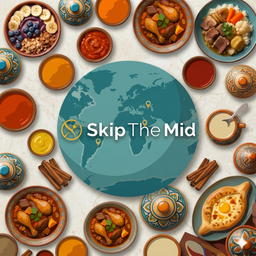
SkipTheMid is a food encyclopedia for discovering hyper-regional dishes from around the world. It combines map browsing, filters, and random discovery for readers who want food context by place and region.