
Local multi-track recording
Capture solo recordings or conversations with guests in separate, synced tracks so you can edit each participant independently afterward.

Riverside is a browser-based studio for recording, editing, repurposing, streaming, and publishing podcast and video content. It supports local multi-track recording, transcript-based editing, and AI-assisted cleanup and content creation.
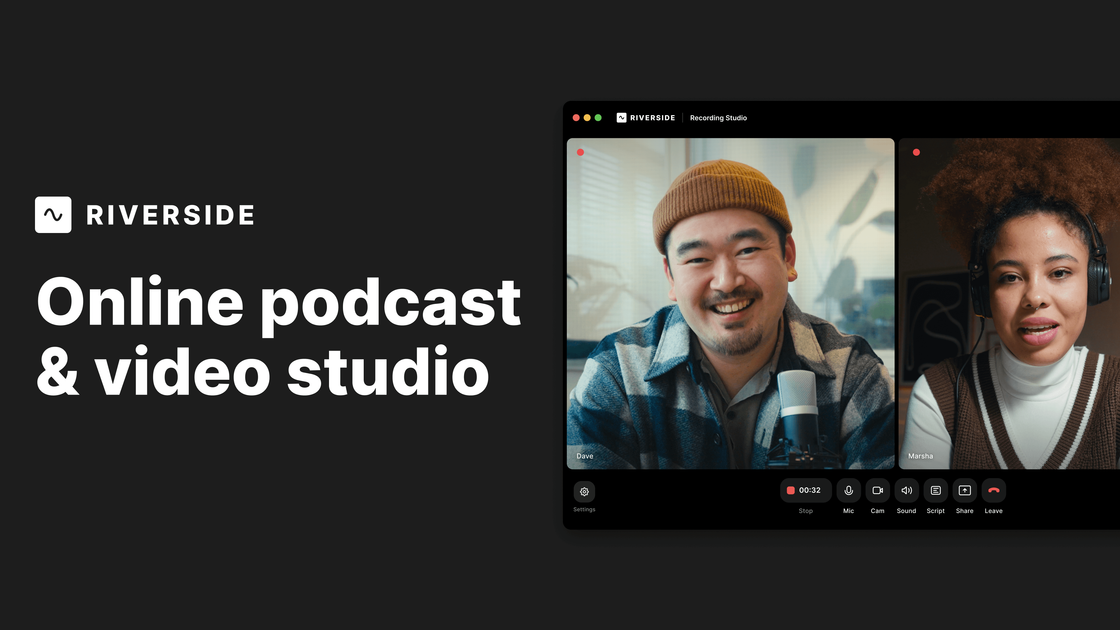
Riverside is an online studio for recording, editing, repurposing, streaming, and publishing podcast and video content. It is designed for creators, marketers, producers, and teams that want a browser-based workflow for human conversations with studio-style output.
The product centers on local recording, which keeps separate audio and video tracks for each participant and can capture up to 4K video with uncompressed audio. From there, users can edit in the transcript, apply AI cleanup and repurposing tools, host podcasts, run webinars, or stream live to major platforms.
Capture solo recordings or conversations with guests in separate, synced tracks so you can edit each participant independently afterward.
Record up to 4K video and uncompressed audio, with separate files preserved for download and post-production.
Edit by searching, cutting, copying, and pasting transcript text instead of scrubbing a timeline, with support for multi-track editing.
Use AI to remove filler words and silences, correct speech, sync lips and voice, improve eye contact, generate B-roll, and create clips, show notes, and other assets.
Stream live events in full HD to multiple destinations, manage audience interaction, and support calls, Q&A, and chat from the studio.
Host podcasts and webinars with built-in publishing, analytics, registration, reminders, and HubSpot lead syncing on supported plans.
Record interviews or conversations with guests in separate tracks, then clean up the transcript and export the episode for publishing.
Produce branded content for campaigns, using the editor, AI clip generation, and publish-ready assets to turn one session into multiple outputs.
Run webinars or live events with HD streaming, registration, call-ins, chat, and follow-up workflows.
Coordinate production sessions where editors, producers, and guests need shared access to files, comments, and non-destructive edits.
Create short-form clips, captions, translations, and dubbing from a recorded session to distribute content across channels.
Riverside records each participant locally in the browser so you can capture separate audio and video tracks even on unstable connections. The session then uploads for editing, publishing, or repurposing.
The pricing page shows a free plan, along with paid Pro, Live, Webinar, and Business options. Free users can try 2 hours of multi-track recordings, use the editing tools, and record without a time limit for single-track sessions.
Yes. Riverside supports text-based editing, AI editing and repurposing, podcast hosting, livestreaming, webinar hosting, and publishing to channels such as YouTube and podcast directories.
The source describes Riverside as a browser-based online studio, and it also lists desktop and mobile apps in the site navigation. The core workflow is accessible from the web, with app options available as part of the product ecosystem.
Riverside offers monthly and yearly plans. The pricing page also states that you can upgrade, downgrade, or cancel your subscription from the dashboard.

CAMB.AI Streams dubs live audio in multiple languages in real time for broadcasts on platforms like YouTube, Twitch, and X. It plugs into existing live workflows using common streaming protocols and avoids a post-production step.

Tavus is an AI video platform for building real-time, face-to-face agents, digital twins, and AI companions. It combines APIs, custom replicas, and multilingual conversational workflows for developers and teams.

HiringPartner.ai is an autonomous AI recruiting platform for sourcing, screening, and interviewing candidates 24/7. It supports ATS-connected workflows, bulk resume uploads, and reviewable interview outputs for hiring teams.

BeFreed is a personalized audio learning app that turns books and other knowledge sources into narrated listening experiences. It helps people learn on demand through interactive audio, voice selection, and built-in learning tools.

LALAL.AI is an AI audio processing platform for stem separation, voice cleanup, and voice transformation. It supports browser-based upload, preview, and download workflows for audio and video files, plus premium and enterprise options.

Bezel é um app para macOS que espelha e grava dispositivos Apple no Mac, com AirPlay e USB, ideal para demos, tutoriais e capturas de tela.