
One endpoint for multiple models
Router presents a single endpoint and one bill for accessing multiple models, reducing the need to manage separate model integrations.

Router by Ramp is an AI routing product that gives teams one endpoint and one bill for accessing multiple models. It is designed to lower inference spend while keeping model selection tied to performance needs.
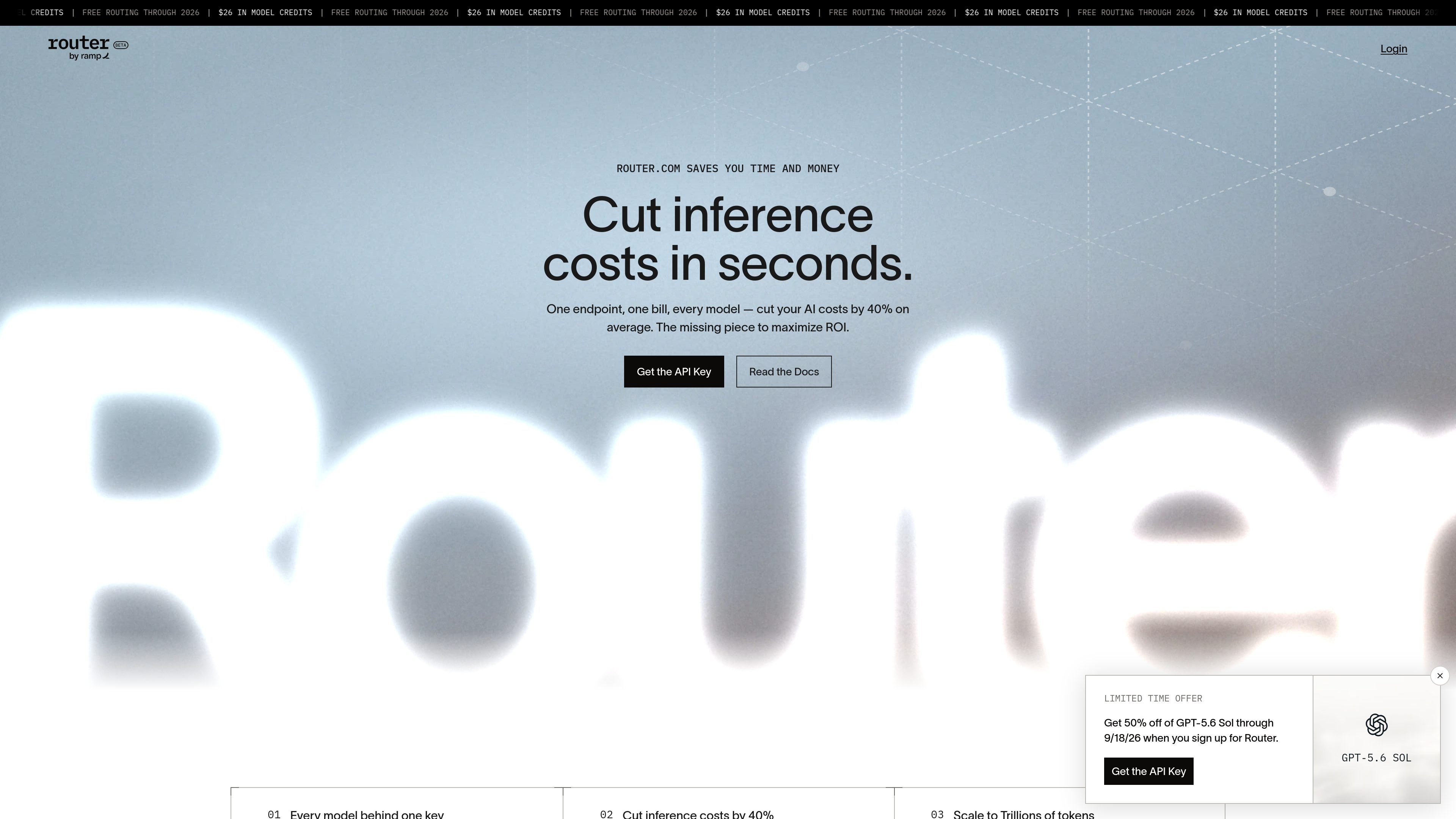
Router by Ramp is an AI routing product that presents one endpoint and one bill for accessing multiple models. The homepage describes it as the missing piece for maximizing ROI, with a stated goal of cutting AI inference costs while preserving performance.
According to the site, Router matches each request to the lowest-cost model that meets the required performance needs. The product also emphasizes that it can route live traffic, respond to latency and failure rates, and keep the integration in place as new cost-saving strategies are added.
The homepage frames Router as useful for teams that want engineering and finance to share a common view of AI spend. It highlights model access, benchmark-style reporting, and examples from Ramp’s own internal workloads.
Router presents a single endpoint and one bill for accessing multiple models, reducing the need to manage separate model integrations.
The product says it routes each request to the lowest-cost model that still meets performance needs, with the stated goal of reducing inference spend.
Router highlights automatic savings, saying new cost-saving strategies are rolled into the product as they prove themselves while the integration stays in place.
The homepage says Router tests new models against real workloads so that the best fit can become the default for future requests.
Router shows benchmark and metric views such as score versus spend, model summaries, and distributions for costs, turns, and tokens.
The site says Router provides access to closed and open-source models from vetted providers, with US-hosted options and choices for ZDR.
Teams running production AI workloads can use Router to send requests through a single endpoint while the product selects among available models based on cost and performance needs.
Finance and engineering teams can use the benchmark-style views to compare spend against model outcomes and get a shared picture of inference costs.
Organizations that expect their model mix to evolve can keep the same integration while Router rolls in new cost-saving strategies and updates default choices.
Teams that want access to both closed and open-source models can use Router as a one-stop layer for vetted providers, including US-hosted options and ZDR support.
Router is positioned as a single endpoint for accessing multiple AI models, with routing that selects the lowest-cost model that meets performance needs.
The homepage indicates Router is accessed through the Ramp API key flow and the docs link, but the source does not provide full setup steps or SDK details.
The homepage says Router can cut inference costs by 40% on average and that Ramp cut its own LLM costs by 30% on internal workloads; those are the only performance figures shown in the source.
The source mentions access to closed and open-source models from vetted providers, with US-hosted options and support for ZDR, but it does not enumerate every provider or integration.
The site includes customer and Ramp internal examples, but the source does not provide a detailed usage policy or team limit information.

AakarDev AI helps teams manage AI provider access, project-level setups, logs, and analytics from one dashboard. It supports BYOK workflows and lists providers including OpenAI, Google Gemini, Anthropic, Groq, Mistral AI, and Perplexity AI.

ByteAsk is a terminal-first AI coding agent for C and C++ that edits repositories and verifies changes with the real compiler, debugger, sanitizers, and tests before showing a diff. It offers a free tier plus paid plans, with editor connectors and zero-retention handling described in the source.

CreateOS Sandbox is an isolated compute environment for running code and agent workloads inside Firecracker micro-VMs. It is designed for workflows that need machine-level isolation, private networking between sandboxes, and programmatic control through SDK, CLI, or MCP.

hob is an independent workspace for coding agents that keeps agent sessions, terminals, history, and follow-up work organized around the tools and providers you already use. It is aimed at developers who want local control over routing, history, and workspace structure rather than a bundled model stack.

Ably Chat is a chat API platform for building custom realtime chat applications. It supports room-based messaging, typing indicators, presence, reactions, and message updates, with usage-based pricing options for different deployment stages.

Manta AI is an autonomous web app testing tool for teams that want to map application behavior, catch regressions, and generate tests without writing scripts or maintaining selectors. It works from a URL and supports plain-English test flows, run results with screenshots, and scheduled or deployment-triggered checks.