
Role-based learning paths
Scholé builds lessons around the user’s role, tools, and tasks so the training is tied to day-to-day work rather than generic AI theory.

Scholé is an AI training platform that helps enterprise teams and individual professionals build role-specific AI fluency through lessons, practice scenarios, and coaching feedback. Paid plans add document-informed personalization, while the Teams plan includes admin controls and team progress tracking.
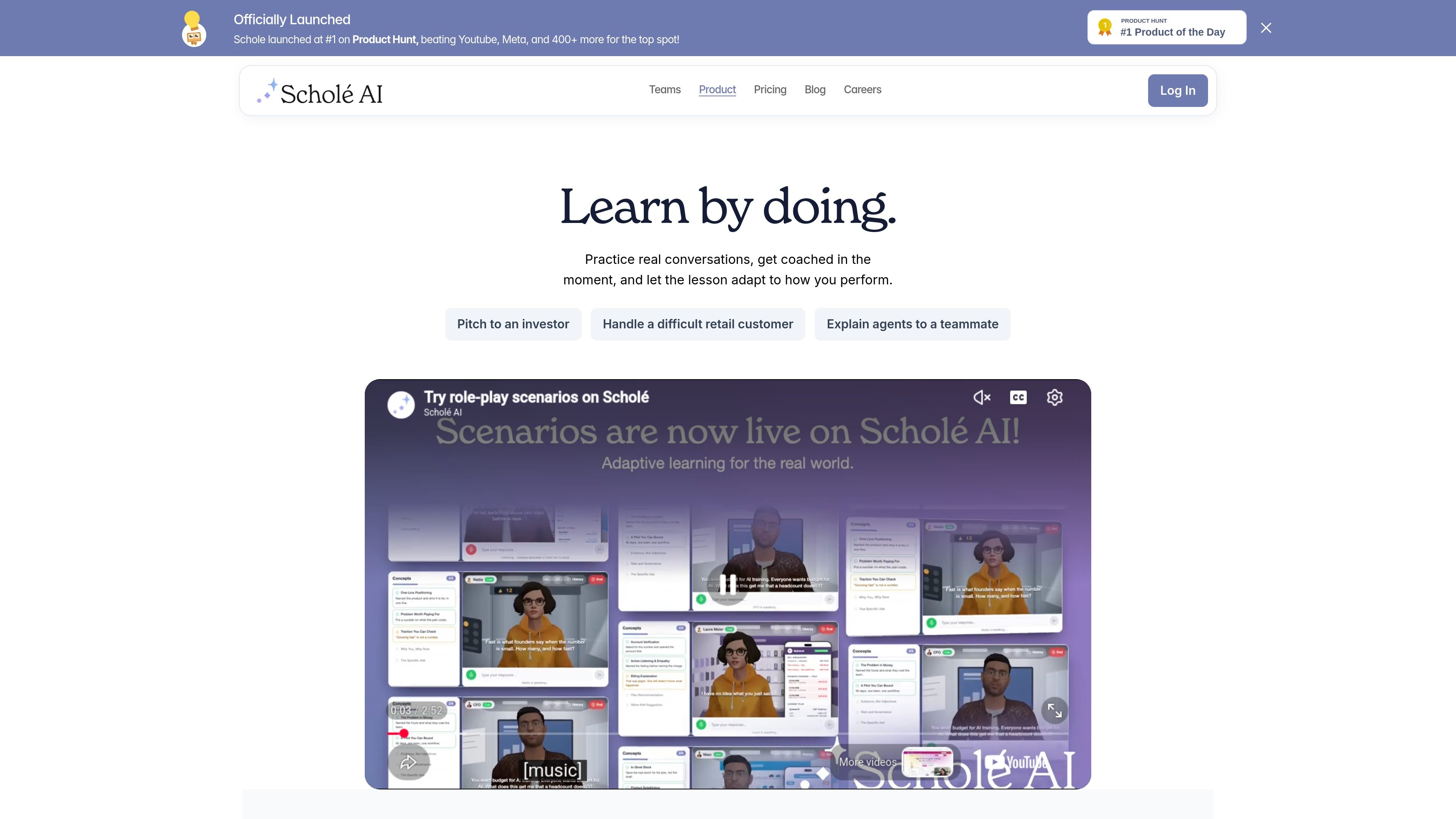
Scholé is an AI training platform focused on personalized learning for enterprise teams and individual learners. It uses role-based lessons, realistic practice, and coaching feedback to help people build practical AI fluency in the context of their actual work.
Across the site, Scholé is presented as a multi-tutor learning tool that analyzes a learner’s role, tools, and tasks, then adapts the learning path over time. The pricing page shows a Free tier, a Pro plan for individual use, and a Teams plan with admin controls, company documents, and team progress tracking.
Scholé builds lessons around the user’s role, tools, and tasks so the training is tied to day-to-day work rather than generic AI theory.
The product uses a loop of learning, realistic practice, coaching, and adaptation so the next lesson reflects what the learner has already done and needs next.
On paid plans, Scholé can use uploaded documents as part of the learning experience, including document-aware tutoring and company knowledge base inputs for teams.
The site highlights scenario-based learning for realistic practice, including cases like pitching to an investor or handling a difficult customer conversation.
For organizations, the Teams plan includes an admin dashboard, team progress tracking, and the ability to create and assign scenario-based learning.
The pricing page shows text, audio, and video formats, with limited audio/video on Free and full audio/video on Pro and Teams.
A manager or enablement lead can use Scholé to build role-specific learning paths for groups such as marketing, finance, operations, design, or data teams, rather than assigning one generic AI course to everyone.
An employee can work through a lesson, try a realistic scenario, and receive feedback on their choices before moving to the next lesson, which is useful when learning how AI fits into day-to-day decisions.
An organization can use the Teams plan to assign scenario-based learning, track progress, and manage learning from an admin dashboard.
A learner on a paid plan can upload documents so lessons and tutoring better reflect their own materials or company knowledge base.
A new user can start on the Free plan to test the product with two lessons before deciding whether Pro or Teams is a better fit.
The pricing page shows a Free plan that lets you try any 2 lessons without a credit card, and paid Pro and Teams plans for broader access. The Teams page also says organizations can book a demo when they need more than 200 users.
Scholé is positioned for enterprise teams and for learners who want role-specific AI training. The site says it analyzes your role, tools, and tasks to tailor lessons for roles such as marketing, operations, finance, design, and data.
The core workflow shown on the site is: learn a skill, practice it in a realistic scenario, receive coaching on choices, and continue with the next lesson based on performance. The product pages also describe scenario-based learning and a tutor that can use uploaded documents on paid plans.
The Teams plan includes company documents, admin features, team progress tracking, scenario-based learning, and priority onboarding support. The pricing page also mentions EU AI Act compliance for the Teams plan.
The source does not confirm specific LMS or HRIS integrations. The pricing FAQ lists compatibility with existing LMS or HRIS as a question, but no answer is shown in the collected text.

Padel Chess is a web-based learning platform for improving padel tactical skills through puzzle-based practice. It helps players work on positioning, shot selection, and decision-making in realistic court scenarios.

BeFreed is a personalized audio learning app that turns books and other knowledge sources into narrated listening experiences. It helps people learn on demand through interactive audio, voice selection, and built-in learning tools.

ChessWoodie is a chess tactics training app based on the Woodpecker Method. It helps players build pattern recognition through repeated puzzle cycles, track speed and accuracy, and review missed tactics from their own games.

MentorSpace is an AI-powered mentoring product for startup and academic planning. It helps students, founders, and small groups create 90-day roadmaps, get context-aware guidance, and track progress over time.

AGINE Academy — игровая онлайн-академия для практического освоения Claude в работе, творческих задачах и автоматизации. Подходит тем, кто хочет начать с бесплатного урока и учиться на реальных миссиях без опыта в разработке.

Framework First Academy is an online learning platform focused on choosing and applying the right framework for the situation at hand. It offers 30 courses across Diagnose, Automate, Manage, and Deliver, plus a free decision map, individual course access, annual all-access, and team plans.