
Screen, audio, and webcam capture
Records screen, microphone, webcam, and system audio together so you can capture a full demo or tutorial in one pass.

Screen Charm is a macOS screen recorder for polished demos, tutorials, launch videos, and walkthroughs. It records screen, webcam, microphone, and system audio, then adds auto zoom, cursor effects, and export options up to 4K UHD.
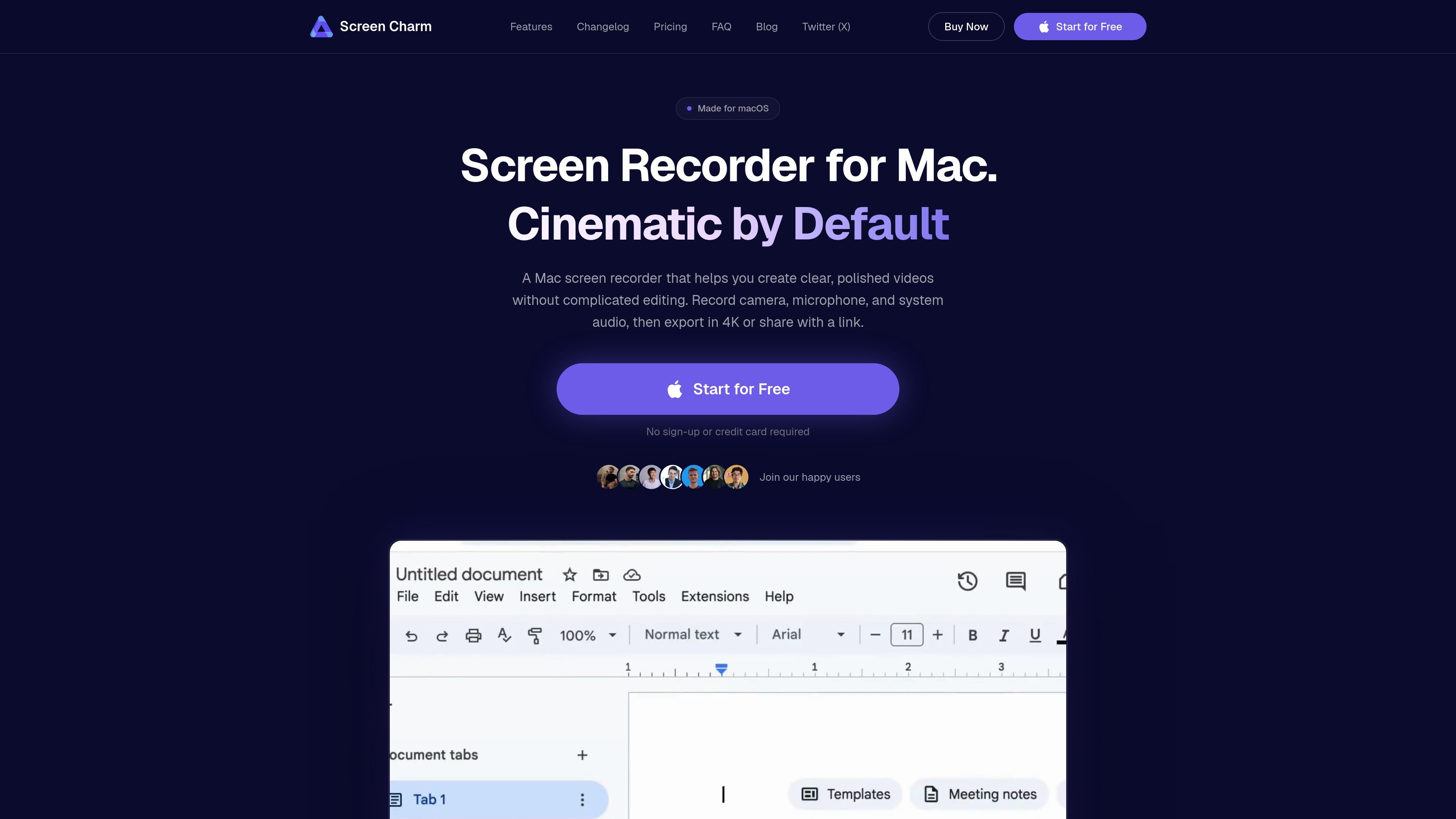
Screen Charm is a macOS screen recorder built to turn raw screen captures into polished videos without sending you to a separate editor. It records your screen, webcam, microphone, and system audio, then applies automatic zooming, cursor smoothing, motion blur, and other finishing touches after recording.
The product is aimed at people who need clear demos, tutorials, launch videos, or internal walkthroughs on a Mac. It supports local MP4 export up to 4K UHD, shareable links, and a built-in editor for trimming, adjusting speed, and refining the recording before sending it out.
Records screen, microphone, webcam, and system audio together so you can capture a full demo or tutorial in one pass.
Detects clicks and automatically applies zoom effects after recording, which helps guide viewers to the right part of the screen.
Adds motion blur to fast cursor moves and zoom transitions, helping recordings feel smoother and easier to follow.
Lets you trim clips, adjust speed, change zoom effects, apply cursor smoothing, update backgrounds, and add device frames inside the app.
Exports finished recordings as local MP4 files in up to 4K UHD and can also create shareable links.
Includes background music and mic noise reduction options for recordings that need cleaner audio and a more finished presentation.
Record IDEs, terminals, browser tools, and code reviews with auto zoom so reviewers can read the relevant code or error message without squinting.
Create lessons, assignment walkthroughs, and feedback clips with screen, microphone, and camera capture in a format that does not require separate editing software.
Produce launch videos, product demos, and onboarding walkthroughs for SaaS or startup products, then share them as MP4 files or links.
Make async standups, API tutorials, and support explanations that show the workflow directly instead of describing it in text alone.
Record tutorials, tech reviews, and screencasts with clean cursor movement, click highlights, and 4K export for publishing online.
Screen Charm is a macOS screen recorder that records your screen, webcam, microphone, and system audio, then adds auto zoom, cursor effects, background music, and a built-in editor for polishing the result.
No. Screen Charm is made for macOS only and requires Apple Silicon Macs running macOS Sonoma 14.0 or later.
Yes. You can record system audio, microphone, and webcam in the same session, and you can keep the camera feed as an overlay while editing.
Yes. Screen Charm exports local MP4 files up to 4K UHD and also supports shareable links for finished recordings.
Screen Charm is free to download and try for recording. Exporting finished videos requires a one-time $79 purchase, which includes lifetime access and updates.

Ailytics is an AI-powered video analytics product for construction, manufacturing, and other heavy industries. It is positioned to improve safety and operational efficiency by turning site footage into actionable insight.

Tavus is an AI video platform for building real-time, face-to-face agents, digital twins, and AI companions. It combines APIs, custom replicas, and multilingual conversational workflows for developers and teams.

HiringPartner.ai is an autonomous AI recruiting platform for sourcing, screening, and interviewing candidates 24/7. It supports ATS-connected workflows, bulk resume uploads, and reviewable interview outputs for hiring teams.

Video Effects SDK adds real-time webcam effects such as background blur, background replacement or removal, denoising, framing, beautification, and color grading. It is built for teams shipping live video experiences on web, desktop, and mobile platforms.

DeepMotion is a web-based AI motion capture and 3D animation platform with Animate 3D for video-to-animation and SayMotion for text-to-animation. It helps creators and teams generate motion in a browser and export results in common production formats.

QuickQuill is a macOS dictation and transcription app that runs locally on the device. It helps users record meetings, transcribe audio, generate summaries, and export notes without using a cloud service.