
Chat-based screenshot editing
Describe a screenshot change in plain language through Claude Code, OpenAI Codex, or Gemini CLI. The tool applies the change and provides one undo step.

Shotie is a Mac app for creating localized App Store and Google Play screenshots from simulator or emulator captures, generated screens, or uploads. It provides chat-based editing, render checks, and one-zip export for store workflows.
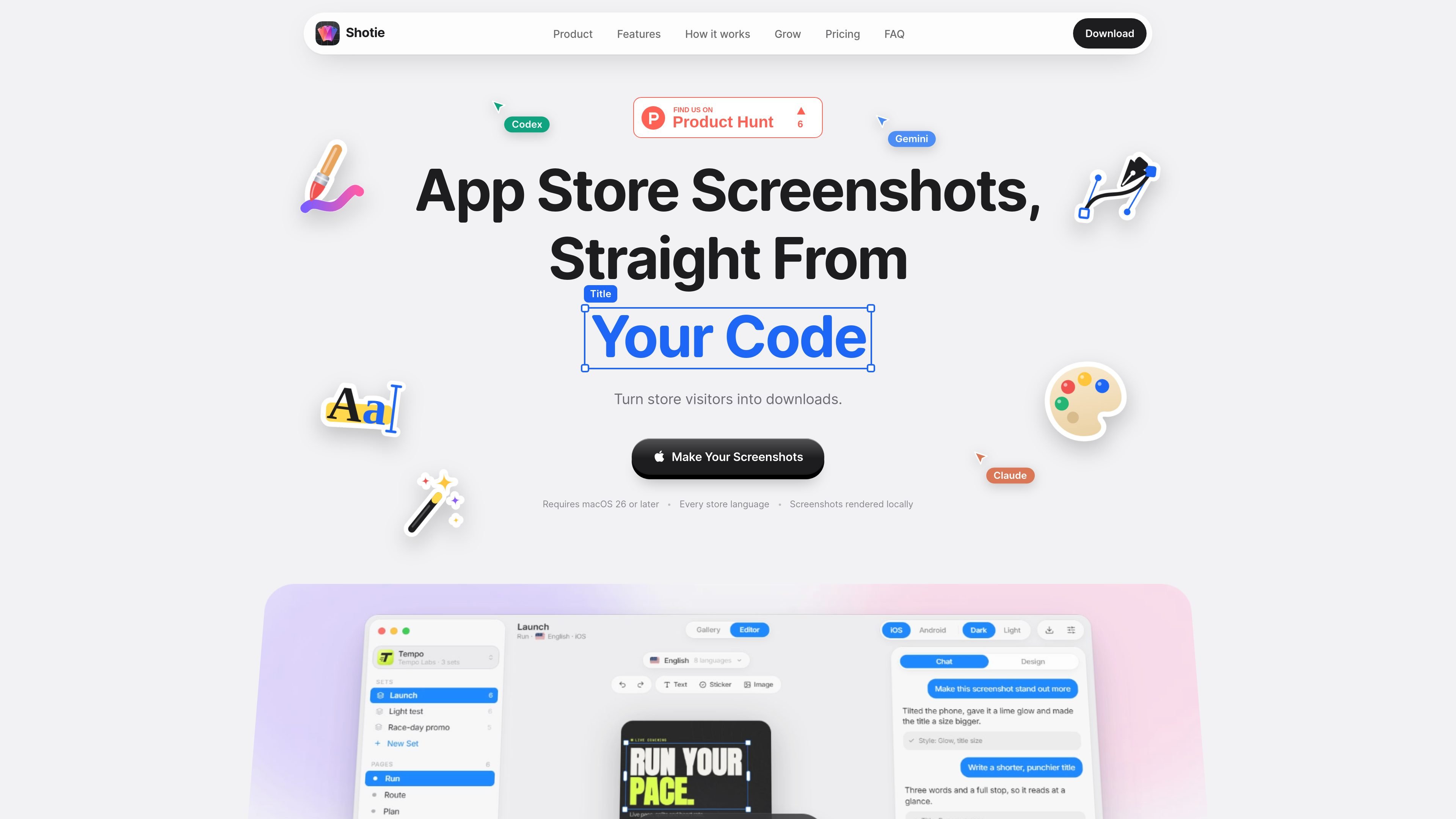
Shotie is a Mac application for creating App Store and Google Play screenshot sets. It can begin with an App Store link, bringing in the app name, icon, and developer, then use screens captured from a simulator or emulator, generated from code through an AI coding tool, or supplied as uploads.
The app combines a gallery and editor with language variants, light and dark appearances, rendering checks, and export. Its library, renders, and exports remain on the Mac; AI access is handled through the user's own Claude Code, OpenAI Codex, or Gemini CLI account, while Shotie performs a periodic license check.
Shotie is suited to release teams and developers preparing localized store listings, product-page tests, or custom pages for different campaigns and audiences. It supports making a copy of a set and requesting text or visual changes so related versions can be prepared without rebuilding every language manually.
Describe a screenshot change in plain language through Claude Code, OpenAI Codex, or Gemini CLI. The tool applies the change and provides one undo step.
Capture screens from the iOS Simulator or Android emulator, or upload your own screen for each page.
Select the languages for a set once, then generate the full set across every App Store language, including right-to-left layout mirroring for Arabic and Persian.
Titles are checked against the real render for fit and readability rather than being evaluated only from text measurements.
Build variants for light and dark appearances and switch a set between iOS and Android workflows.
Package every page and language in one zip for App Store Connect upload.
Start with an App Store link, bring in the app's identifying details, capture current screens, and export a complete localized set for a store listing.
Select the store languages once and let the set follow the language list, including mirrored layouts for right-to-left languages.
Duplicate an existing set, ask for changes in words, and prepare alternate screenshot treatments for App Store product-page tests or custom pages.
Create platform-specific assets by switching a set between iOS and Android, then capturing the relevant screens from a simulator or emulator.
Upload existing screens when a simulator or emulator capture is not the right source, while retaining the editor, checks, and export workflow.
Shotie runs on Macs using macOS 26 or later. Its interface uses Liquid Glass, which is available starting with that macOS version.
You can upload screenshots for each page, including separate light and dark versions when needed, or capture screens from the iOS Simulator or an Android emulator.
Yes. A set can be switched between iOS and Android. Android screens can be captured from an emulator or supplied as uploads.
The product uses the AI coding tool already available to you: Claude Code, OpenAI Codex (ChatGPT), or Gemini CLI. These tools run read-only in your project under your own account; capture, inspector editing, checks, and export work without AI.
Exporting creates one zip containing every page in every selected language, ready to upload to App Store Connect.

PixelDrive is a bulk image generation API for creating many on-brand images from one template through a browser editor, REST API, CSV batch, or MCP. It suits teams that need repeatable image output with cacheable renders and usage-based pricing.

Napkin AI transforma texto em visuais editáveis para apresentações, documentos e conteúdo partilhável. Geração a partir de texto e exportação para PPT, PNG, SVG ou PDF.

appdesigns is a browser-based tool for creating App Store and Google Play screenshots from uploaded app images. It helps developers and designers add device frames, customize layouts, and export unlimited watermark-free PNGs without an account.

Refero MCP for AI agents connects an MCP-compatible agent to Refero’s curated library of web and iOS product interfaces and user flows. It helps agents research real design patterns before generating UI, with access included in the Refero Pro plan.

Pass Designer is a macOS beta tool for creating and previewing Apple Wallet passes. It helps businesses, developers, and design teams combine templates, custom imagery, pass fields, colors, and semantic data while checking how passes render on iPhone and Apple Watch.

Frames ajuda a criar rapidamente pôsteres de lançamento e artes para marketing em redes sociais com molduras premium e templates para Instagram, Twitter e Product Hunt. Comece grátis.