
Local processing on-device
Snapdown runs OCR locally on Apple silicon, so screenshots stay on the Mac during recognition and processing.
Snapdown is a Mac app that turns screenshots into structured Markdown, preserving useful document structure when possible. It runs locally on Apple silicon Macs and does not require an account.
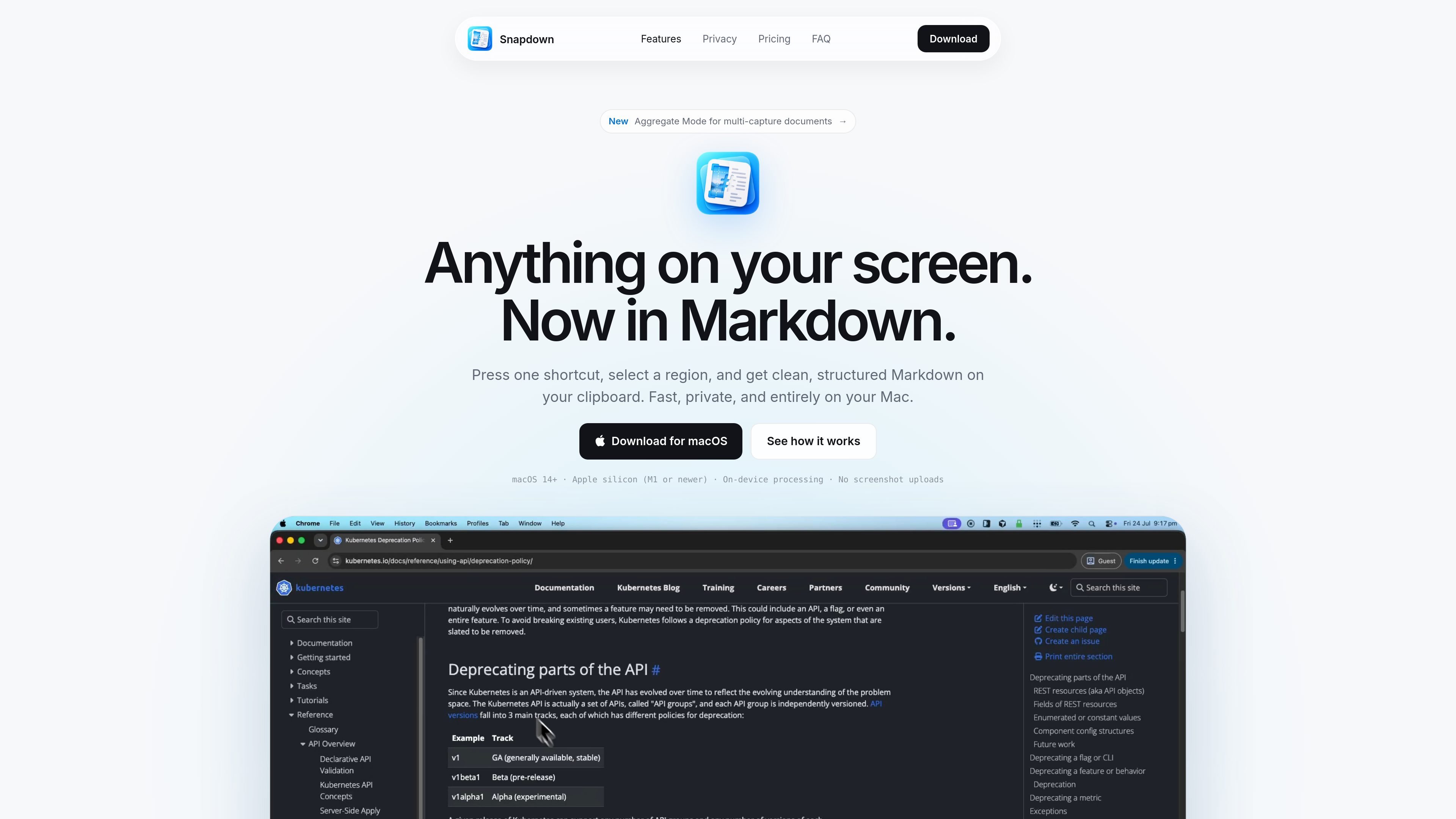
Snapdown is a Mac app that converts screenshots and other visible content on your screen into structured Markdown. It is designed for people who need more than plain OCR output: the app keeps useful document structure such as headings, lists, paragraphs, reading order, and tables when it can.
The product focuses on local processing and a native macOS experience. Recognition runs on Apple silicon, captures stay on the Mac, and no account is required. That makes Snapdown a practical tool for turning on-screen information into text you can reuse in notes, issue reports, documentation, or agent workflows.
Snapdown runs OCR locally on Apple silicon, so screenshots stay on the Mac during recognition and processing.
The app turns screen content into structured Markdown rather than a flat block of text, preserving headings, lists, paragraphs, reading order, and tables where possible.
Snapdown can append multiple captures into the same Markdown file, which is useful when building a single record from several screenshots.
It works as a native Mac app with menu bar access, familiar shortcuts, and system appearance support.
Output is saved as normal Markdown and text files that can be opened outside the app.
The app is designed for clipboard-driven capture: take a screenshot, convert it, and copy the result as Markdown.
Capture stack traces, settings, and UI states as structured Markdown so an issue report contains more than a screenshot and can be acted on more quickly.
Turn research material, notes, or source text visible on screen into Markdown that can be copied into documents without manually retyping structure.
Use the app to preserve headings and lists from reading material or lecture content, making screenshots easier to turn into study notes.
Collect several related screenshots into one Markdown file when you need to compare an error, its settings, and the expected result in a single record.
No. Snapdown is a $12 USD one-time purchase with a lifetime license for one person and up to two Macs.
Yes. Your first 10 successful captures are free, and no account or payment details are required to start.
Snapdown requires macOS 14 or newer and an Apple silicon Mac, starting with the M1 family.
Yes. Captures are processed locally, so an already activated copy can continue working without a network connection.
Snapdown is built to retain headings, paragraphs, lists, reading order, and tables, though results can vary with image quality and complex layouts.

nolainocr is an AI OCR tool that extracts structured data from PDF invoices, receipts, forms, contracts, and bank statements. It helps teams move document data into Excel, Google Sheets, JSON, or CSV without manual entry.

PDFTools is a browser-based suite of free and premium PDF utilities for editing, conversion, and document handling. It helps users work on PDFs locally in the browser without uploading files to a server.

Artifacts by Samepage is a connected writing surface for product teams that turns signals and existing work context into drafts such as PRDs, release notes, feature requests, bug tickets, and status updates. It includes built-in AI editing and can publish work into tools like Jira, GitHub, Confluence, Slack, and Linear.
司马阅是一款面向企业的AI文档智能体平台,帮助团队把分散在文档中的知识转成可用于问答、检索、写作和审查的结构化能力。它适合对准确性和数据安全要求较高、且有大量文档工作流程的企业。

KlutterAI is an AI-powered expense tracker that helps people capture receipts, categorize spending, and monitor budgets from iOS or Android. The product also surfaces recurring charges, spending alerts, and exportable reports.

Hugogen is an AI collaboration workspace for docs, design, video, and chat. It helps teams turn meeting notes, briefs, and sales data into brand-consistent drafts, decks, social posts, and short videos.