
Read-only Stripe connection
Connect Stripe with read-only OAuth access so SyncStaq can access billing data without modifying Stripe records.

SyncStaq syncs Stripe billing data into Google Sheets for reporting, reconciliation, and analysis. It uses read-only access, backfills six months of history, and then updates the sheet hourly without manual CSV exports.
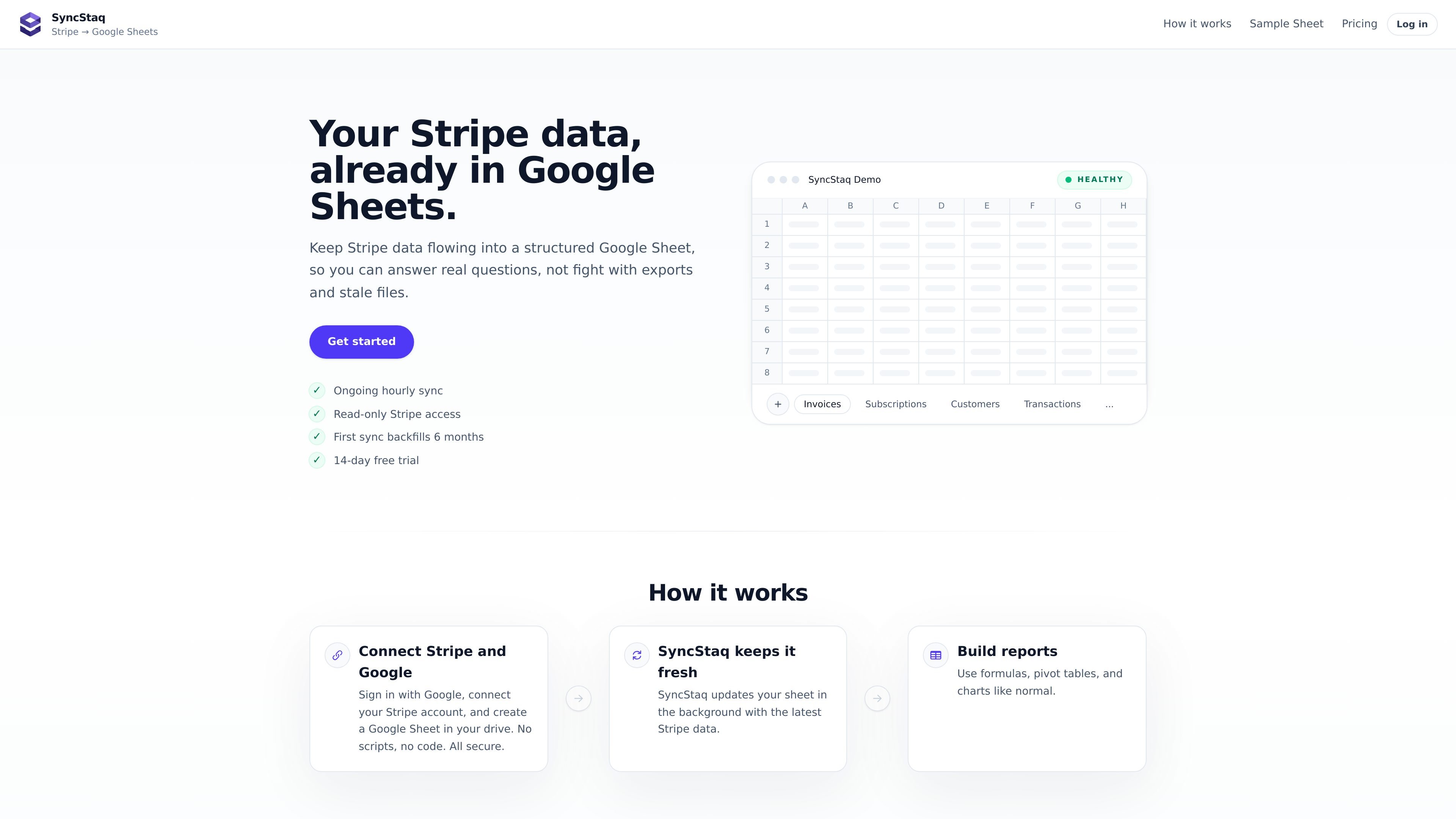
SyncStaq is a Stripe-to-Google-Sheets sync tool for teams that want Stripe billing data in a spreadsheet they can actually work from. It connects with read-only access, creates a dedicated Google Sheet, and keeps structured raw tabs updated on an hourly schedule.
The product is aimed at reporting, reconciliation, and analysis workflows that usually depend on repeated CSV exports from Stripe. SyncStaq backfills the last 6 months of history on the first sync, then continues updating the sheet so formulas, pivots, and charts can run from current data.
Connect Stripe with read-only OAuth access so SyncStaq can access billing data without modifying Stripe records.
The first sync backfills 6 months of Stripe history before continuing with background updates.
SyncStaq updates the Google Sheet on an hourly schedule so raw billing tabs stay current without manual CSV exports.
The app creates a dedicated Google Sheet with raw tabs and a separate Working Sheet for formulas and reporting.
Stripe data appears in raw tabs for invoices, line items, charges, customers, payouts, subscriptions, and disputes.
Use the synced tabs as a base for formulas, pivot tables, charts, dashboards, and recurring reporting.
Keep revenue, fees, customer, payout, and subscription reporting current in a sheet instead of rebuilding CSV exports every week.
Review payout, invoice, and charge context in one place when matching Stripe activity to accounting or finance records.
Use raw synced tabs as a stable source for formulas, pivot tables, charts, and dashboards that update as Stripe data changes.
Create a shared working file for a team that needs current Stripe billing data without building a custom integration or row-copy script.
SyncStaq connects to Stripe with read-only access, creates a new Google Sheet in your Drive, backfills the last 6 months of Stripe history, and then updates the sheet hourly.
The source pages say SyncStaq brings in invoices, line items, charges, customers, subscriptions, payouts, and disputes.
No. SyncStaq is read-only and does not create, edit, refund, or cancel Stripe records.
SyncStaq creates a dedicated sheet with raw tabs plus a Working Sheet for formulas, pivots, charts, and reporting. The sample sheet shows example report values, but the product pages do not describe any automatic overwrite of your custom formulas.
The pricing page lists a 14-day free trial for the Pro plan and says you can cancel anytime. The pages do not describe any long-term contract requirement.

PromptScout tracks how ChatGPT, Gemini, Google AI Overviews, and Perplexity mention your brand or competitors, then pairs those results with source analysis and website audits. It helps teams decide what to fix in content, positioning, or site readiness next.

SaveMRR is a Stripe retention tool for SaaS teams that scans billing data for churn and MRR leaks, then automates recovery through dunning, cancel-save offers, win-back emails, and onboarding nudges. It is built for founders and bootstrapped teams using Stripe.

Hype is a web tool for finding trending YouTube topics by category, time range, and scoring mode. It helps creators spot emerging ideas, inspect source videos, and decide what to cover next.

Sleek Analytics is a privacy-friendly web analytics tool with real-time visitor tracking, Core Web Vitals, and revenue attribution. It helps site owners understand traffic and conversions without cookie banners or a heavy setup.

Struere is an AI-native platform for turning spreadsheet data into structured operational software with dashboards, alerts, and automations. It is aimed at teams that want to replace manual spreadsheet workflows without building custom tools from scratch.

ClayHog é uma plataforma de visibilidade em AI search para monitorar marcas no ChatGPT, Gemini, Perplexity, Claude e Google AI Overviews.