
Browser-based document conversion
Convert supported files directly in the browser, then copy the Markdown or download it as a .md file.

t0md converts PDFs, Word files, PowerPoint, HTML, and JSON into Markdown for browser users and MCP-compatible AI agents. It offers a free browser flow, an API, and a remote MCP server for tools like Claude Code, Cursor, and Windsurf.
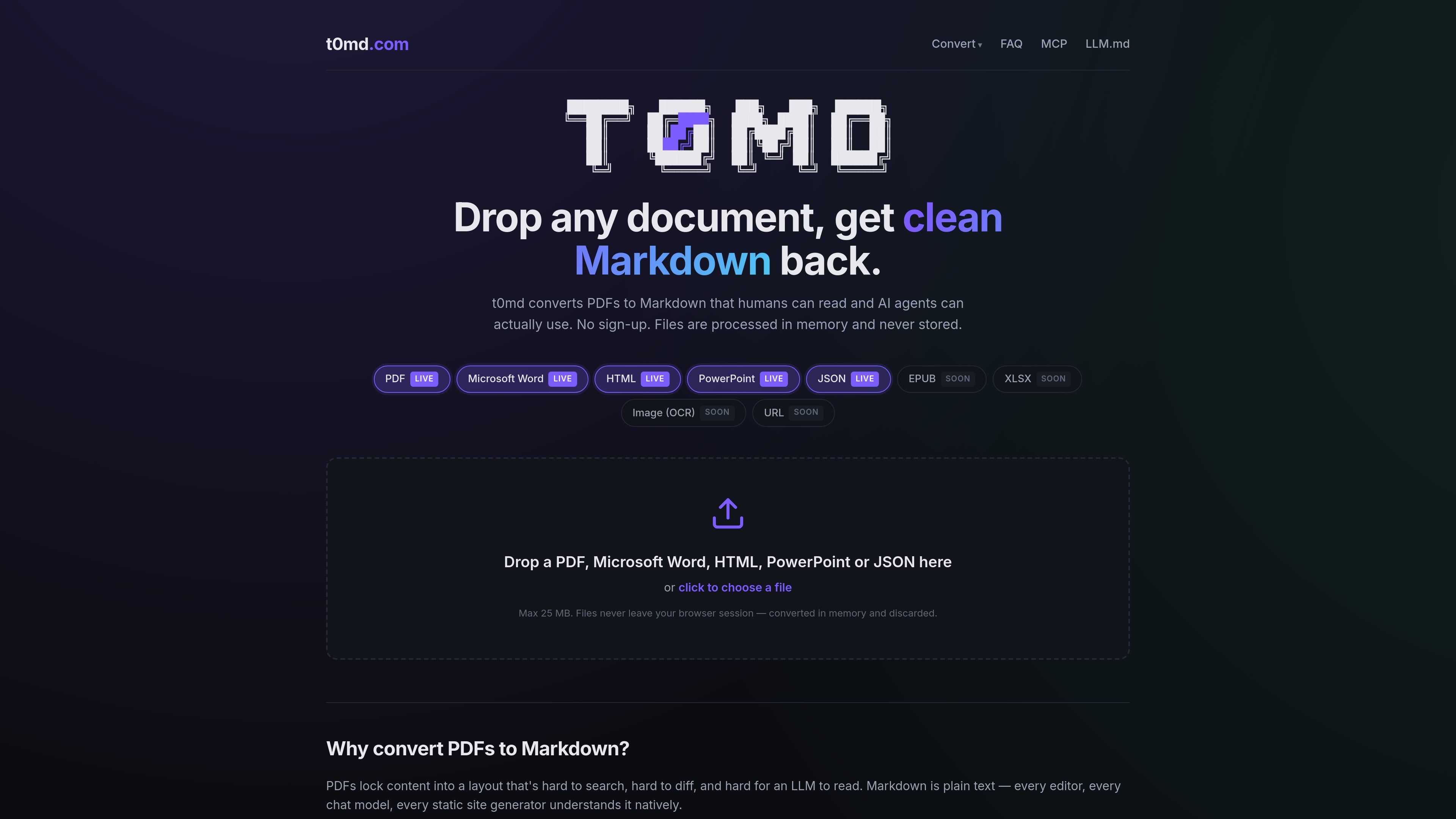
t0md is a document-to-Markdown converter for people and AI agents. It accepts PDFs, Word documents, PowerPoint files, HTML, and JSON, then returns clean Markdown that can be copied, downloaded, or passed into an MCP-compatible workflow.
The product is designed for a browser-first conversion flow and a developer-facing agent workflow. The homepage says uploads are converted in memory and discarded, while the MCP page documents a remote server for Claude Code, Cursor, Windsurf, Hermes, OpenClaw, VS Code with MCP extensions, and Continue.dev.
Convert supported files directly in the browser, then copy the Markdown or download it as a .md file.
The site supports PDF, Microsoft Word, HTML, PowerPoint, and JSON today, with EPUB, XLSX, image OCR, and URL conversion marked as coming soon.
Files are converted in memory and discarded, so the product does not keep uploaded documents after processing.
An MCP server lets Claude Code, Cursor, Windsurf, Hermes, OpenClaw, and other MCP-compatible agents convert documents mid-conversation.
The MCP server exposes both streamable-HTTP and legacy SSE transports, plus a file-upload endpoint for large documents.
The API returns JSON with markdown, filename, pages, and bytes, and the MCP server wraps the same conversion endpoint.
Convert a research paper, report, or contract into Markdown so it can be searched, quoted, and edited in plain text tools.
Send a document to Claude Code, Cursor, or another MCP-compatible agent and keep working in the same conversation while the agent converts it.
Move converted content into Obsidian, Notion, Bear, or a GitHub README without copy-paste cleanup or formatting loss.
Use Markdown output in git-based workflows to compare revisions, track changes, and review document diffs more easily than with PDFs.
Use the API or MCP upload endpoint when you need programmatic conversion or want to avoid base64 payloads for larger files.
Drop a supported file on the homepage upload area, or send it to the MCP server from an AI client. The browser flow converts the file and lets you copy the Markdown or download a .md file.
PDF, Microsoft Word, HTML, PowerPoint, and JSON are live today. EPUB, XLSX, image OCR, and URL-to-Markdown are listed as coming soon.
Headings, lists, and paragraph breaks are preserved. Tables and complex layouts are handled best effort, so output quality depends on how structured the source document is.
Uploads are converted in memory and discarded after conversion. The site says files never leave your browser session, and temporary MCP download links expire after 10 minutes.
The homepage says the browser conversion is free and will stay free. The MCP server is free for now, with possible paid tiers later for high-volume API and MCP traffic.

PDFTools is a browser-based suite of free and premium PDF utilities for editing, conversion, and document handling. It helps users work on PDFs locally in the browser without uploading files to a server.

ByteAsk is a terminal-first AI coding agent for C and C++ that edits repositories and verifies changes with the real compiler, debugger, sanitizers, and tests before showing a diff. It offers a free tier plus paid plans, with editor connectors and zero-retention handling described in the source.

CreateOS Sandbox is an isolated compute environment for running code and agent workloads inside Firecracker micro-VMs. It is designed for workflows that need machine-level isolation, private networking between sandboxes, and programmatic control through SDK, CLI, or MCP.

ArtDeck is a visual reference board app for iPhone, iPad, and Mac that lets artists collect mixed reference material on one canvas and study it with ToolBox lenses. It works offline, supports optional iCloud sync, and is sold as a one-time purchase with no account required.

Codex Plugins bundle reusable skills, app integrations, and MCP servers into workflows you can install in the Codex app or use from Codex CLI. They help extend Codex with connected-service tasks, reusable instructions, and shared team workflows.

hob is an independent workspace for coding agents that keeps agent sessions, terminals, history, and follow-up work organized around the tools and providers you already use. It is aimed at developers who want local control over routing, history, and workspace structure rather than a bundled model stack.