
Widget updates from multiple sources
Send command output, script results, API responses, or Shortcut data directly into widgets instead of copying text into a separate dashboard app.

TerminalWidget is a widget automation app for macOS, iOS, and iPadOS that displays terminal output, charts, progress, images, and other structured data in customizable widgets. It supports CLI, Shortcuts, and a custom URL scheme for updating widgets from scripts and automations.
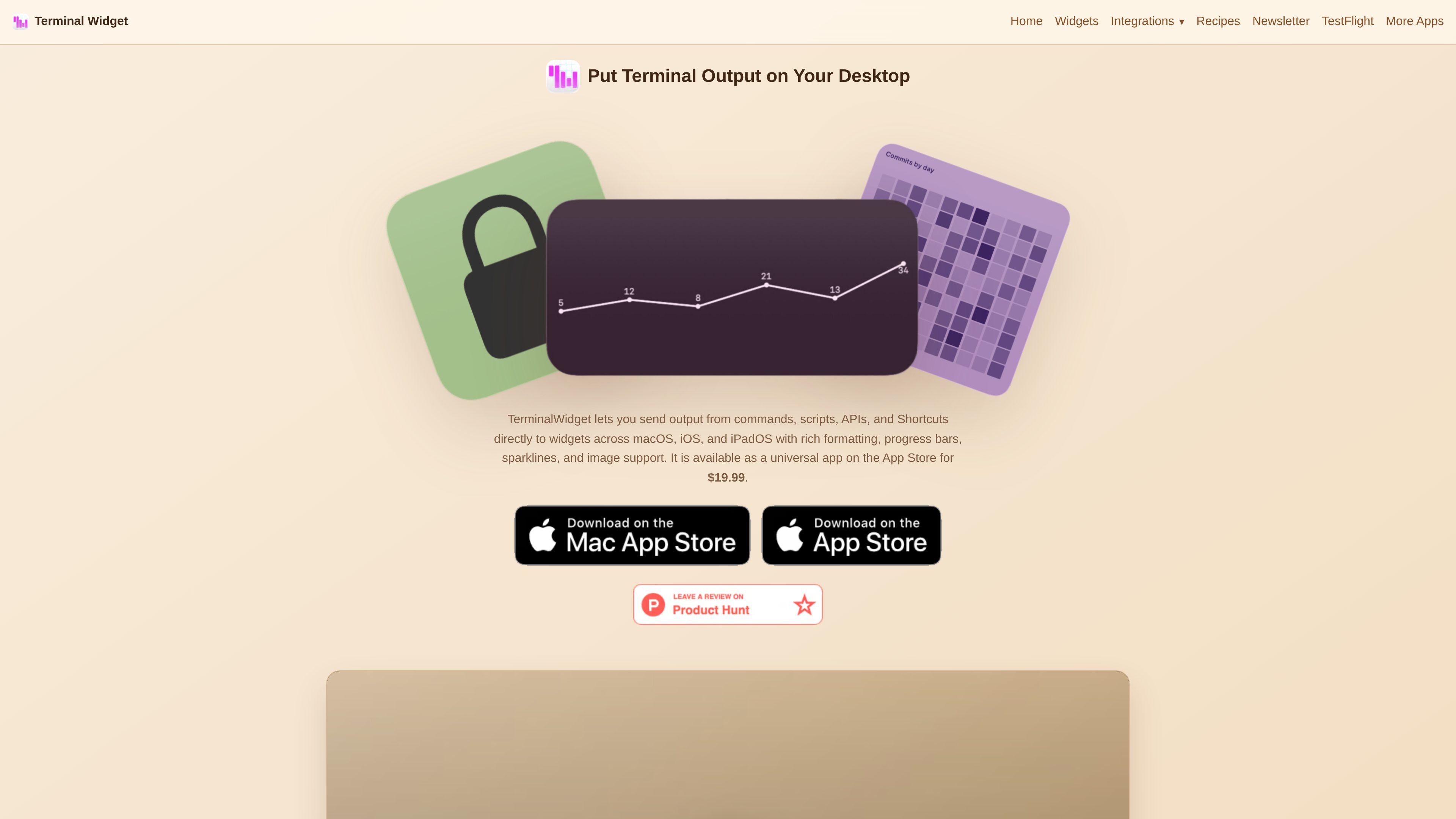
TerminalWidget is a widget automation app for macOS, iOS, and iPadOS that turns command output and other structured data into customizable widgets. The home page describes it as a way to display terminal command output, progress bars, sparklines, and images in widgets, with support for text, charts, tables, and rich formatting.
It is designed for workflows where live status needs to appear on Apple devices: shell scripts, Shortcuts, APIs, and other automations can update named widgets, and widget state can sync across Macs and iOS devices through iCloud. The documentation also covers tap actions for launching URLs, apps, Shortcuts, or commands from a widget.
Send command output, script results, API responses, or Shortcut data directly into widgets instead of copying text into a separate dashboard app.
Display formatted text, progress values, sparklines, graphs, matrix charts, range bars, tables, and local or remote images within fully customizable widgets.
Target widgets individually and sync widget state across multiple Macs and iOS devices when iCloud is enabled.
Customize foreground and background colors, fonts, iconography, titles, captions, padding, transparency, and chart bar style from the CLI, Shortcuts, or URL scheme.
Assign tap or click actions such as opening a URL, opening a Mac app, running a Shortcut, or running a shell command, with platform-aware fallbacks on iOS.
Use the included command-line tool, Shortcuts actions, and the terminalwidget:// URL scheme to drive updates from scripts, automations, launchers, and browser links.
Publish build status, deployment notes, or service health into a named widget so you can see terminal output and progress at a glance on Mac, iPhone, or iPad.
Turn live metrics into sparklines, graphs, matrices, or range bars for compact dashboards driven by scripts, APIs, or JSON data.
Show remote or local images, including API-generated visuals, with edge-to-edge display and optional filters for a lightweight visual panel.
Build one-tap launcher widgets that open a URL, start a Shortcut, open a Mac app, or run a shell command from the widget itself.
Use Shortcuts, the URL scheme, or the CLI in different contexts: manual runs, scheduled automations, browser links, or shell scripts.
TerminalWidget can be updated from the command line, Shortcuts, and a custom URL scheme. The docs also reference AppleScript support, and the site says the CLI is included for Mac workflows.
The source pages describe support for macOS, iOS, and iPadOS, with widgets that sync across Apple devices when iCloud is enabled.
The documentation covers text, icons, progress bars, charts and graphs, tables, images, colors, titles, captions, and widget tap actions. Chart and progress behavior is defined through payload fields such as chart format, progress, caption, label-y, and timestamp.
On iOS and iPadOS, the docs say widgets update through the URL scheme or Shortcuts actions, and that notifications must be enabled on the device for background iCloud refreshes to work reliably.
The site does not show a pricing page at /pricing, but the home page states that TerminalWidget is available as a universal app on the App Store for $19.99.

ByteAsk is a terminal-first AI coding agent for C and C++ that edits repositories and verifies changes with the real compiler, debugger, sanitizers, and tests before showing a diff. It offers a free tier plus paid plans, with editor connectors and zero-retention handling described in the source.

Epherem is a static security scanner for web apps built with AI coding tools such as Lovable, Bolt, v0, Replit, Cursor, and Claude Code. It checks source files and dependencies for common security mistakes, then provides categorized findings and suggested fixes without running the app.

PromptScout tracks how ChatGPT, Gemini, Google AI Overviews, and Perplexity mention your brand or competitors, then pairs those results with source analysis and website audits. It helps teams decide what to fix in content, positioning, or site readiness next.

CreateOS Sandbox is an isolated compute environment for running code and agent workloads inside Firecracker micro-VMs. It is designed for workflows that need machine-level isolation, private networking between sandboxes, and programmatic control through SDK, CLI, or MCP.

Sleek Analytics is a privacy-friendly web analytics tool with real-time visitor tracking, Core Web Vitals, and revenue attribution. It helps site owners understand traffic and conversions without cookie banners or a heavy setup.

GitBot is a local browser-based workspace for creating reusable coding bots powered by Claude Code, Codex, or OpenCode. It helps developers run those agents across repository folders with persistent threads and configurable permissions.