14 icon

14

14 is a web product for texting a crush and viewing Valentine’s Day relationship-status results. It includes a free Basic experience and a paid Pro plan with higher message limits and additional persona features.

14

Overview

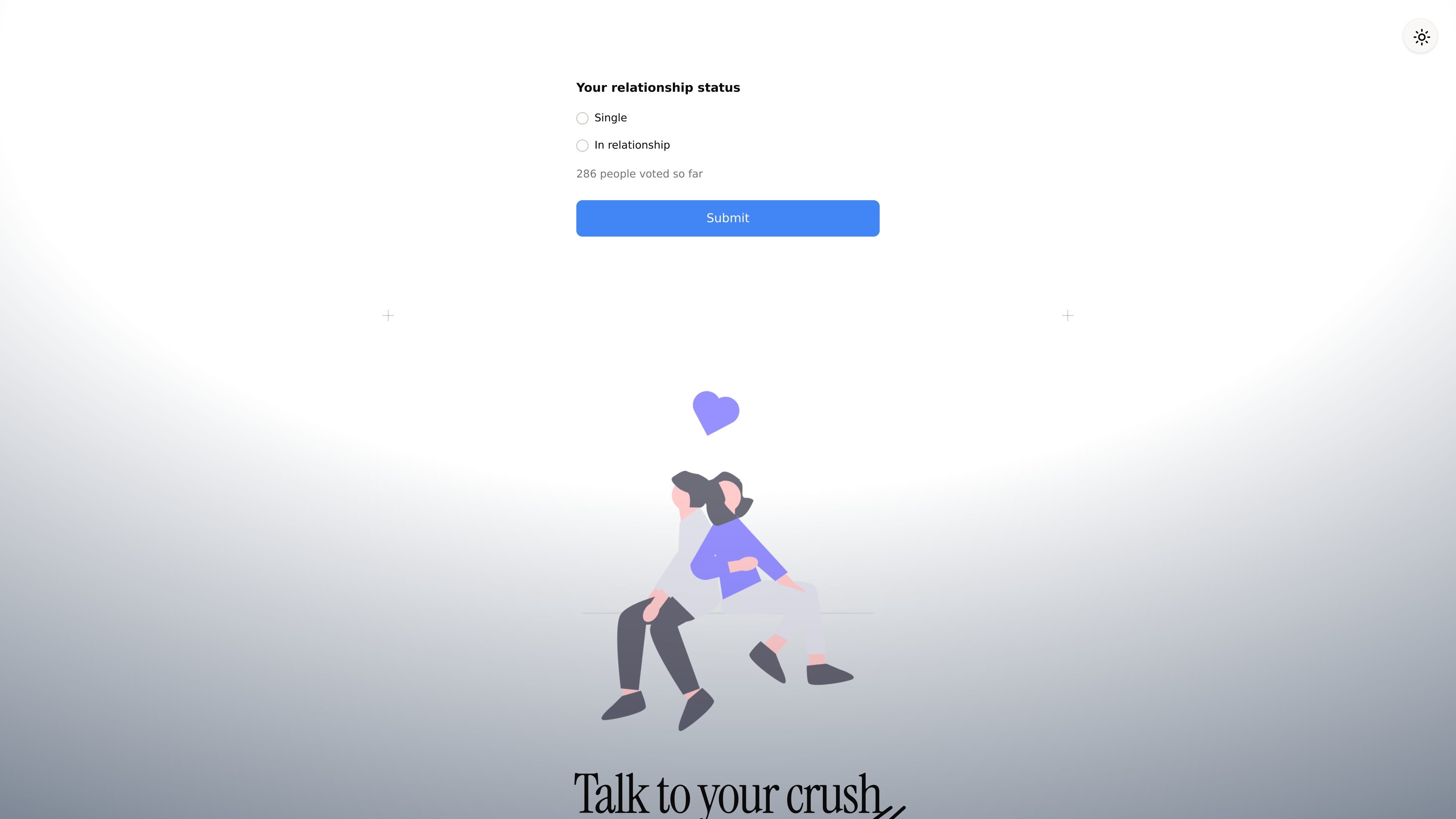
14 is a lightweight web product for texting a crush and viewing Valentine’s Day relationship-status results. The homepage centers on a voting prompt — single or in a relationship — and a call to submit, while the product itself is framed as a way to “shoot your shot” safely.

The experience can be personalized with your name, your crush’s name, and a profile image before getting started. A pricing page adds a basic free tier and a paid Pro plan, indicating that the product combines a public-facing Valentine’s theme with a chat experience that can be used in either a limited or expanded mode.


What it includes

Relationship status voting

The homepage offers a relationship-status vote with options for being single or in a relationship, plus a live-results style prompt on the page. That makes the product more than a simple chat screen; it also appears to collect public sentiment around Valentine's Day.

Profile customization

Users can enter their name, their crush's name, and a profile image to personalize the experience before getting started. The visible fields suggest the product tailors the interaction to the person being messaged.

Tiered messaging limits

The pricing page distinguishes between a free Basic experience and a paid Pro tier. The free plan includes 7 messages per day and a standard AI persona, while Pro unlocks unlimited messages and exclusive persona features.

Pro support and response benefits

Pro is described as including the fastest response time and priority support. Those additions position the paid plan as a higher-service version of the same chat experience.

Theme switching

The interface includes a theme toggle, which suggests users can switch the visual appearance of the page. This is a small but concrete usability feature visible on the homepage.

Common ways to use it

  • Vote in the Valentine’s Day poll

    A visitor can use the homepage to submit a relationship-status vote and see the live-results framing around Valentine’s Day. This is the clearest public-facing workflow in the collected pages.

  • Set up a personalized crush profile

    Someone who wants a personalized interaction can enter their own name, a crush’s name, and a profile image before beginning. That makes the experience feel specific to the relationship context rather than generic chat.

  • Use the free tier for limited messaging

    A casual user can stay on the free Basic experience and use the included daily message allowance. This suits light, occasional use without committing to a subscription.

  • Upgrade for heavier message volume

    A frequent user can upgrade to Pro to remove the daily message cap and get the fastest response time. The paid tier also adds priority support and exclusive AI persona features.

  • Compare Basic and Pro plans

    Someone comparing plan value can use the pricing page to decide whether the standard AI persona is enough or whether exclusive persona features matter. The page makes the free-versus-paid distinction explicit.

Pros and Cons

Pros

  • Lets users personalize the experience with names and a profile image.
  • Includes a visible relationship-status voting element tied to live results.
  • Offers a free Basic experience for trying the product.
  • Provides a Pro tier with unlimited messages, fastest response time, priority support, and exclusive AI persona features.

Cons

  • The collected pages do not explain the full chat or voting workflow in detail.
  • No integrations, team features, or platform-specific apps are documented in the source material.
  • The free plan limits users to 7 messages per day.

FAQ

What is this product used for?

The site presents a simple web experience centered on texting a crush and viewing relationship-status results. The homepage includes a relationship status vote and a prompt to submit, while the pricing page shows a basic free plan and a Pro upgrade.

How do I get started?

The homepage shows a form with fields for your name, your crush's name, and a profile image, plus a theme toggle. That suggests setup happens directly in the browser without a separate desktop or mobile app.

What does the Pro plan add?

The pricing page lists a free Basic experience with 7 messages per day and a standard AI persona. Pro includes unlimited messages, fastest response time, priority support, and exclusive AI persona features.

Does it integrate with other tools?

The available source material does not describe formal integrations, team features, or advanced admin controls. It appears to be a lightweight web product rather than a platform with external app connections.

Are the voting and chat mechanics documented?

The public pages do not explain the full messaging workflow, how votes are counted, or how live results are displayed. Those details appear to be part of the product experience but are not documented in the collected text.

Quick Facts

Category
AI Chat
Platform
Web
Primary use
Texting a crush with Valentine’s Day voting
Domain
14.israelfirew.co
Pricing
Free Basic plan and paid Pro plan
14 - AI Tool, Features, Use Cases & Alternatives | UStack