
Works with your apps
Touchy is described as an AI assistant that can work with your apps instead of acting only as a text box. The site positions this as part of a broader effort to connect the assistant to the user’s digital environment.

Touchy is an AI assistant that aims to handle quick requests quietly while using app and real-world context to stay useful. The site positions it as a personal assistant for people who want help without staying on their phone.
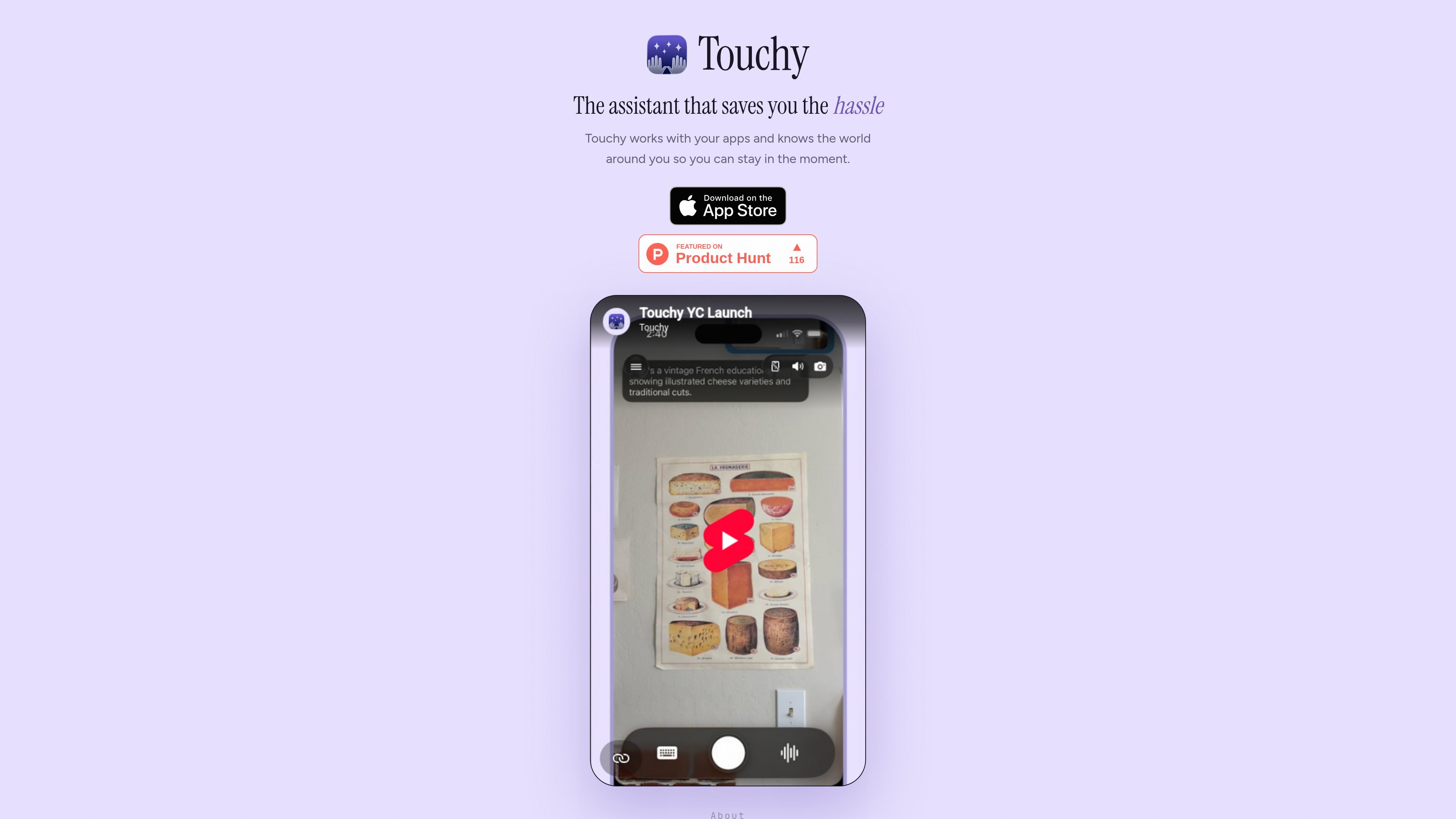
Touchy is an AI assistant positioned around a simple workflow: ask a quick question, let it handle the task quietly, and put the phone back away. The site frames it as an assistant that works with your apps and understands the world around you, rather than another consumer chatbot built mainly for retrieval.
The product’s public explanation focuses on the problem of making personal AI useful in everyday life. Touchy argues that a useful assistant needs access to both physical and digital context, plus strong alignment with the user’s intent, so it can act autonomously without pulling the user back into their screen.
Touchy is described as an AI assistant that can work with your apps instead of acting only as a text box. The site positions this as part of a broader effort to connect the assistant to the user’s digital environment.
The product is designed to use the physical and digital context around the user, including seeing and hearing what the user sees and hears. That context is presented as necessary for making the assistant actually useful in everyday life.
The source highlights continual learning as a research direction, with the goal of adapting to a user’s preferences and information over time. It suggests the assistant should learn how much detail a user wants and how that changes in different situations.
Touchy emphasizes long-horizon multimodal reasoning across video and audio inputs. The page connects this to tasks that unfold over time, such as understanding what changes during a physical task or ongoing activity.
The product description stresses theory of mind: detecting when a user wants help and when the assistant should stay out of the way. The aim is to be selectively proactive rather than constantly interrupting the user.
The site also focuses on alignment, control, and privacy, including keeping user information private and preserving user intent when an agent acts autonomously. The page discusses on-device models for privacy and low latency, while noting that some of the best models may still live off-device.
A user can ask a quick question while on the move, then return the phone to their pocket while the assistant handles the follow-up work in the background.
The site describes scenarios such as assembling furniture, cooking a new recipe, or making sense of road signs, where the assistant needs to understand an ongoing physical task over time.
Touchy is framed for situations where an assistant should notice when the user is stuck or uncertain and offer help only when it is useful, rather than constantly interrupting.
The page suggests the assistant should work across digital surfaces and apps, which makes it relevant for people who want one assistant to coordinate information spread across multiple tools.
Touchy is positioned as an AI assistant that works with your apps and uses context from the world around you. The source describes it as something you can ask quickly, then put your phone back away while it handles the rest quietly.
The source says Touchy works with your apps and aims to use both physical and digital context. It does not provide a concrete integration list or explain exactly which services are supported.
The pricing page frames Touchy as a product with a paid cost target, explaining that the team expects access to a capable assistant to eventually cost less than a music subscription. However, the page does not publish a current price or plan structure in the text provided.
The source repeatedly emphasizes that Touchy should return the minimal amount of information needed and then get out of the way. It is designed for situations where you want a quick answer without staying on your phone.

Malyatko is a baby tracker for logging feeding, sleep, growth, teething, and milestones in one app. It works on iPhone, Apple Watch, and widgets, with no sign-up, offline use, and family sharing through iCloud.

Gemma AI is a phone call reminder app that calls you with scheduled reminders instead of push notifications. It helps people who want a more direct way to stay on schedule, with Google Calendar sync and conversational call interactions.

Claude Overlay is a Windows desktop overlay for Claude Code that reads your screen so you can ask questions, inspect content, and request edits without leaving the current app. It runs on your existing Claude subscription through the Claude CLI, so no separate API key is required.

Spotit é um app para macOS que lê sua tela em outro app e destaca exatamente onde clicar, com perguntas por voz e orientação na tela.

Yattayo: Slider To-Do Board is a productivity app that turns tasks into a physical-style slider board with sticky notes, widgets, reminders, and iCloud sync. It helps people who want a more tactile way to manage to-dos and, in Premium, recurring habits.

Goldfish is an AI memory app for macOS that helps you reply, write, summarize, and continue using the context already on your Mac. It stores memory locally and writes in your tone.