
Email triage
Labels new Gmail threads, archives cold outreach when allowed, drafts replies in your voice, and texts you when urgent mail needs attention.

Toyo is an AI assistant for founders and busy teams that triages inboxes, schedules meetings, prepares call context, and follows up through messages and voice calls.
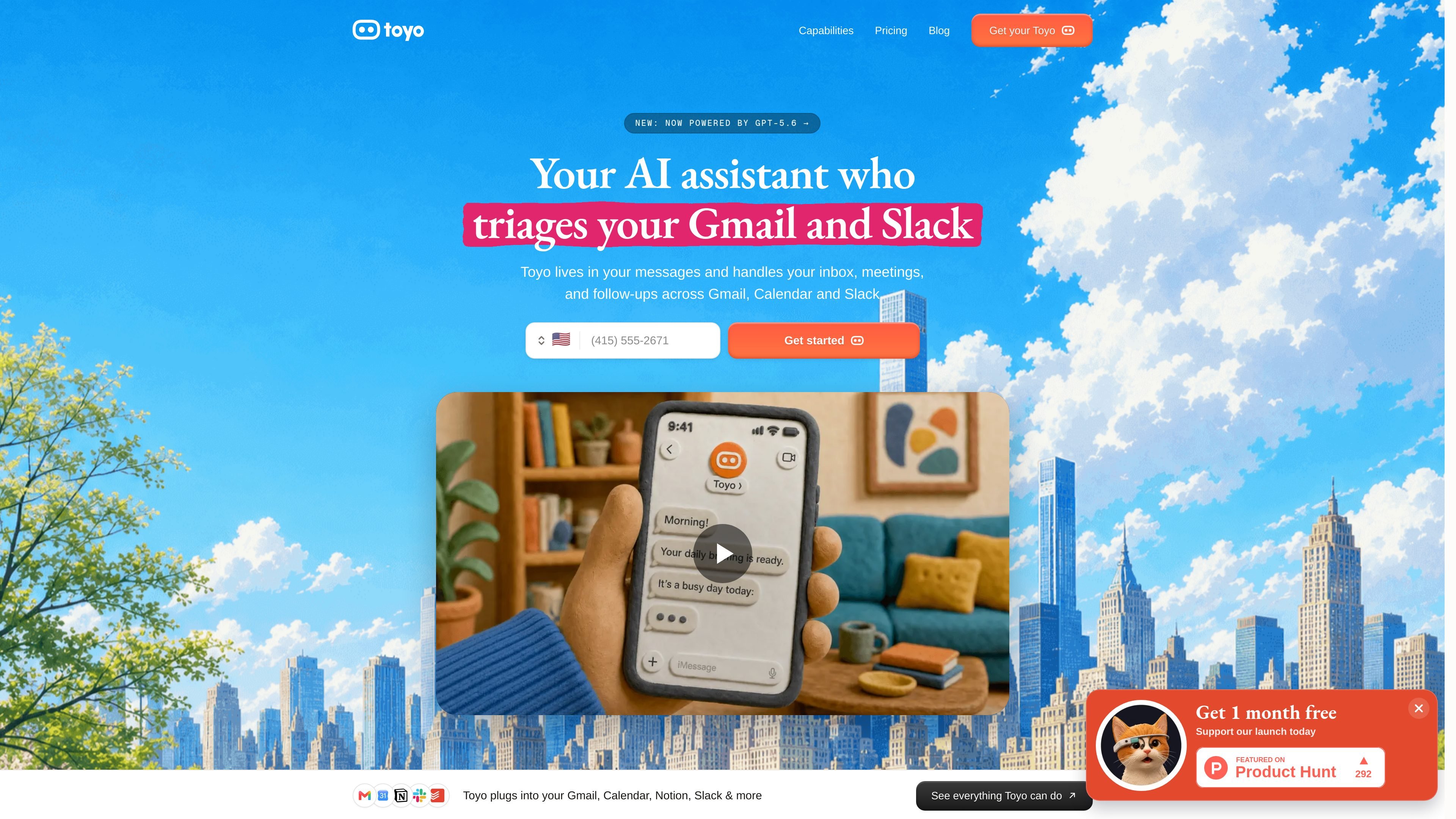
Toyo is an AI assistant for founders and busy teams that works through messages and voice calls. It connects to tools such as Gmail, Calendar, Slack, Notion, and Drive, then handles recurring admin work like inbox triage, scheduling, follow-ups, and briefing prep.
The product is positioned as a background assistant rather than a chat-only tool. The site says Toyo can keep working after setup, route urgent items to you, and run workflows from chat or its web dashboard. Pricing is organized into Solo, Pro, and Team plans, with a dedicated Toyo agent per team member on the team tier.
Labels new Gmail threads, archives cold outreach when allowed, drafts replies in your voice, and texts you when urgent mail needs attention.
Reads calendars, suggests times that work, drafts the proposal email, and asks before sending so you stay the sender.
Sends a morning message with calendar, email, follow-ups, and Slack context at the time you choose.
Catches commitments you made in messages or calls and nudges you before they slip.
Lets you send a voice note, then handles the task and reports back; it can also take phone calls and make outbound calls on your behalf.
Supports research, writing, sales admin, file analysis, and document cleanup as additional workflows listed on the capabilities page.
Use Toyo to sort incoming Gmail mail, archive cold outreach when appropriate, draft replies for priority threads, and flag urgent items that need your attention now.
Have Toyo review calendars, suggest workable times, draft the scheduling email, and keep you as the sender while it handles the coordination work.
Ask Toyo to send a morning briefing that combines calendar items, email, follow-ups, and Slack context into one message at a chosen time.
Use Toyo to track commitments made during calls or in messages and send nudges before promised follow-ups are forgotten.
Use voice notes or phone-based workflows when you want to give instructions without typing, including calls made or answered on your behalf.
Toyo connects to Gmail and can review your inbox once during setup, then keep processing new messages as they arrive. You can choose which labels it applies, whether it archives certain mail, and whether it drafts replies or sends urgent notifications.
The source says setup takes about ten minutes. You answer a few questions by text, do a short phone call with Toyo, and then connect your tools and tell it what you want handled.
Toyo is described as an AI executive assistant that works through messages and voice calls. It handles inbox triage, meeting scheduling, follow-up reminders, meeting prep, morning briefings, and other workflow tasks across connected tools.
Toyo is a paid product with plans for Solo, Pro, and Teams. The site says there is no free trial right now, and a credit card is required to activate an account.
The site says data lives in US data centers, is encrypted at rest and in transit, and that Toyo does not train models on your data.

Liam is an AI copilot for managing inboxes, writing replies, prioritizing email, and scheduling meetings. It is offered free for individuals, with custom pricing for teams and enterprise.

Gemma AI is a phone call reminder app that calls you with scheduled reminders instead of push notifications. It helps people who want a more direct way to stay on schedule, with Google Calendar sync and conversational call interactions.

Dirac is an AI email assistant that prepares a morning brief, prioritizes important threads, and drafts replies in your voice. It is positioned for founders and other busy professionals who use Gmail and want to reduce morning inbox triage.
MealTime é o seu companheiro pessoal de receitas, focado no modo offline, projetado para ajudar você a salvar, organizar, planejar refeições e gerar listas de compras inteligentes, mantendo seus dados privados.

Goldfish is an AI memory app for macOS that helps you reply, write, summarize, and continue using the context already on your Mac. It stores memory locally and writes in your tone.

Biji é uma plataforma versátil projetada para aumentar a produtividade por meio de ferramentas e recursos inovadores.