
URL rewrite to Markdown
Replace `x.com` with `tweet.md` in a post or profile URL to get clean Markdown instead of the X interface. The site emphasizes plain text output rather than JSON or HTML.

tweet.md converts X posts, threads, and profiles into clean Markdown for LLMs, notes, research, and automation. It supports a simple URL swap, a documented API, and an Obsidian-friendly format for vault imports.
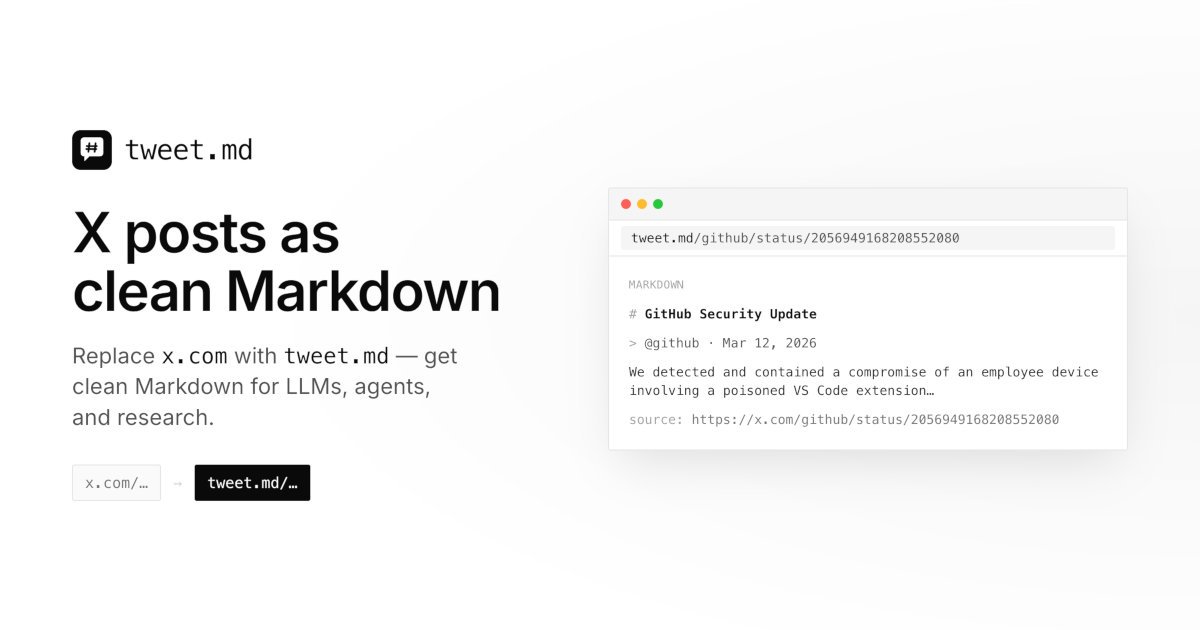
tweet.md turns X posts, threads, and profiles into clean Markdown that can be pasted into chat assistants, notes, research docs, or other text-first workflows. It is built for people who want the content from an X URL without the surrounding UI chrome, broken links, or manual cleanup.
The service works by swapping `x.com` for `tweet.md` in a post or profile URL, or by calling the API directly. The documentation says it can return plain Markdown by default, with an Obsidian-friendly format available for vault imports, and it supports both individual posts and thread chains when credits are available.
Replace `x.com` with `tweet.md` in a post or profile URL to get clean Markdown instead of the X interface. The site emphasizes plain text output rather than JSON or HTML.
Convert a single post or a full same-author thread into ordered Markdown, including the post text, thread chain, timestamps, links, and metadata.
Fetch profile details as Markdown, including bio, stats, profile picture, banner, pinned post, and recent content sections. The docs note that profile fetching is paid only.
Choose between `markdown` and `obsidian` output formats. The Obsidian format adds YAML frontmatter and headings suited to vault import, while Markdown stays optimized for agents and notes.
Use the documented API, browser session cookie, bearer token, or `?apikey=` parameter depending on the workflow. The site also provides Apple Shortcuts guidance for Siri, share sheet, and clipboard input.
Paste a post or thread into ChatGPT, Claude, Gemini, or another assistant as structured Markdown instead of a brittle X link. This preserves the text, order, and metadata the model can read directly.
Save a thread or post in a note-taking app, knowledge base, or document where plain text is easier to search and reuse than a screenshot or web page.
Pull a profile into a CRM, prospect list, or research document to capture bio, stats, pinned post, and recent content in one copyable block.
Use the documented API, bearer token, or Apple Shortcuts flow to automate repeat conversions from X URLs to Markdown in scripts or mobile workflows.
Yes. The site documents a free tier with 5 single-post conversions per IP per calendar month, but it is limited to `thread=off` and `userinfo=off`. Threads, author metadata, and higher limits require credits.
Pricing is based on credits returned by the API. The site says it is 1 credit per post, and `userinfo=author` or `userinfo=all` adds 2 credits per unique author.
No. After checkout or login, the browser stores a session cookie with your API key for normal browsing. Agents and scripts can use a bearer token or a `?apikey=` parameter when needed.
Yes. You can fetch a thread by omitting `thread` or setting `thread=full`, which walks the reply chain up to 100 posts by default. Free use stays single-post only.
The default output is Markdown, and the docs also describe an Obsidian format with YAML frontmatter and vault-friendly headings. The site says you can append `?format=` to a tweet.md URL to choose the format.

Mindcase is a web data API and console for extracting structured data from websites and major online platforms. It helps users retrieve clean rows of data through prompt or API access, with prepaid per-record billing.

ByteAsk is a terminal-first AI coding agent for C and C++ that edits repositories and verifies changes with the real compiler, debugger, sanitizers, and tests before showing a diff. It offers a free tier plus paid plans, with editor connectors and zero-retention handling described in the source.

CreateOS Sandbox is an isolated compute environment for running code and agent workloads inside Firecracker micro-VMs. It is designed for workflows that need machine-level isolation, private networking between sandboxes, and programmatic control through SDK, CLI, or MCP.

Topple.lol is a public pay-to-rank leaderboard where listings start at $1 and their bid balance decays over time and with clicks. It helps makers and marketers buy short-term visibility for product sites or X profiles while tracking live board stats.

hob is an independent workspace for coding agents that keeps agent sessions, terminals, history, and follow-up work organized around the tools and providers you already use. It is aimed at developers who want local control over routing, history, and workspace structure rather than a bundled model stack.

Ably Chat is a chat API platform for building custom realtime chat applications. It supports room-based messaging, typing indicators, presence, reactions, and message updates, with usage-based pricing options for different deployment stages.