
Local browser processing
Runs the compression process in your browser using the WebCodecs API, so the video stays on your device instead of being uploaded to a server.

Free browser-based video compression tool that reduces file size locally without uploading the file. Supports MP4, MOV, MKV, and WebM, with quality presets and MP4 output.
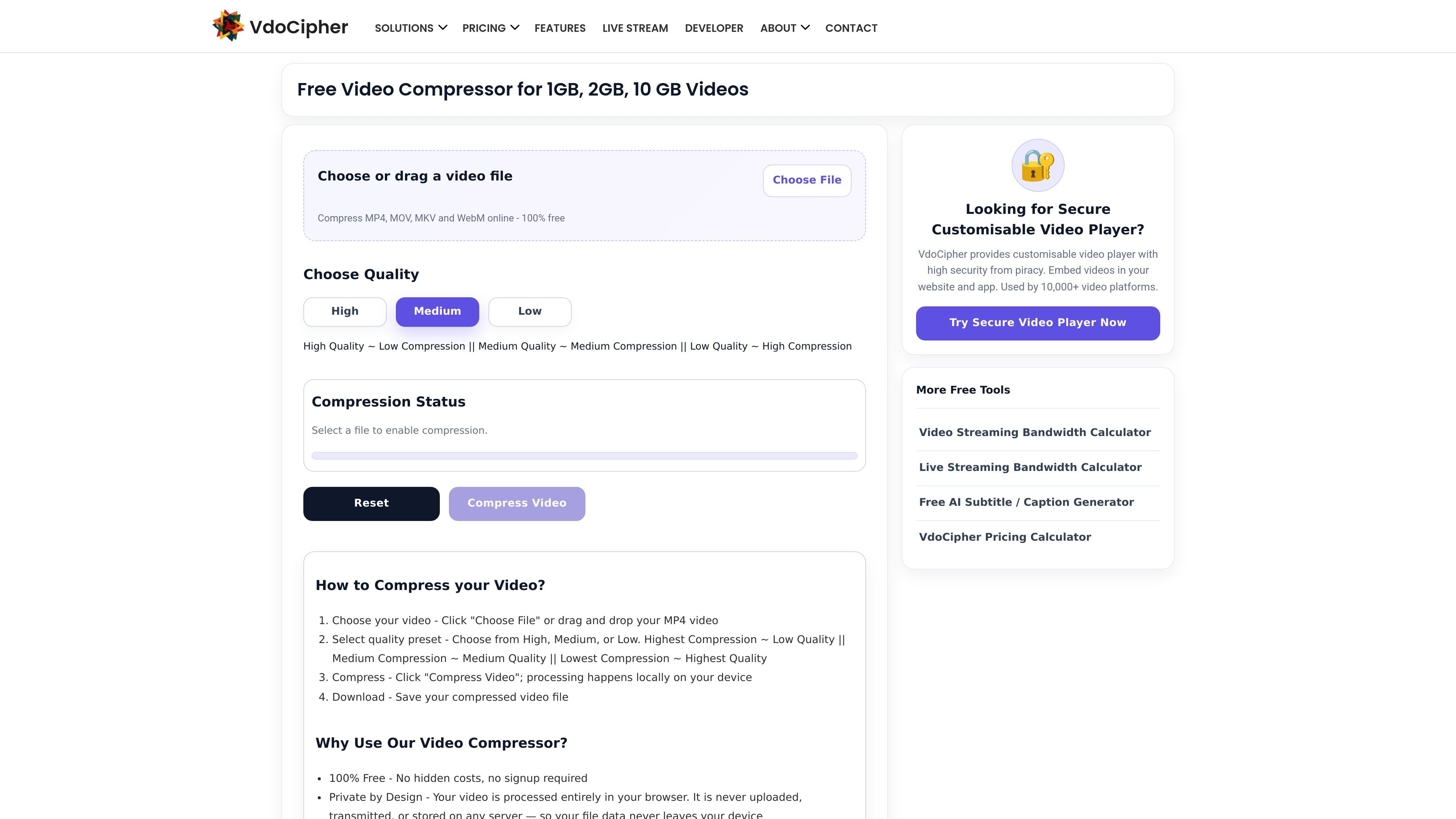
VdoCipher Video Compressor is a free online tool for reducing video file size directly in the browser. It is designed for people who want a quick way to compress a clip without installing software, creating an account, or uploading the file to a server.
The page emphasizes local processing and privacy: the video is handled on the user's device through browser-based encoding, and the output can be downloaded after compression. The tool supports common formats such as MP4, MOV, MKV, and WebM, and it is positioned for simple file-size reduction with preset quality choices.
Runs the compression process in your browser using the WebCodecs API, so the video stays on your device instead of being uploaded to a server.
Lets you choose between High, Medium, and Low presets so you can trade off file size against output quality.
Accepts MP4, MOV, MKV, and WebM input and exports the result as MP4 (H.264) for broad playback compatibility.
Uses the device's built-in video encoder and avoids upload queues, so compression starts immediately after you choose a file.
Works without internet after the page has loaded, which makes it usable offline once opened in the browser.
A user with a large clip can choose a preset and compress it directly in the browser before sharing or uploading elsewhere.
Someone who wants to keep the file private can compress it without sending the video to a server or creating an account.
A person on the move can open the page, load a supported format, and compress it once the page is loaded even without continued internet access.
For a source file in MP4, MOV, MKV, or WebM, the tool can produce an MP4 output that is easier to play on many devices and platforms.
Users with limited time can avoid upload queues because compression starts locally as soon as a file is selected.
Choose a video file, select High, Medium, or Low quality, then click Compress Video. The tool processes the file locally in your browser and lets you download the compressed result afterward.
The page states that compression can reduce file size by about 50-90%, depending on the selected quality preset and the source file.
Yes. The FAQ says you can compress 1GB and 2GB videos because the file is processed locally rather than uploaded to a server, though larger files use more device memory.
The tool supports MP4, MOV, MKV, and WebM input. The output is always MP4 using H.264 for compatibility.
On iOS and iPadOS 16.4 and later, it works in Safari and other iPhone browsers. The page also says recent Chrome, Edge, or other Chromium-based browsers work best, and Safari 16.4+ on Mac and iOS is supported.

MacSpoof é um alterador de MAC no macOS que permite trocar ou randomizar o endereço Wi‑Fi para reconectar e reduzir o registro da identidade.

NomNak é um app gratuito para iPhone que ajuda a descobrir restaurantes com recomendações de amigos, spots salvos, passaporte gastronómico e busca por cidade.

Ctrl+Shift+3 is a calm, text-first community platform with a chronological feed, profiles, RSS, and private groups called Clicks. It is built for reading, posting, and joining smaller communities without algorithmic ranking or vanity counts.

Hexel Editor is a macOS hex editor for opening, searching, inspecting, and editing binary files. It is aimed at developers, reverse engineers, and security researchers who need structured byte-level analysis on the Mac.

TyeGit é um cliente Git nativo em Rust e Tauri para controle rápido e preciso de staging, commits, branches e remotes no Windows, macOS e Linux.

Servey lets you mirror and control a Mac from an iPhone or iPad, with a real terminal and automatic local-or-remote connectivity. It is aimed at people who want full Mac access on mobile without VPN or port forwarding.