
Local voice studio workflow
Generate speech, edit scripts, manage multi-speaker timelines, and master audio on your own machine rather than sending content to a cloud TTS pipeline.

Vois is a local AI voice generator studio for Mac and Windows that handles speech generation, editing, mastering, and export on your own machine. It includes voice cloning, platform export presets, and paid plans with unlimited generation.
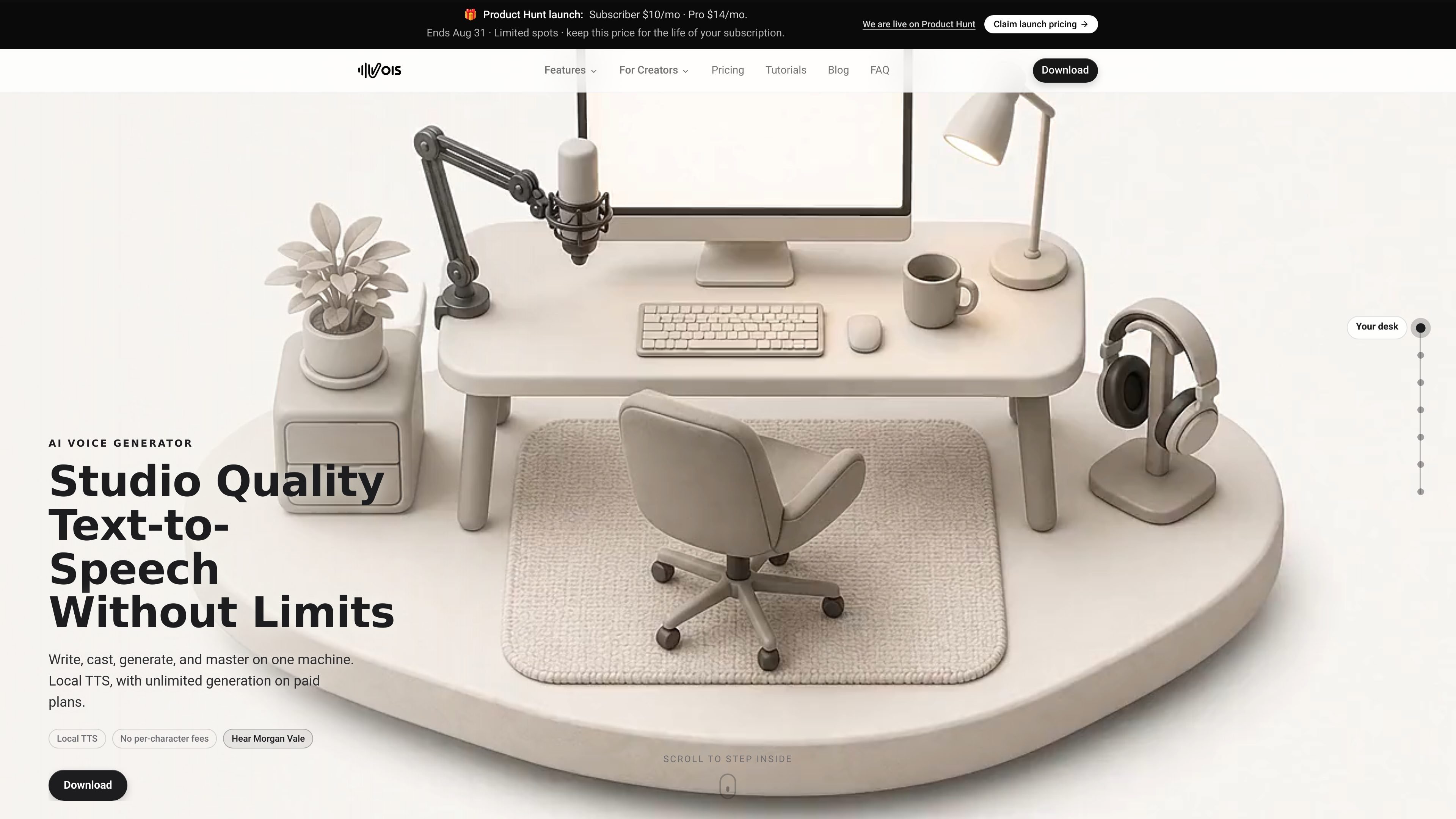
Vois is a local AI voice generator studio for creating, editing, mastering, and exporting speech audio on Mac or Windows. Its core workflow stays on the user’s machine, with TTS and audio processing handled locally rather than through a cloud character-metered service.
The product is positioned for podcast, audiobook, video, game, and documentation workflows where creators want unlimited generation on paid plans, reusable voice cloning from permitted samples, and built-in export presets for common publishing platforms. The pricing page lists a 7-day free trial, a Subscriber plan, and a Pro plan with Omni, Voice Design, and broader language support.
Generate speech, edit scripts, manage multi-speaker timelines, and master audio on your own machine rather than sending content to a cloud TTS pipeline.
Vois includes more than 100 voices across 21 categories, with built-in voices for narrators, podcasts, characters, and expressive reads.
Create a reusable custom voice from a short permitted sample, with the source page describing 10 to 15 seconds of audio you own or are allowed to clone.
Use platform presets and mastering tools to prepare audio for ACX, Spotify, Apple Podcasts, YouTube, Google Play Books, Kobo, and Findaway Voices.
The Pro plan adds Omni, Voice Design, and support for 646 languages, while the standard plan centers on the local studio and unlimited generation.
The pricing page lists CLI access for automation, and the home page says Vois can connect with Claude, ChatGPT, Gemini, or other AI agents to run the studio.
Draft narration, revise scripts, and regenerate lines without paying per character each time you make an edit.
Build multi-speaker episodes, apply mastering, and export with loudness presets for Spotify and Apple Podcasts.
Generate voiceovers, then export mastered audio that can be dropped into a video editing workflow.
Create recurring voices for characters or NPCs and re-render only the lines that change as the script evolves.
Handle confidential scripts or reference audio locally when the content should stay on the user’s device during production.
Vois installs as a local voice studio for Mac or Windows and runs TTS, editing, mastering, and export on your machine. The source says internet is still required for setup, model downloads, activation, and periodic license validation.
The site says Vois uses local processing instead of per-character pricing. Subscriber includes unlimited generation, and Pro adds Omni plus Voice Design. The pricing page also mentions a 7-day free trial with no card required.
Vois can export mastered audio with presets for Spotify, Apple Podcasts, YouTube, Google Play Books, Kobo, ACX, and Findaway Voices. It also supports WAV, MP3, FLAC, and AAC export.
The feature pages describe voice cloning from 10 to 15 seconds of audio you own or have permission to clone. The generated voice profile is stored locally on your device by default.
The pages mention the product is meant for individual creators and team workflows such as podcasts, audiobooks, video, game dialogue, and documentary production. The source does not provide a separate team or enterprise plan on the pages reviewed.

CAMB.AI Streams dubs live audio in multiple languages in real time for broadcasts on platforms like YouTube, Twitch, and X. It plugs into existing live workflows using common streaming protocols and avoids a post-production step.

Kits AI is an AI music production platform for voice cloning, vocal generation, and vocal processing. It offers a Free plan, paid tiers, and a Windows desktop app for producers and creators working with studio-style audio workflows.

蓝藻AI是一款在线AI配音与语音合成产品,可将文字转成语音,并支持自助声音克隆。页面信息显示它面向短视频、有声书等需要配音的内容场景。

Noiz AI is an AI text-to-speech, voice cloning, and voice design tool for creating lifelike speech from text. It also lets users shape voice delivery, including emotion, within the same workflow.

Official HeyGen API documentation for building AI avatar videos, translations, lipsync, and interactive video-agent sessions. It supports direct API use plus MCP and CLI-style workflows for developers and AI agents.

Talkpal is an AI-powered language learning web and mobile app for practicing speaking, listening, writing, and pronunciation. It offers guided courses, roleplays, and call-style conversation practice across 130+ languages.