
Page understanding
Read articles, docs, dashboards, and forms from the current page and get answers based on what is already visible in the browser.

WebBrain is a free, open-source AI browser extension for Chrome, Edge, and Firefox that helps users read, extract, and automate web pages. It supports local and cloud LLMs, multilingual UI, and a read-only Ask Mode alongside an action-oriented Act Mode.
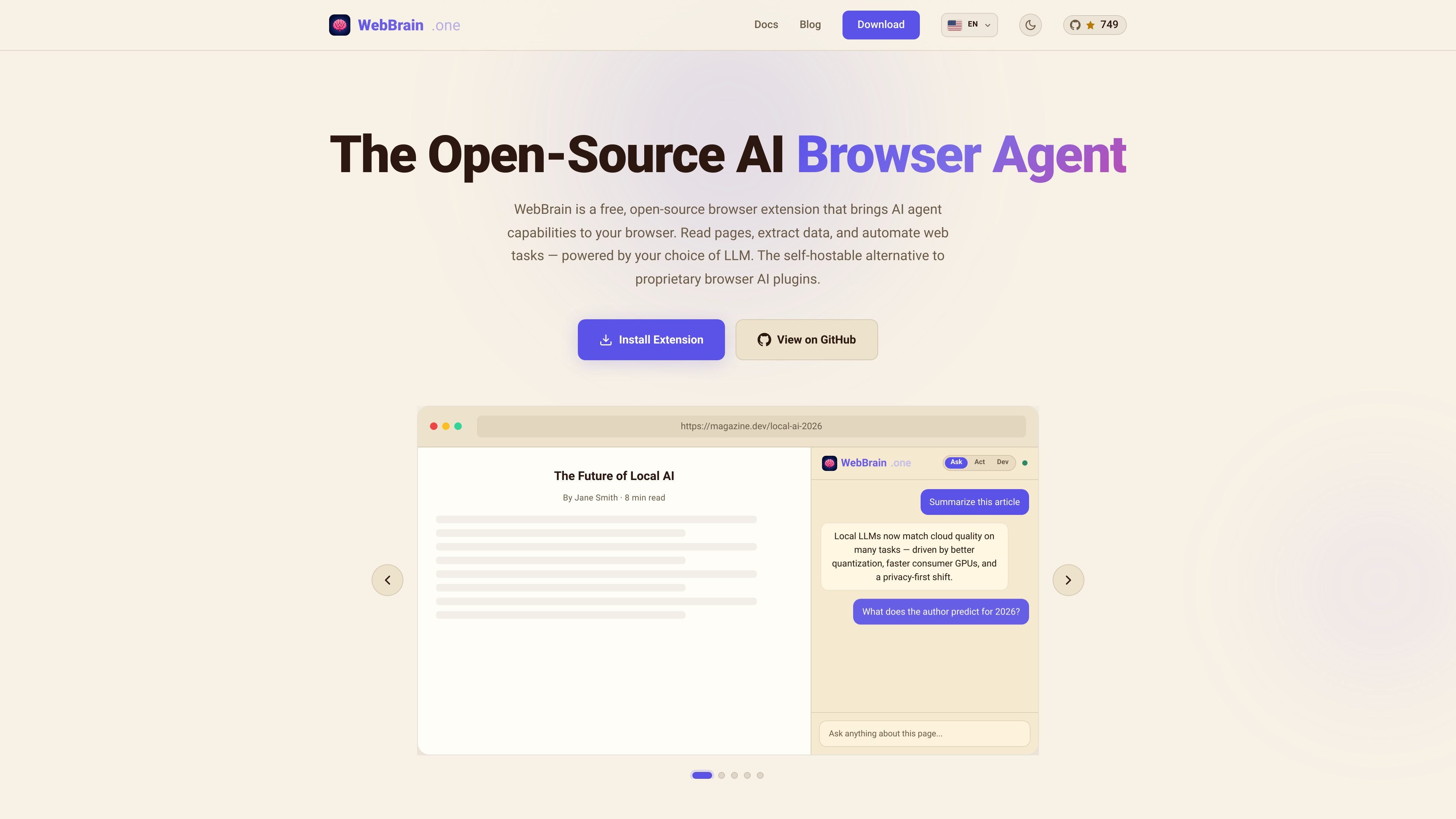
WebBrain is a free, open-source AI browser extension for Chrome, Edge, and Firefox that lets you read, extract, and automate web pages from a sidebar inside the browser. It is presented as a self-hostable alternative to proprietary browser AI plugins, including Claude’s browser plugin.
The product is built around two modes: Ask Mode for read-only questions, summaries, and extraction from the current page, and Act Mode for browser actions such as clicking, typing, scrolling, navigating, and running scripts. The site emphasizes control and safety by default, including prompt-injection defenses, stricter handling for sensitive fields, and confirmation before consequential actions.
WebBrain supports multiple LLM providers, including local and cloud options, so users can choose a model that fits their privacy, latency, or cost needs. The site also highlights multilingual UI support and documentation for using WebBrain with MCP, extending it into a tool that can fit both individual browsing tasks and more structured automation workflows.
Read articles, docs, dashboards, and forms from the current page and get answers based on what is already visible in the browser.
Use natural-language instructions to click, type, scroll, navigate, and interact with pages. The extension asks before consequential actions, and Ask Mode stays read-only by default.
Extract structured data from tables, lists, links, forms, and PDFs, with examples on the site showing product catalogs and search results being captured into usable output.
Connect to local or cloud models through llama.cpp, OpenAI, Claude, OpenRouter, Ollama, LM Studio, vLLM, Grok, Gemini, DeepSeek, or Mistral, and switch providers from extension settings.
Use English, Español, Français, Türkçe, or 中文, with automatic language detection on first use and manual switching from the sidebar.
Run with a local model for reduced data exposure. The site also notes token-conscious screenshots, automatic context trimming, and optional profile autofill stored locally in the browser.
Ask questions about a news article, documentation page, or dashboard and get answers based on the page content without leaving the browser.
Pull product names, prices, links, or form fields from tables and lists, including pages and PDFs that need structured extraction.
Fill out multi-step forms and other repetitive browser tasks by instructing the agent to click, type, scroll, and navigate for you.
Use a local model when you want the browser agent to stay offline, or connect a hosted provider when convenience or stronger model quality matters more.
Use the extension in supported languages and pair it with MCP-based workflows when you want browser actions to fit into a larger toolchain.
WebBrain is available as a browser extension for Chrome, Edge, and Firefox. The site says it also works with Brave, Opera, Vivaldi, and other Chromium-compatible browsers.
It starts in Ask Mode, which is read-only. In that mode you can ask questions about the current page, extract information, and summarize content without changing the page.
Act Mode gives the agent full browser actions: clicking, typing, scrolling, navigating, and running scripts to complete multi-step workflows.
The site says WebBrain works with local llama.cpp and OpenAI, Claude, and OpenRouter, and it also lists Ollama, LM Studio, vLLM, Grok, Gemini, DeepSeek, and Mistral as supported provider options.
Yes. The site describes WebBrain as free, open-source, and self-hostable, with no telemetry, no tracking, and no accounts required.

Macuse is a macOS app that lets AI assistants control native Mac apps through MCP and use Computer Use for any app. It works with clients like Claude Desktop, Cursor, and Raycast, and keeps automation on-device.

Goldfish is an AI memory app for macOS that helps you reply, write, summarize, and continue using the context already on your Mac. It stores memory locally and writes in your tone.

Lasso is an ecommerce product data platform for enriching catalog records, processing supplier files, generating product content, and monitoring competitors. It combines a web app with a REST API, SDK, and MCP server for teams and developers.

ArtDeck is a visual reference board app for iPhone, iPad, and Mac that lets artists collect mixed reference material on one canvas and study it with ToolBox lenses. It works offline, supports optional iCloud sync, and is sold as a one-time purchase with no account required.

Biji é uma plataforma versátil projetada para aumentar a produtividade por meio de ferramentas e recursos inovadores.

Malyatko is a baby tracker for logging feeding, sleep, growth, teething, and milestones in one app. It works on iPhone, Apple Watch, and widgets, with no sign-up, offline use, and family sharing through iCloud.