
Persona setup from your background
Upload a CV, answer a few questions, and chat with Wobo to create the profile it uses for matching and applications.

Wobo is an AI job search and application tool that matches job seekers to roles and applies on their behalf. It scans jobs, tailors applications, and submits them directly on company websites.
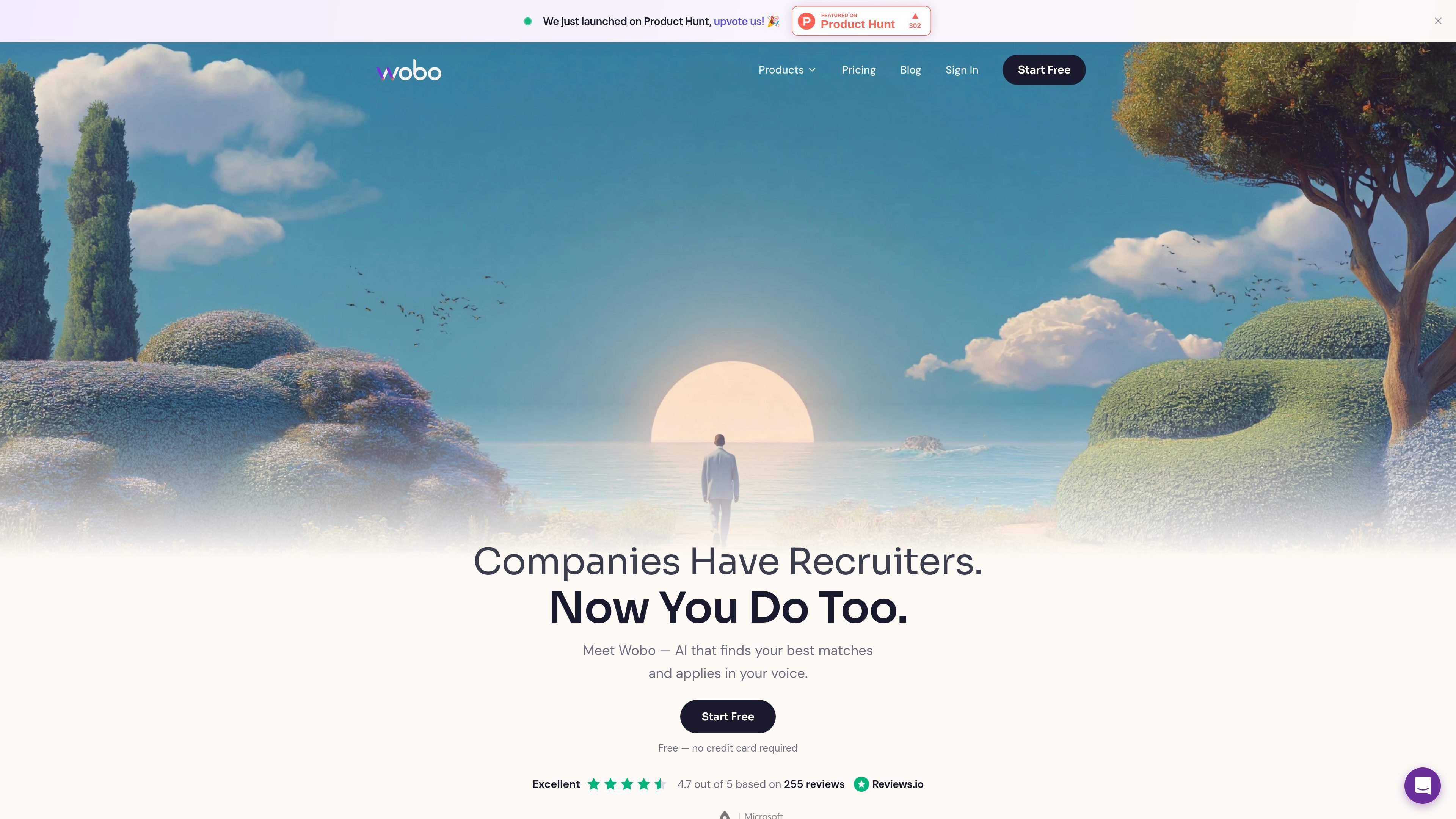
Wobo is an AI job search tool that helps job seekers find roles and apply to them with less manual work. It asks for your CV and a few profile details, builds a Wobo Persona, and then scans the market for jobs that match that profile.
The product combines job discovery, matching, and application automation. According to the site, Wobo scans millions of jobs, checks company signals before adding roles to the feed, and submits applications directly on company websites with resumes, cover letters, and screening answers tailored to the role and written in your voice.
Upload a CV, answer a few questions, and chat with Wobo to create the profile it uses for matching and applications.
Wobo scans the market daily and checks company career pages rather than relying only on aggregated job boards, with 3M+ jobs scanned and pre-vetting before jobs reach your feed.
Each role is scored against your persona using skills, experience, seniority, and fit signals so you can review match strength before applying.
For matched roles, Wobo fills forms, answers screening questions, tailors your resume, writes cover letters, and submits applications on company websites.
The application copy is generated to reflect your persona and writing style, with answers and cover letters presented as written in your voice.
The dashboard shows submitted applications, Wobo-generated answers, and tailored documents, and it supports feedback so the persona can improve over time.
Use Wobo to turn a CV and a short profile setup into a working job-search persona that the system can use for matching and applications.
Use the product to scan for roles that fit your experience, then review the match score and only move forward on stronger opportunities.
Use Wobo when you want application materials adjusted to each posting, including resume changes, cover letters, and written answers.
Use the dashboard to see what was submitted, what Wobo answered, and which applications are progressing, instead of tracking everything in spreadsheets.
Use the blacklist and queue controls to avoid companies you do not want to target and remove jobs that are not a fit.
Wobo starts applying for jobs after your Wobo Persona is set up, which the source says happens instantly from the Persona tab. Applications typically begin within a day or two after the profile is completed.
Yes. The FAQ says you can blacklist companies from the Account section of your dashboard so Wobo excludes them from your job queue.
Wobo applies directly on company websites rather than using Easy Apply options.
The source says Wobo scans the job market daily and may surface some less relevant matches at first, but you can remove jobs from your queue and the system learns from feedback over time.
Free users get up to 5 applications per day. Paid plans include unlimited applications.

HiringPartner.ai is an autonomous AI recruiting platform for sourcing, screening, and interviewing candidates 24/7. It supports ATS-connected workflows, bulk resume uploads, and reviewable interview outputs for hiring teams.

Elvixs é uma ferramenta de outreach de emprego com IA para recém-formados e estudantes, que encontra contatos de recrutamento, escreve cold emails personalizados e envia pelo Gmail.

Badge is a professional reputation tool that collects anonymous peer reviews and turns them into a Trust Score. It helps job seekers, freelancers, and other candidates present proof of work to recruiters.

ResumizeAI is an AI job-search tool that helps applicants tailor resumes, check ATS-style resume quality, write cover letters, build public portfolios, and practice interviews. It works through the web app and a browser extension for supported job boards.

OfferTrail is a job application tracker that helps job seekers organize applications, interviews, documents, and next steps in one private workspace. It also supports automatic tracking from forwarded Gmail job-search emails on Pro.

CVComp is an ATS resume scanner and resume builder that helps job seekers check keyword fit, fix formatting issues, and export updated resumes. It supports job-specific matching, live editing, and PDF or DOCX output.