
Action-to-draft workflow
Turns each action identified in a meeting transcript into a draft such as a recap email, chat message, calendar invite, CRM note, or document update.

Afterparty turns meeting transcripts and action items into reviewable drafts for email, chat, calendars, CRM systems, documents, and project tools. It helps individuals and teams handle post-meeting follow-up while keeping approval of every outbound action with the user.
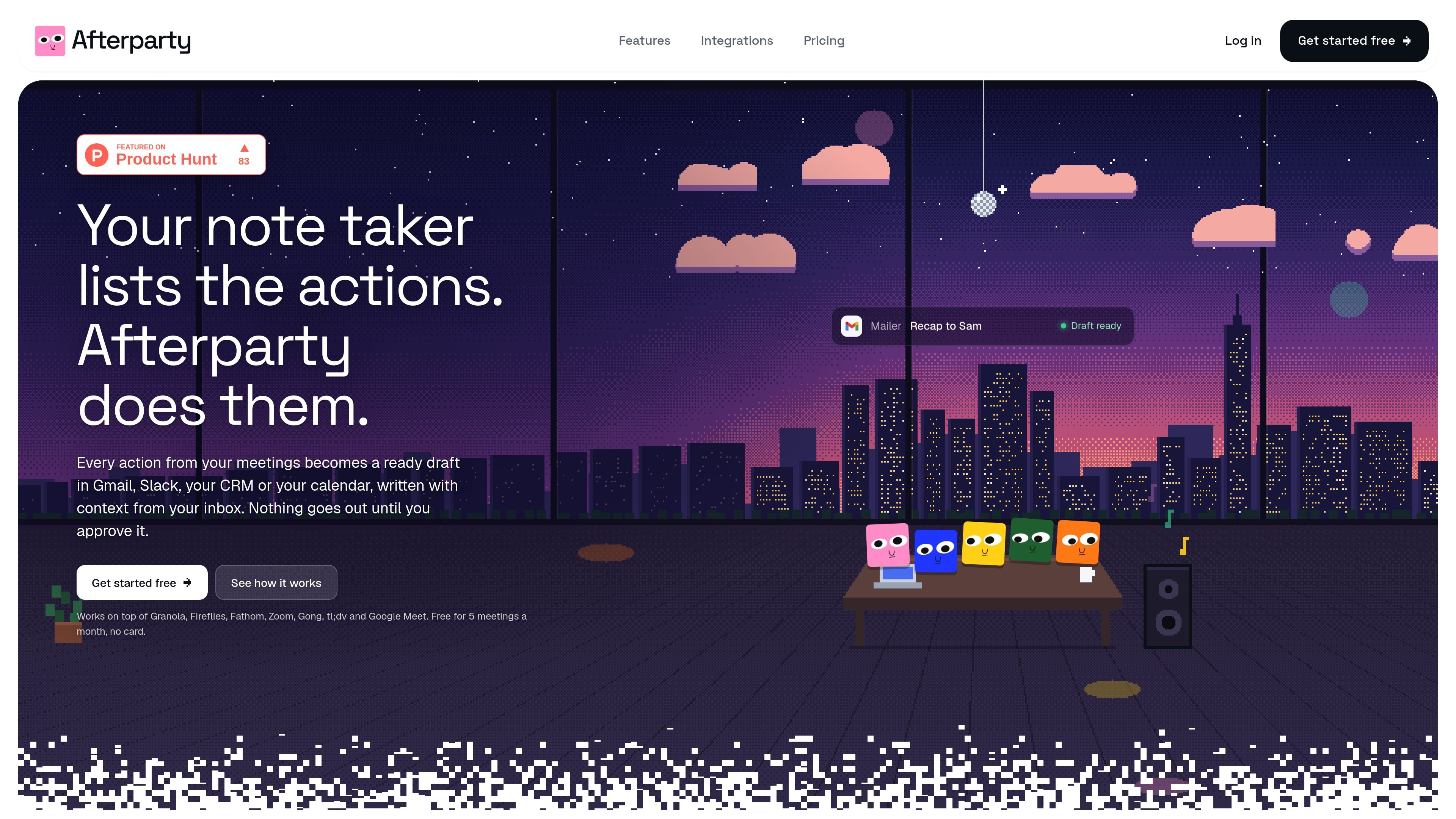
Afterparty is an AI meeting follow-up tool that turns action items from meeting transcripts into ready-to-review drafts. It works alongside meeting recorders such as Granola, Fireflies, Fathom, Zoom, tl;dv, Google Meet, and Gong, or accepts a pasted or uploaded transcript.
The product uses relevant context from connected email, calendar, chat, CRM, document, and project tools to prepare follow-up work in the appropriate app. Its approval inbox keeps the user in control: drafts can be edited, approved, or dismissed, and nothing is sent, posted, or changed without a user click.
Turns each action identified in a meeting transcript into a draft such as a recap email, chat message, calendar invite, CRM note, or document update.
Uses relevant email threads, calendar details, Slack or Teams context, CRM records, and other connected app data to address drafts appropriately.
Collects drafts in an approval inbox where you can review, edit, request changes, approve, or dismiss each item before anything is sent or updated.
Accepts pasted transcripts and TXT, VTT, or SRT uploads, or can automatically import recordings from supported meeting tools after they finish.
Stores editable memory and supports standing instructions for different types of drafts; paid plans can learn from approved edits and use user-defined instructions.
Connects with email, calendar, CRM, chat, document, and project tools, with the available destinations depending on the plan.
After a sales or partnership call, turn commitments into a client recap, proposal follow-up, next-meeting invite, and CRM note for the relevant contact or deal.
Convert decisions from an internal meeting into a Slack or Teams update, a task or tracker entry, and a calendar block for the next working session.
Use recent email and calendar context to draft a reply in the appropriate thread, identify the right recipient, and preserve details such as dates, owners, and agreed deliverables.
Review a queue of drafts after several meetings, approving only the actions that are accurate while editing or dismissing the rest from one approval inbox.
Afterparty works with Granola, Fireflies, Fathom, Zoom, tl;dv, Google Meet, and Gong. You can also paste a transcript or upload a TXT, VTT, or SRT file.
It creates drafts for recap emails, Slack or Teams messages, calendar invites, CRM notes, documents, and project trackers, depending on the connected apps and plan. On Free, outputs beyond email and calendar can be copied manually; paid plans support sending them to connected apps.
No. Afterparty does not send, post, or change anything automatically. Each draft appears in an approval inbox, where you can approve, edit, request changes, or dismiss it. Email approval places a draft in Gmail or Outlook, and you still press Send.
Afterparty reads only the connected information needed for a draft, such as relevant email threads, nearby calendar details, or a CRM contact. The site says meetings, drafts, and app data are not used to train AI models, and they can be deleted with the account.
The Free plan supports five meetings per month and drafts for email and calendar. Pro costs $29 per month or $290 per year, and Max costs $79 per month or $790 per year. Pro supports 20 meetings per month, while Max supports 60; prices are in USD and tax may be added at checkout.

Liam is an AI copilot for managing inboxes, writing replies, prioritizing email, and scheduling meetings. It is offered free for individuals, with custom pricing for teams and enterprise.

Dirac is an AI email assistant that prepares a morning brief, prioritizes important threads, and drafts replies in your voice. It is positioned for founders and other busy professionals who use Gmail and want to reduce morning inbox triage.

Goldfish is an AI memory app for macOS that helps you reply, write, summarize, and continue using the context already on your Mac. It stores memory locally and writes in your tone.

MeetStream is a meeting bot API for Zoom, Google Meet, Microsoft Teams, and Webex. It helps developers record, stream, and analyze meetings programmatically, with usage-based pricing and a $5 free credit to start.

ArtDeck is a visual reference board app for iPhone, iPad, and Mac that lets artists collect mixed reference material on one canvas and study it with ToolBox lenses. It works offline, supports optional iCloud sync, and is sold as a one-time purchase with no account required.

Biji - это универсальная платформа, разработанная для повышения продуктивности с помощью инновационных инструментов и функций.