
Always-on Mac agent
Agibot remains active in the Mac menu bar after its window is closed and can launch when the user logs in.

Agibot is a personal AI agent for Mac that runs from the menu bar, supports web browsing and scheduled routines, and keeps editable long-term memory. It can be used through the Mac app, Telegram, or Slack, with approval controls for tool actions.
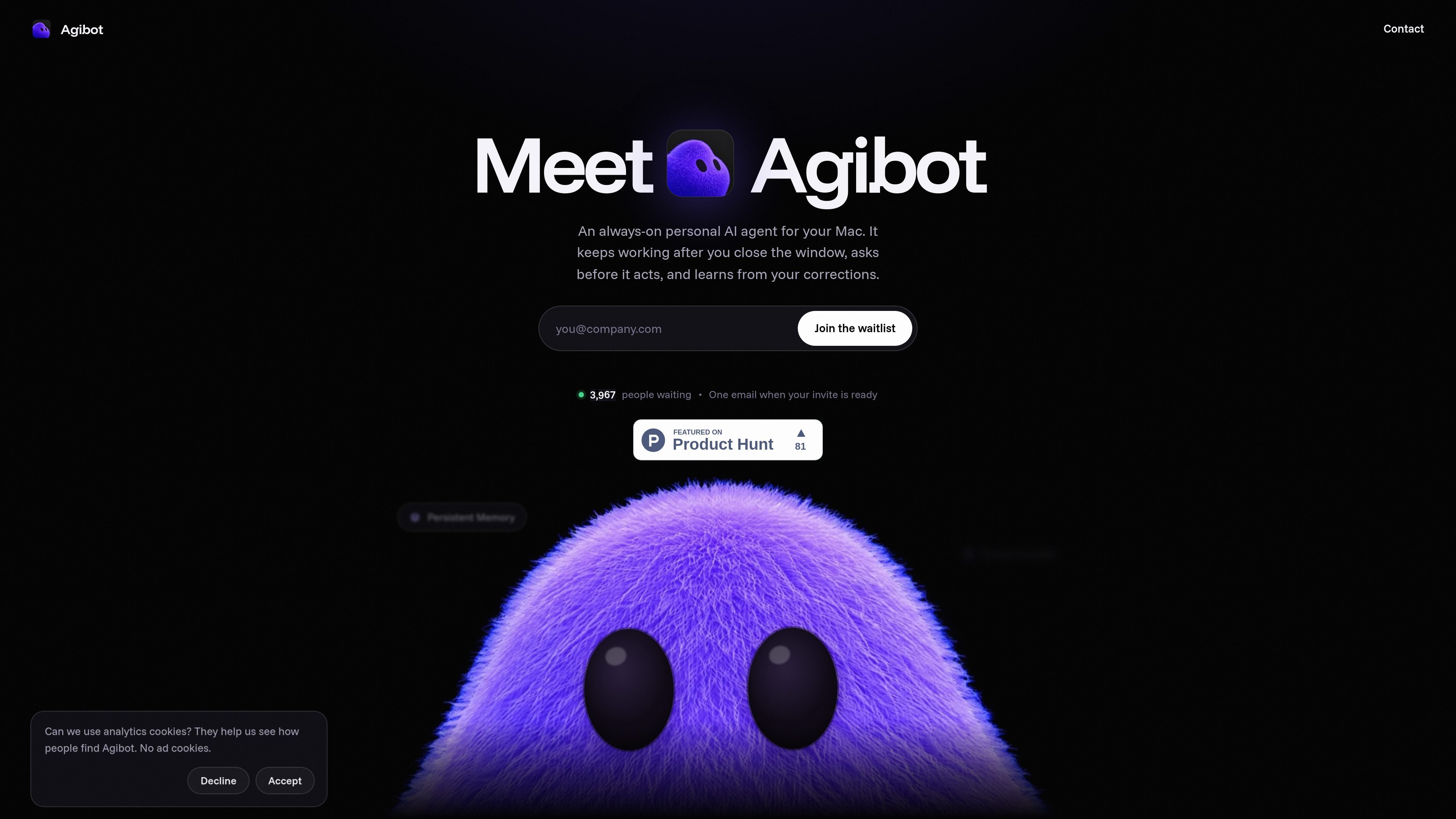
Agibot is a personal AI agent for Mac designed to continue working beyond an open chat window. It runs from the menu bar, can start at login, and combines conversational interaction with web browsing, tool use, scheduled routines, and persistent memory.
The product is intended for users who want an assistant that can handle recurring or follow-up tasks while retaining user-editable context. Agibot is available through its Mac app as well as Telegram and Slack, and it requests approval for several actions before carrying them out.
Agibot remains active in the Mac menu bar after its window is closed and can launch when the user logs in.
Users can interact with Agibot in its Mac app, through Telegram, or through Slack.
The agent can browse the web, use tools, and run routines on a schedule. Routine results can be sent to the desktop, Telegram, or Slack.
Long-term memories and skills are stored locally and can be read, edited, or deleted by the user.
Each tool can be set to allow, ask, or block. File writing, web fetching, memory deletion, and scheduling require approval by default.
The product supports major hosted model providers, local models through Ollama, OpenAI-compatible endpoints, and sign-in with ChatGPT or Google.
Set recurring routines to run without keeping the main Agibot window open, then receive results on the desktop, Telegram, or Slack.
Ask Agibot to investigate a topic or retrieve information from web pages, with web-fetching actions subject to the product’s approval controls.
Continue a task from a preferred communication surface by using the Mac app for direct interaction or Telegram and Slack for remote prompts and results.
Keep durable instructions or context in editable memories and skills, then review, change, or remove that information as needed.
Agibot is a personal AI agent for Mac. It can be used in the app, on Telegram, or on Slack, and can browse the web, run scheduled routines, use tools, and maintain editable long-term memory.
Yes. Closing the window leaves Agibot running in the Mac menu bar. It can also start when you log in, and scheduled routines continue running and can send results to the desktop, Telegram, or Slack.
Yes. Tools can be configured to allow, ask, or block. Writing files, fetching web pages, deleting memories, and scheduling ask for approval by default. Shell commands remain disabled until enabled, always require approval, and run in a macOS sandbox without network access.
Agibot supports API keys from Anthropic, OpenAI, Google Gemini, xAI, OpenRouter, Groq, DeepSeek, and Mistral. It also supports local models through Ollama, OpenAI-compatible endpoints, and sign-in with ChatGPT or Google.
Conversations, memories, and skills are stored in a local database on the Mac, while provider keys are encrypted with the macOS keychain. Messages are sent to the model provider selected by the user.

ConscioussAI is an AI assistant for macOS, Windows, iOS, and Android that helps execute tasks across apps, files, the browser, and messages. It is aimed at people who want permission-based help on both desktop and mobile.

Asmi is an AI personal assistant that handles chores over phone calls, iMessage, and WhatsApp. It helps users book services, follow up on tasks, and keep context across conversations.

Lasso is an ecommerce product data platform for enriching catalog records, processing supplier files, generating product content, and monitoring competitors. It combines a web app with a REST API, SDK, and MCP server for teams and developers.

Malyatko is a baby tracker for logging feeding, sleep, growth, teething, and milestones in one app. It works on iPhone, Apple Watch, and widgets, with no sign-up, offline use, and family sharing through iCloud.

Gemma AI is a phone call reminder app that calls you with scheduled reminders instead of push notifications. It helps people who want a more direct way to stay on schedule, with Google Calendar sync and conversational call interactions.

Botacts is a web directory for finding AI bots and agents you can contact by phone, email, SMS, WhatsApp, Telegram, or Signal. It also lets creators suggest bots for manual review before publication.