
AI site intelligence
Atlas AI reads planning portals, policy documents, and environmental data to surface site constraints such as flood risk, planning history, listed buildings, and conservation areas before concept work starts.

Atlasly is an AI site analysis and feasibility tool for architects, real estate developers, and urban planners. It helps users assess planning constraints, walkability, and urban context in a web app or through MCP-connected AI assistants.
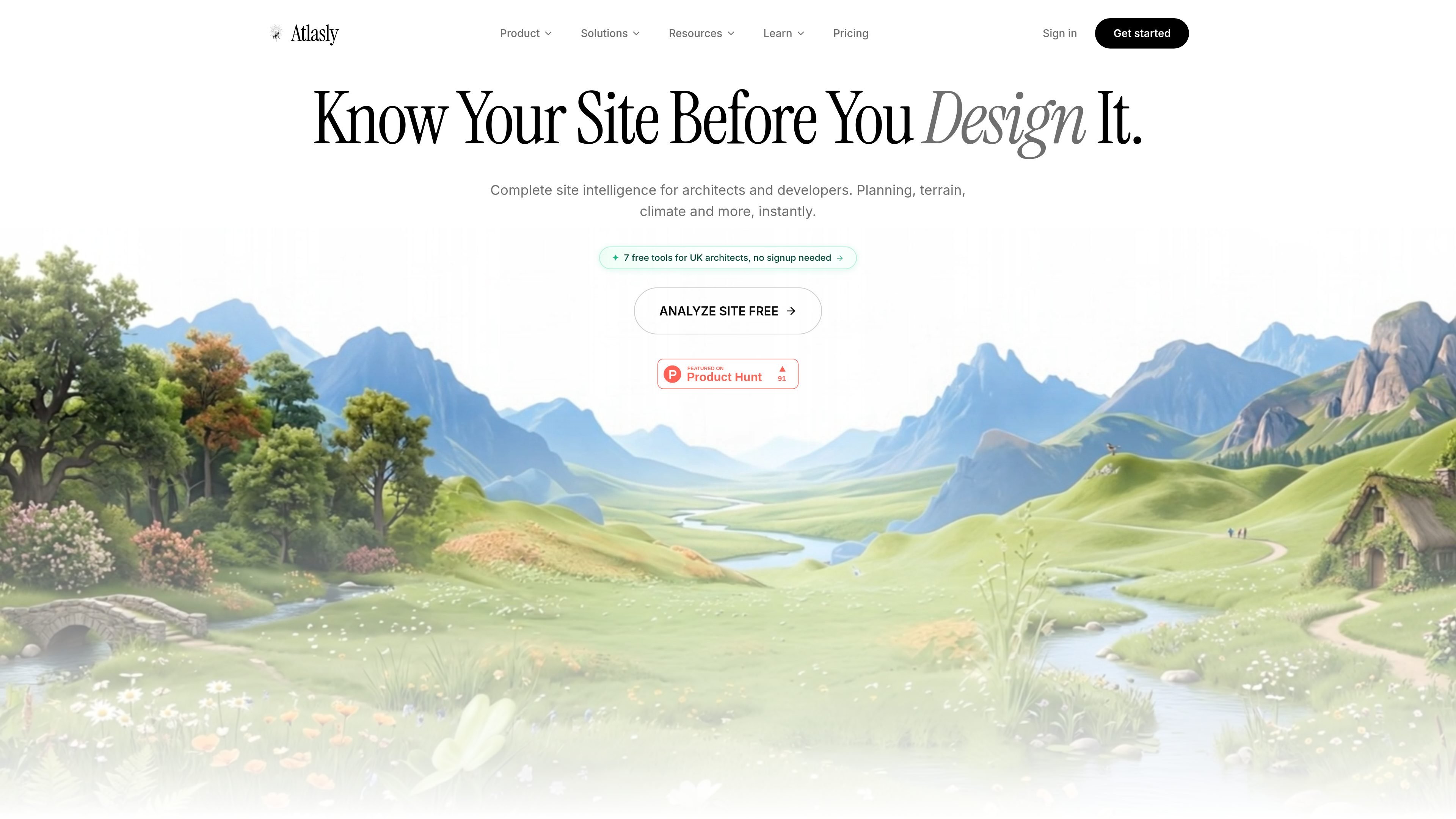
Atlasly is an AI site analysis and feasibility tool for architects and related built-environment teams. Its public site describes a workflow that automates architectural due diligence, 15-minute city analysis, and 3D urban context modeling for real estate developers and urban planners.
The product combines planning intelligence, walkability analysis, and agentic chat so users can ask about a plot, review constraints, and generate reports or exportable site data. The site also positions Atlasly as usable inside Claude, ChatGPT, Perplexity, or any MCP-compatible AI, alongside a web app and paid export workflows.
Atlas AI reads planning portals, policy documents, and environmental data to surface site constraints such as flood risk, planning history, listed buildings, and conservation areas before concept work starts.
The 15-Minute City Agent turns location data into researched outputs with walkability scores, amenity coverage, and report-ready summaries for planning discussions.
Atlasly compares zoning, terrain, and planning standards to generate engineering-style answers, diagrams, and inline calculations for early feasibility checks.
The site highlights map-based layers for constraints including listed buildings, conservation areas, flood risk, and other context that matters during early due diligence.
Atlasly connects to Claude, ChatGPT, Perplexity, and other MCP-compatible clients through a public MCP endpoint, so users can query site data inside their existing chat workflow.
Professional and higher plans add CAD, BIM, and GIS export workflows, including formats such as DXF, DWG, SKP, GLB, IFC, GeoJSON, Shapefile, and SVG.
Use Atlasly at the start of a project to check flood risk, planning history, conservation areas, and other constraints before investing time in concept design.
Run 15-minute city analysis when evaluating mixed-use or transit-oriented locations, with weighted amenities, persona presets, and side-by-side comparisons.
Ask Atlasly questions inside Claude, ChatGPT, or another MCP-compatible assistant when you want site intelligence without leaving your chat workflow.
Use the Professional plan’s export formats to move site data into CAD, BIM, GIS, or design tools for follow-on work and presentation.
Use the Teams plan when multiple people need shared project collections, comments, version history, and onboarding support across several projects.
Atlasly provides a free Starter plan for use inside Claude or ChatGPT, plus paid Professional, Teams, and custom Enterprise plans. The pricing page says the free plan includes 5 web-app site analyses per month and unlimited MCP access, while paid plans add CAD/BIM exports, API calls, and team features.
Yes. The pricing page says Atlasly can be used inside Claude, ChatGPT, Perplexity, or any MCP-compatible AI by pasting the Atlasly MCP link. Free Starter users get unlimited MCP access, while CAD export tools through MCP require Professional.
Atlasly’s source pages show PDF and PNG exports on the Starter plan. Professional adds georeferenced CAD/BIM and GIS formats including DXF, DWG, SKP, GLB, IFC, OBJ, KMZ, GeoJSON, Shapefile, and SVG.
The site describes Atlasly as a tool for architectural due diligence, 15-minute city analysis, and 3D urban context modeling. It is presented for architects, real estate developers, and urban planners, with planning intelligence, walkability analysis, and site-report workflows.
The pricing page states that monthly plans can be canceled any time from Settings. Annual plans are listed as 30% cheaper and refundable pro-rata within 14 days.

Hype is a web tool for finding trending YouTube topics by category, time range, and scoring mode. It helps creators spot emerging ideas, inspect source videos, and decide what to cover next.

Paperpal 是一款面向学术写作的 AI 工具,提供文献阅读、语言润色、引用、查重、AI 检测和投稿前检查。它适合需要在英文论文和学术材料上进行写作、修改与合规自检的学生、研究人员和教师。

AakarDev AI helps teams manage AI provider access, project-level setups, logs, and analytics from one dashboard. It supports BYOK workflows and lists providers including OpenAI, Google Gemini, Anthropic, Groq, Mistral AI, and Perplexity AI.

VForms lets you place questionnaires directly inside YouTube videos so viewers answer in context instead of switching to a separate form. It is aimed at collecting feedback and insights through timestamped, embeddable video forms.

BookAI позволяет вам общаться с вашими книгами, просто предоставив название и автора.

DeepMotion is a web-based AI motion capture and 3D animation platform with Animate 3D for video-to-animation and SayMotion for text-to-animation. It helps creators and teams generate motion in a browser and export results in common production formats.