
Native import and parsing
Import from local files or SFTP, choose delimiter, header row, skipped rows, and encoding, then preview the parsed table before committing it to the project.

Autoplot is a native Mac workspace for importing tabular scientific data, creating plots and analysis outputs, and exporting publication-ready figures. It is designed for students, scientists, and R&D teams that want a local-first workflow with optional hosted AI assistance.
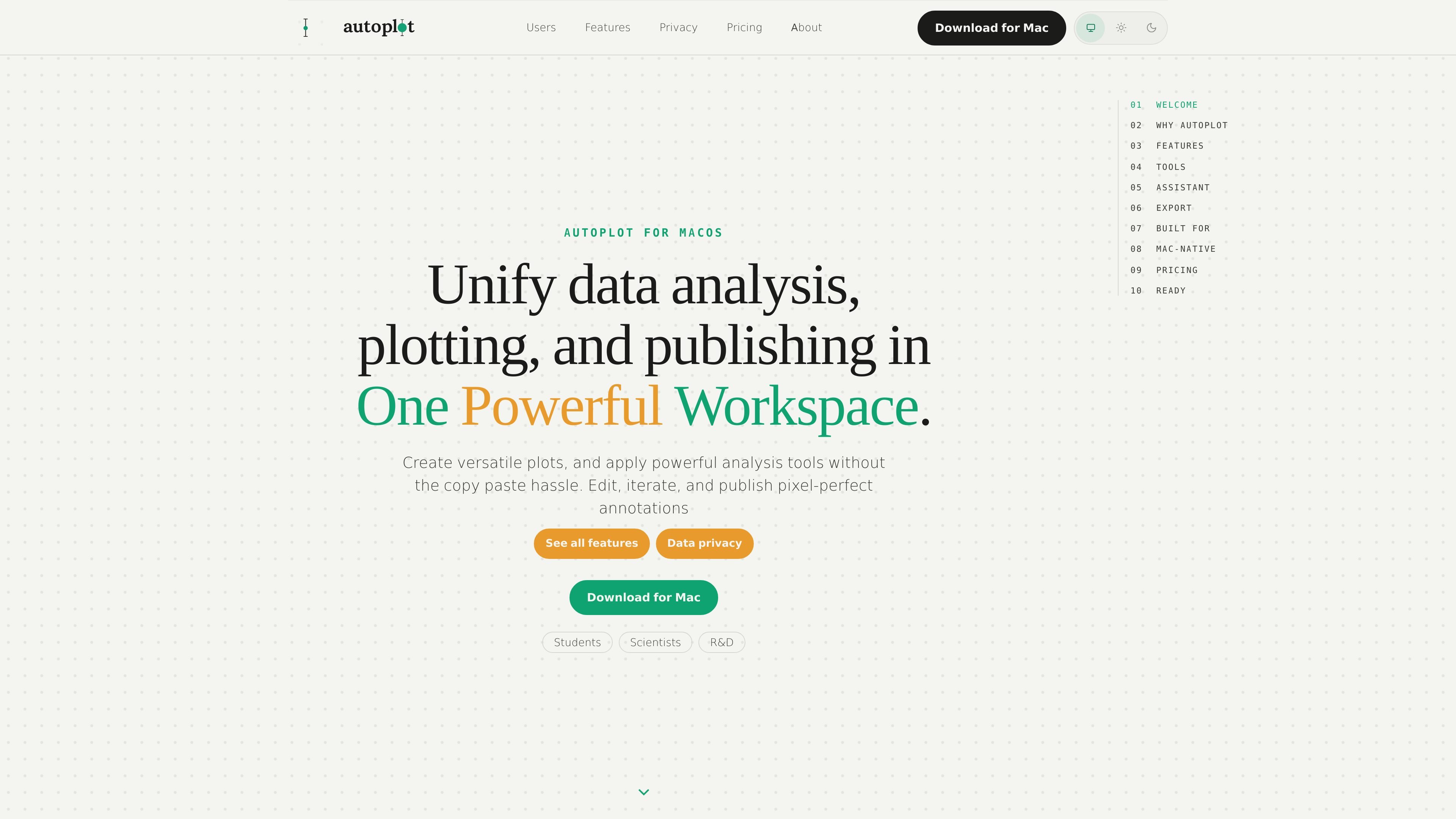
Autoplot is a native Mac scientific plotting and analysis workspace for turning tabular data into figures, fits, and reusable outputs. The product is positioned for users who want to import data, clean it, analyze it, annotate figures, and export publication-ready results without switching between a terminal, chatbot, and image editor.
The site emphasizes local-first workflows on macOS, including native file import, assistant-written Python that runs on the Mac, and analysis cards that write results back into the workspace. Autoplot is presented as suitable for students, scientists, and R&D teams that need a single place to work with scientific data while keeping raw data on disk.
Import from local files or SFTP, choose delimiter, header row, skipped rows, and encoding, then preview the parsed table before committing it to the project.
Use assistant-written Python locally to merge files, trim rows, splice variables, derive columns, filter data, or clean and impute values, with a code preview you approve before execution.
Create X&Y plots, histograms, heat maps, 3D scatter plots, 3D surface plots, 3D line plots, categorical charts, and correlation views in the same workspace.
Run pre-vetted analysis cards for log-binned PDFs, power-law and truncated fits, CCDFs, x_min diagnostics, finite-size-scaling collapse, E–S scaling, and AUC.
Treat outputs as reusable variables, then re-plot, fit again, compose multi-panel boards, or export the results without rebuilding the workflow.
Export vector PDF with embedded fonts, or output PNG and JPG at journal sizes and DPI presets; you can also export the workflow as runnable Python and Matplotlib.
A student can load a lab CSV, fit the distribution or trend, annotate the figure inside the app, and export a vector PDF for a deadline without building a separate pipeline first.
A scientist can inspect broad distributions, run log-binned or tail-focused analysis, check x_min diagnostics, and export the script-backed result for review or reuse.
An R&D team can keep the workflow local, use the assistant only when needed, and work without requiring a browser-based workspace or cloud data upload.
A user preparing a paper can layer series, fits, and annotations on one figure, then compose multiple panels into a board and export the result as a single publication figure.
Yes. The pricing page says the v1 Mac build is available as a direct download, and the Free tier is permanent rather than a trial. It includes X&Y plots, histograms with fits, PDF/log-binned/power-law analysis, vector PDF export, project save/load, and 10 hosted-AI credits per month.
Yes. The pricing page states that the local toolkit works without an internet connection. Network access is only needed for hosted assistant features, account access, the waitlist, and billing.
Yes. The pricing page says the assistant can be disabled, and doing so does not remove the non-AI toolkit.
Autoplot is a native Mac app for macOS, built for Apple Silicon according to the site. The source pages describe it as a Mac scientific workstation rather than a browser app.
The source pages describe Autoplot as suitable for students, scientists, and R&D teams. Students can move from CSV to fitted plots and vector PDF, scientists can inspect heavier analysis such as tails and diagnostics, and R&D teams can keep data local and use the toolkit offline.

Hype is a web tool for finding trending YouTube topics by category, time range, and scoring mode. It helps creators spot emerging ideas, inspect source videos, and decide what to cover next.

Radar is a self-hostable media intelligence and social listening app for monitoring public sources, analyzing mentions, and generating briefs or content outputs with optional Claude AI. It is aimed at individuals and small teams that want an enterprise-style workflow without a cloud account.

PromptScout tracks how ChatGPT, Gemini, Google AI Overviews, and Perplexity mention your brand or competitors, then pairs those results with source analysis and website audits. It helps teams decide what to fix in content, positioning, or site readiness next.

SaveMRR is a Stripe retention tool for SaaS teams that scans billing data for churn and MRR leaks, then automates recovery through dunning, cancel-save offers, win-back emails, and onboarding nudges. It is built for founders and bootstrapped teams using Stripe.

Sleek Analytics is a privacy-friendly web analytics tool with real-time visitor tracking, Core Web Vitals, and revenue attribution. It helps site owners understand traffic and conversions without cookie banners or a heavy setup.

Struere is an AI-native platform for turning spreadsheet data into structured operational software with dashboards, alerts, and automations. It is aimed at teams that want to replace manual spreadsheet workflows without building custom tools from scratch.