
Connects the systems your team already uses
Connect CRM, call recordings, email, Slack, support, docs, and related systems so customer conversations are pulled into one account-centered view.

BackEngine connects customer-facing systems into an account-based knowledge layer for AI. It helps teams ask questions, receive scheduled briefs, and work from the same context inside tools they already use.
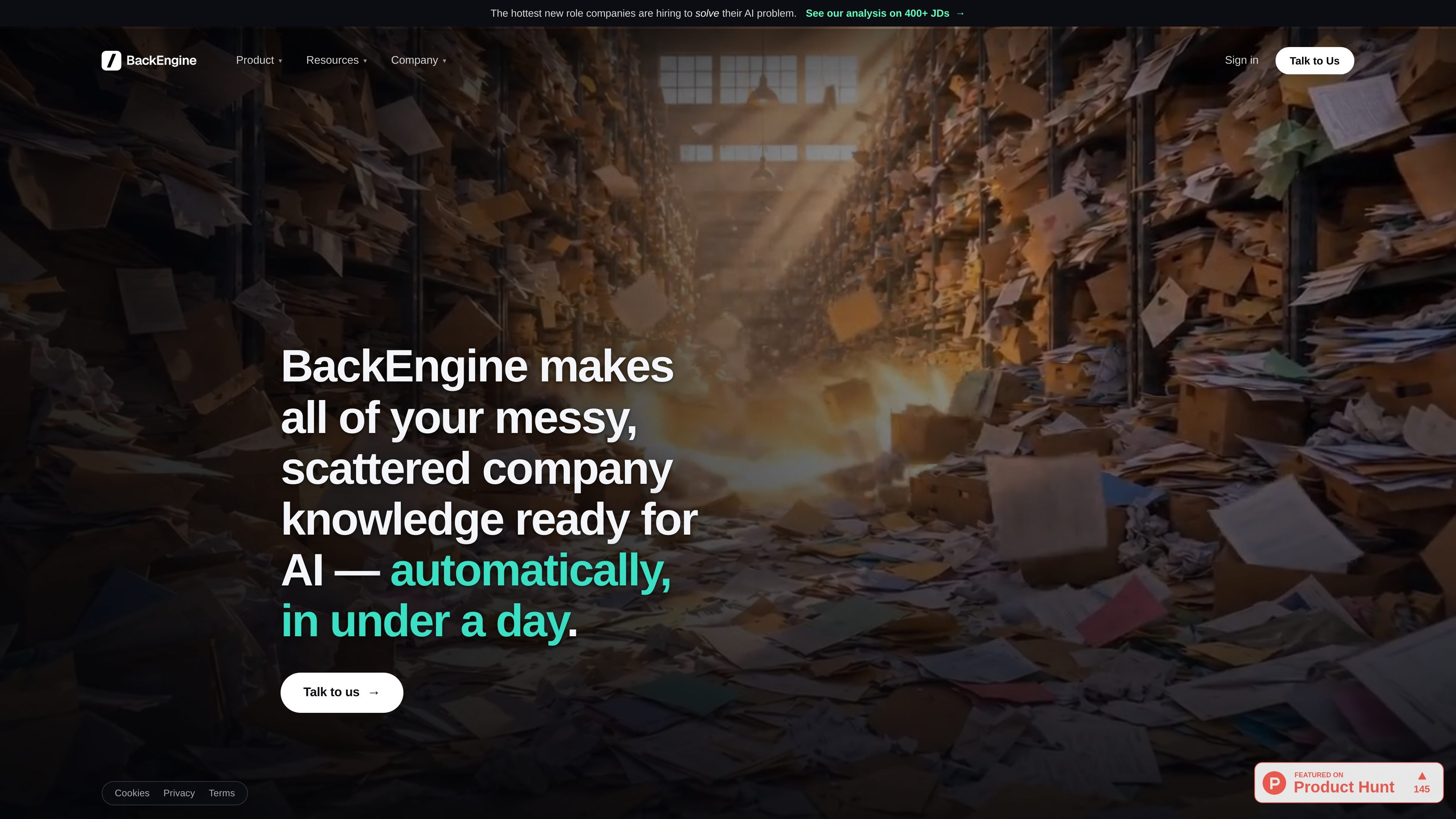
BackEngine is a system for making company knowledge ready for AI, focused on customer and prospect conversations. It connects to the tools where that information already lives, joins the data by account, and makes it available inside the AI tools your team already uses.
The product is aimed at teams that need a complete memory of each account across calls, email, Slack, tickets, CRM, and related sources. The site says it can be set up quickly, with authorization on one short call, configuration handled by BackEngine, and history backfilled so teams can start using it without rebuilding their workflow.
BackEngine also includes permission controls, scheduled outputs, and a pricing model based on tracked accounts rather than seats or agents. The result is a shared account context that can answer questions, produce alerts, and support day-to-day customer work from one organized source of truth.
Connect CRM, call recordings, email, Slack, support, docs, and related systems so customer conversations are pulled into one account-centered view.
Processes each data point and links it to related records, so the AI can retrieve organized context instead of searching raw records on demand.
Supports multiple ways to ask for context, including by speaker, topic, urgency, and account health, so teams can ask targeted questions.
Lets users invoke BackEngine inside the AI they already use with a command such as /backengine, rather than switching to a separate workspace.
Can deliver scheduled outputs such as Monday risk summaries, weekly account digests, and renewal prep briefs on a cadence.
Applies permissions so people only see the accounts and summaries they are allowed to access, with role-based control over raw detail versus summaries.
A customer success or account team can ask which accounts are at risk and get the answer from calls, tickets, email, and CRM context already joined together.
Teams can generate a Monday morning summary, weekly account digest, or renewal brief without manually assembling the sources each time.
Reps can open an AI conversation and ask about their own accounts, while permissions prevent them from seeing records outside their scope.
Operations or enablement teams can use the setup flow to connect systems once, backfill historical context, and bring the team live without migrating data into a new workspace.
Support or revenue teams can compare customer conversations across email, Slack, tickets, and calls to answer questions with consistent context rather than searching each system separately.
BackEngine connects to the tools where customer and prospect information already lives, including CRM, call recordings, email, Slack, support tickets, and product usage. It then organizes that data by account so the AI tools your team already uses can answer questions and produce scheduled summaries from a shared context.
The setup flow is described as about 15 minutes on one short authorization call. After that, BackEngine configures the system, backfills history, and says teams are getting value within a week.
BackEngine is designed to work inside the AI your team already uses. The site shows a /backengine command inside Claude, and it also describes scheduled outputs such as weekly risk summaries and renewal prep briefs.
Security and privacy claims on the site say BackEngine reads only data about customers and prospects on your account list, encrypts data at rest and in transit with per-company keys, and does not use customer data to train AI models.
The pricing page says BackEngine is priced by the accounts you track, not by seats or agents. Seats and agents are free and unlimited, and pricing is trueed up at renewal rather than changing mid-year.

garden-md is an open-source Node.js CLI that turns meeting transcripts into a local company wiki. It links entities across transcripts, keeps the original text intact, and renders the result as a browsable wiki.

Goldfish is an AI memory app for macOS that helps you reply, write, summarize, and continue using the context already on your Mac. It stores memory locally and writes in your tone.

Lasso is an ecommerce product data platform for enriching catalog records, processing supplier files, generating product content, and monitoring competitors. It combines a web app with a REST API, SDK, and MCP server for teams and developers.

ArtDeck is a visual reference board app for iPhone, iPad, and Mac that lets artists collect mixed reference material on one canvas and study it with ToolBox lenses. It works offline, supports optional iCloud sync, and is sold as a one-time purchase with no account required.

Struere is an AI-native platform for turning spreadsheet data into structured operational software with dashboards, alerts, and automations. It is aimed at teams that want to replace manual spreadsheet workflows without building custom tools from scratch.

Falconer is an AI-powered company brain that keeps internal documentation accurate, searchable, and up to date by syncing with tools like GitHub, Slack, and Linear. It helps engineering and cross-functional teams centralize knowledge and answer questions from a shared source of truth.