
Create with AI workflow
Generate presentations with AI, starting from a short prompt, detailed prompt, pasted outline, or source document. The workflow stays context-aware as you refine the deck slide by slide.

Beautiful.ai is an AI presentation platform for individuals, teams, and enterprises. It helps users create branded slide decks with Smart Slides, collaborative editing, and export options while reducing manual formatting work.
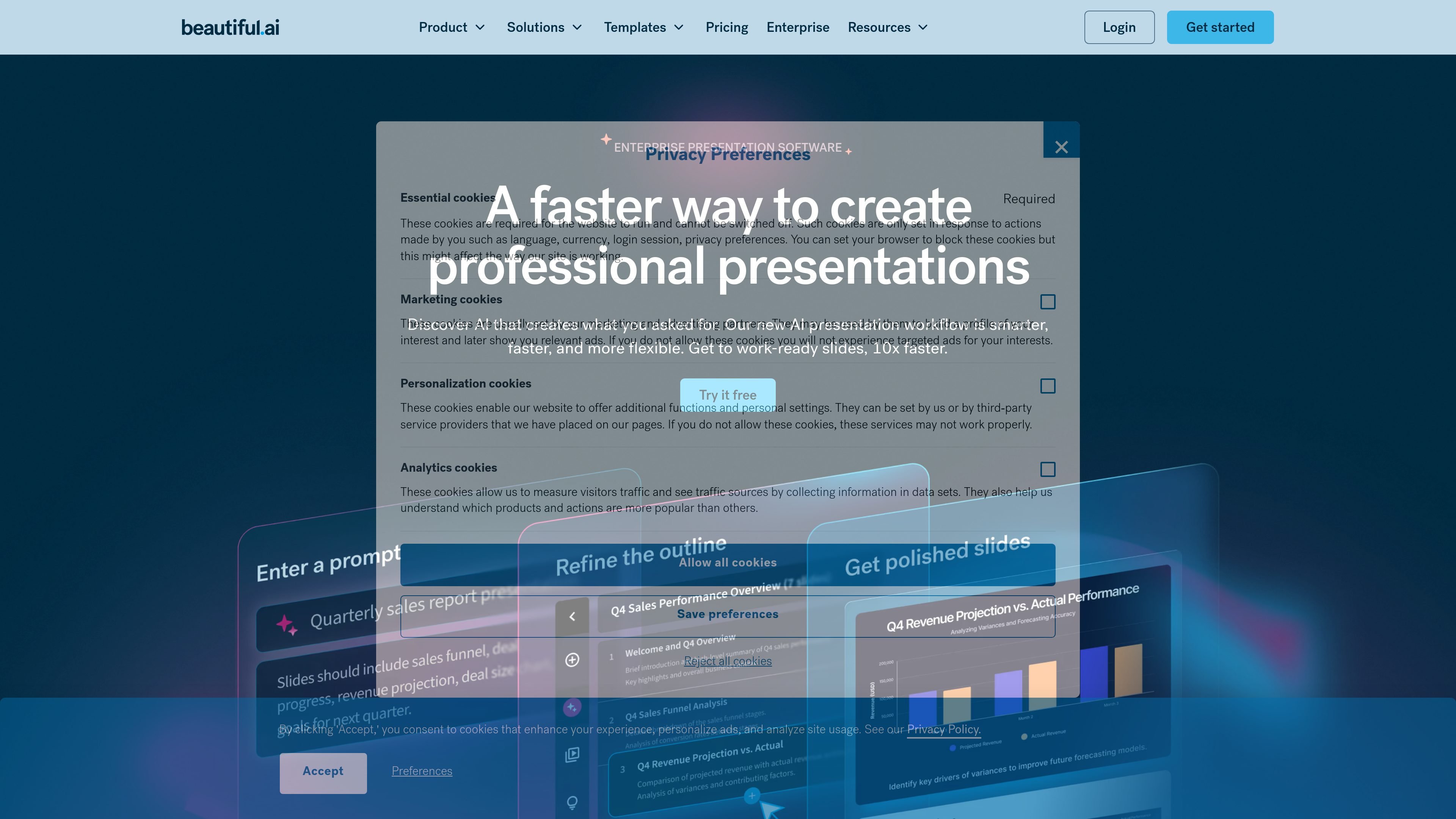
Beautiful.ai is an AI presentation platform for individuals, teams, and enterprise organizations. It helps users create polished slide decks with Smart Slides, a context-aware AI workflow, and branded templates that keep presentations consistent as they are edited and shared.
The product is built to reduce manual formatting work. Users can start from a prompt, outline, document, or theme, then generate slides that adapt layout, spacing, and visuals automatically while still supporting collaboration, analytics, sharing controls, and export options across paid plans.
Generate presentations with AI, starting from a short prompt, detailed prompt, pasted outline, or source document. The workflow stays context-aware as you refine the deck slide by slide.
Use Smart Slides to auto-align layouts, resize content, and keep spacing, text, and visuals organized as you edit. The site describes them as intelligent layouts built to reduce formatting work.
Choose from more than 300 Smart Slide layouts and slide templates for common presentation types such as data, comparisons, timelines, image grids, pitch decks, and QBRs.
Apply custom branding through themes, fonts, colors, logos, icons, and background styling. Team and Enterprise plans add shared themes, locked slides, and brand guardrails.
Collaborate in shared workspaces with real-time editing, version control, locked slides, shared asset libraries, and team-based permissions. Team plans also add engagement analytics and viewer tracking.
Export and present work in multiple ways, including PowerPoint import/export, PDF export, secure sharing, offline playback, audio narration, and data visualizations.
Build branded slide decks from a prompt, outline, document, or even a draft created in another AI tool, then refine the structure before polishing the final presentation.
Keep sales, marketing, legal, and other stakeholders aligned on one deck with shared workspaces, real-time editing, and version-controlled slides.
Standardize company presentations with themes, locked slides, shared asset libraries, and brand guardrails so repeated decks stay on brand.
Prepare decks for different presentation formats, including PDF export, PowerPoint export, secure sharing, offline playback, and browser or smartphone presentation via Webex.
Use Smart Slide templates for common business needs such as pitch decks, QBRs, marketing campaigns, lectures, comparisons, timelines, and data-heavy slides.
Beautiful.ai offers a 14-day free trial for Pro and Team features. A credit card is required to start the trial, and billing begins automatically unless you cancel before the trial ends.
Beautiful.ai offers Pro for individuals, Team plans for collaborators, Enterprise for larger organizations, and a one-off single presentation purchase for ad hoc projects.
Smart Slides are intelligent layouts that adjust spacing, text, and visuals as you edit. Classic Slides give you a blank slide for more creative freedom and less design guardrail.
Yes. The site says Beautiful.ai integrates with tools including Dropbox, ChatGPT, Slack, Monday.com, Salesforce, Webex, and PowerPoint import/export.
You can cancel your subscription from the Billing section of your Profile. Pro access continues until the end of the current billing cycle, and annual subscriptions may be eligible for a partial refund only in limited cases described on the pricing page.

SlideSpeak Onbrand gives AI agents live access to approved brand assets and slide layouts so decks, one-pagers, and other collateral can start on brand. It is designed for Claude Code, Codex, Cursor, and other MCP clients.

Decktopus AI is a web-based AI presentation maker that generates branded slide decks from prompts, pasted text, or PDFs. It is aimed at individuals, teams, and enterprises that want to produce presentations faster while keeping layouts and branding consistent.

Chronicle is an AI presentation maker for teams that need to turn notes, docs, or existing decks into polished business presentations. It supports AI slide generation, brand controls, collaboration, and export to PPT, PDF, or a published website.

Slidesgo is a presentation template platform for Google Slides, PowerPoint, and selected Canva workflows. It offers free and Premium templates, plus AI-assisted presentation creation and team-friendly access options.

imgcook is a design-to-code tool that converts design drafts into front-end code. It supports plugin-based and developer workflows for Sketch, Photoshop, VS Code, and CLI usage.

ChatBA is a generative AI product for creating slide decks from prompts. The public site emphasizes instant presentation generation and includes help content for templates, sharing, and data sources.