
AI brief generation from reference videos
Paste the URL of a video you like and Brieflee’s AI analyzes what makes it work, then turns that input into a creative brief with storyboards, script suggestions, and technical requirements.

Brieflee is an AI UGC workflow platform that turns reference videos into creator briefs and scores submitted TikToks, Reels, and Shorts against brand guidelines. It helps brands and teams manage briefing, review, and approval in one place.
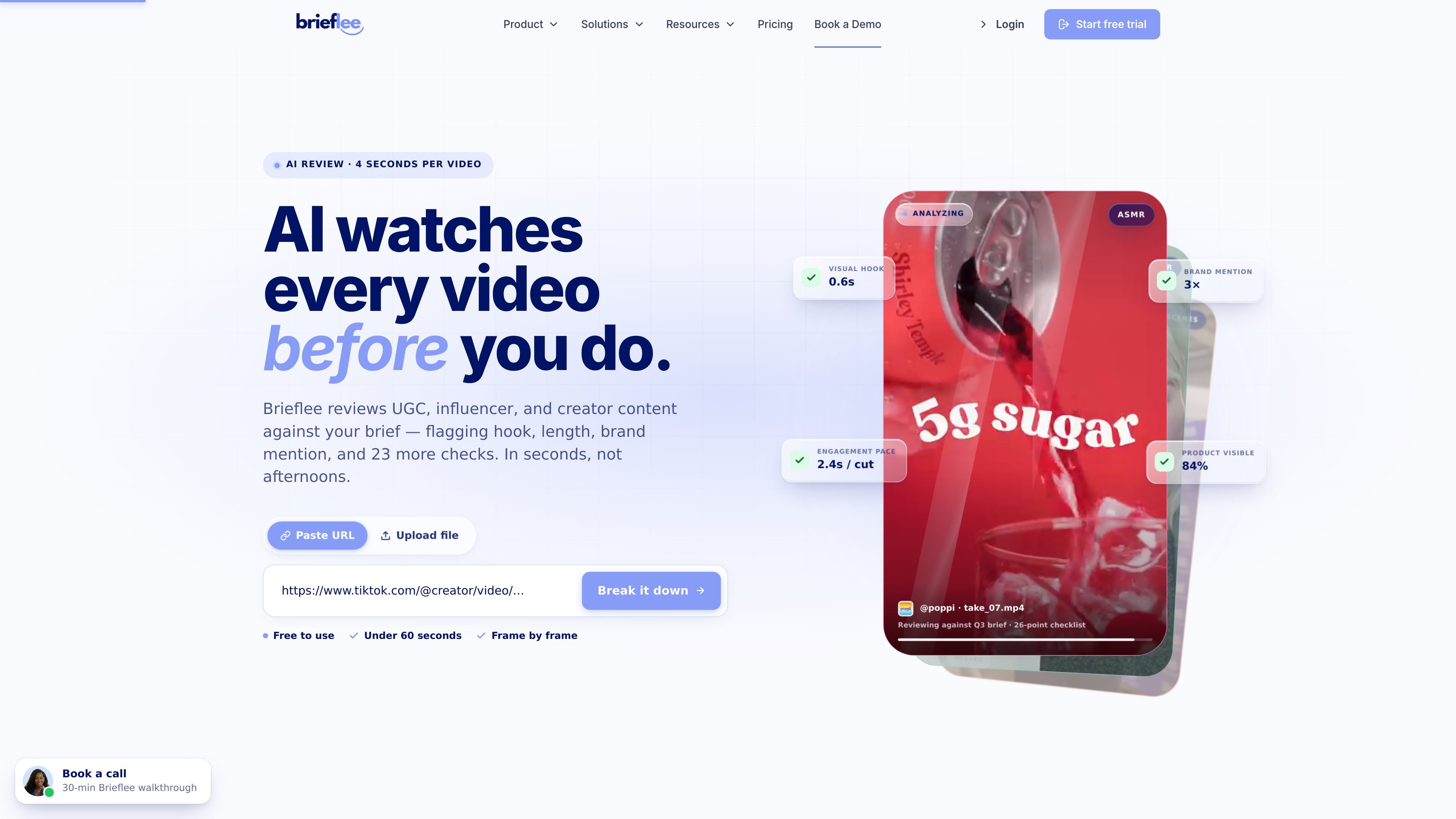
Brieflee is an AI-assisted UGC content platform for brands that create and review creator-made video content. It is positioned around two linked jobs: turning reference videos into detailed creative briefs, and scoring submitted TikTok, Reels, and Shorts against a brand’s brief before approval.
The workflow shown in the source materials includes pasting a video URL, having AI analyze hooks, visuals, timing, and engagement factors, then generating shareable briefs with script suggestions and technical requirements. Brands can also track submissions, apply brand-safety and compliance checks, and route flagged content for human review when needed.
The product is aimed at teams that need a repeatable way to brief creators, review UGC, and keep content aligned with brand standards. The site highlights use by e-commerce brands, SaaS companies, agencies, coaches and courses, personal brands, and other creator-led teams.
Paste the URL of a video you like and Brieflee’s AI analyzes what makes it work, then turns that input into a creative brief with storyboards, script suggestions, and technical requirements.
Share briefs with creators through a link, track submissions, and keep the workflow organized in one place instead of across email threads.
Review creator content against brand guidelines, quality standards, and compliance requirements before approval, with instant feedback when content needs changes.
Tune the review process by setting brand voice, visual style, messaging rules, prohibited content, and quality standards that the system can apply during checks.
Set reward budgets and define payment structures such as cash, product bundles, commission, and performance bonuses within campaign limits.
Use the help-center workflow areas for workspaces, projects, briefs, videos, creators, publishing, notifications, and billing to manage content operations.
A brand can turn a video reference into a brief with hooks, scripts, visual notes, and technical requirements, then send that brief to creators through a shareable link.
Teams can collect creator submissions in one place and score them against brand rules before content goes live, instead of reviewing every file manually by hand.
E-commerce marketers can check product videos for quality, product visibility, and brand-safety issues before spending ad budget on content that underperforms.
Agencies and in-house teams can organize workspaces, projects, briefs, creators, and notifications to keep multiple campaigns moving with fewer approval bottlenecks.
Solo creators or small teams can use the platform to manage briefs, track feedback, and keep revisions aligned with a defined brand style and messaging set.
Brieflee is a UGC content platform that analyzes creator videos, generates briefs from videos you like, and helps teams review submissions against brand guidelines before approval.
The source materials say Brieflee can analyze TikTok, Instagram Reels, YouTube Shorts, and most major social platforms.
Yes. The pricing page says all plans include a 7-day free trial with full access to all features and no credit card required to start.
Brieflee supports plan changes at any time. The pricing page says you can upgrade, downgrade, or cancel anytime, with no cancellation fees.
Creator is for solo users, Crew supports up to 5 team members, and Studio supports up to 10. The source also mentions custom Enterprise plans for larger teams.

Topple.lol is a public pay-to-rank leaderboard where listings start at $1 and their bid balance decays over time and with clicks. It helps makers and marketers buy short-term visibility for product sites or X profiles while tracking live board stats.

Radar is a self-hostable media intelligence and social listening app for monitoring public sources, analyzing mentions, and generating briefs or content outputs with optional Claude AI. It is aimed at individuals and small teams that want an enterprise-style workflow without a cloud account.

Frames помогает быстро создавать лендинг-постеры и графику для соцсетей с премиальными рамками и шаблонами для Instagram, Twitter и Product Hunt. Бесплатно.

Let's Enhance is an online AI image app for enhancing, upscaling, and restoring photos. It helps users clean up images, increase resolution, and process files through free credits, subscriptions, or pay-as-you-go bundles.

SocialEcho is an all-in-one social media AI workspace for publishing, engagement, listening, analytics, and automation across major networks. It is built for creators, brand teams, agencies, and businesses that want to manage multiple accounts from one system.

PostGod is a LinkedIn ghostwriting tool that helps professionals draft posts in their own voice. The site says you can generate free posts, then continue with a paid subscription for ongoing post creation.