
Photo-based meal tracking
Take a photo of a meal and receive calorie and nutrient information based on the image input.

Cal AI is an AI-powered calorie tracking app that lets users log meals by photo, barcode scan, or text description and receive calorie and nutrient information. The site also provides web subscription management and privacy documentation for health-related data.
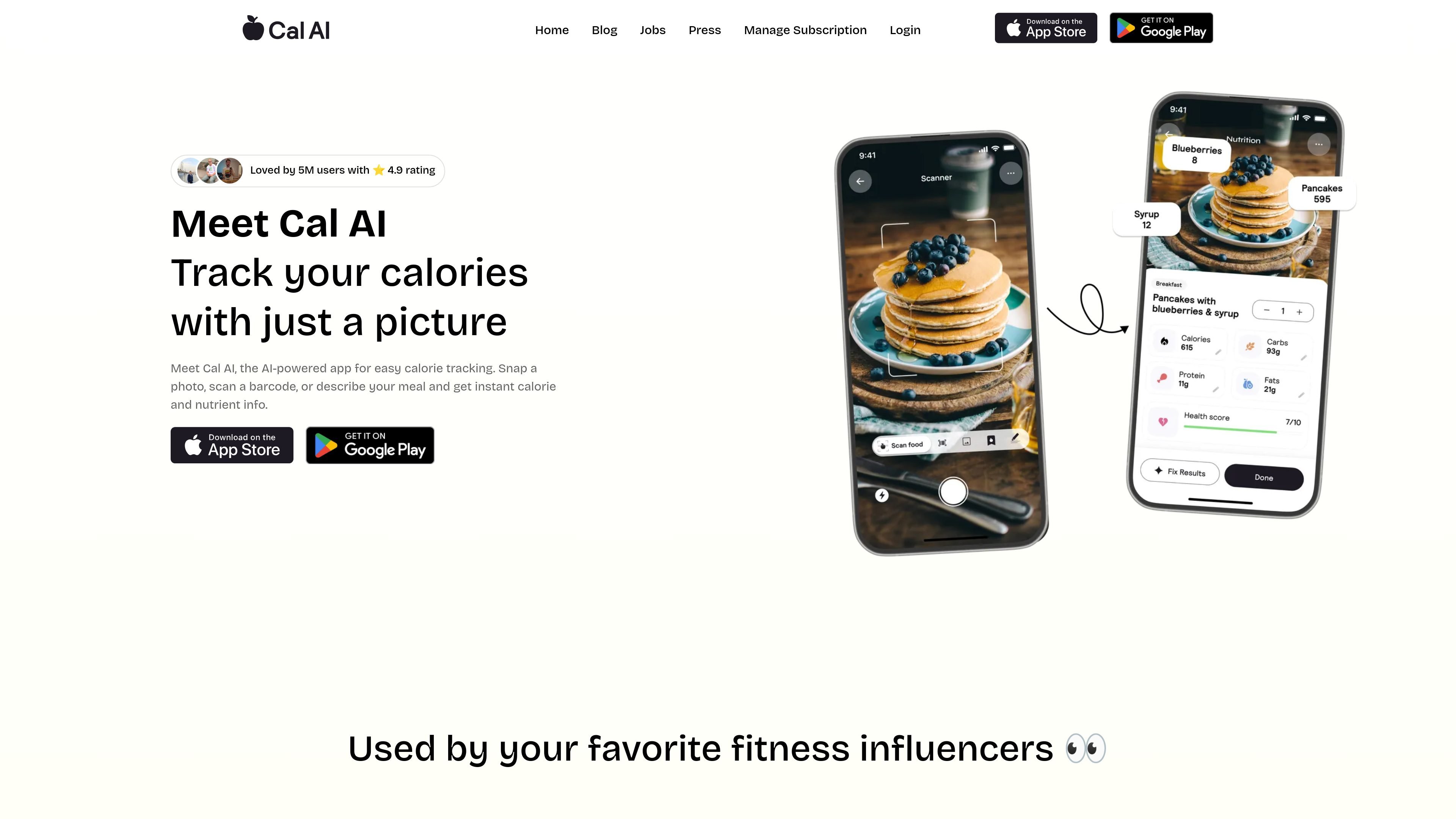
Cal AI is an AI-powered calorie tracking app focused on simplifying meal logging. The homepage says users can snap a photo, scan a barcode, or describe a meal to get instant calorie and nutrient information.
The site positions the product around fast, low-friction food tracking rather than manual data entry. Supporting pages also show a web-based subscription management flow and a privacy policy that covers health-related data handling for Washington consumers.
Take a photo of a meal and receive calorie and nutrient information based on the image input.
Scan a barcode to look up food information without manually entering the meal item.
Type or describe what you ate when a photo is not the easiest input method.
Returns calorie and nutrient information instantly after a meal is entered.
The privacy page says Cal AI may work with connected third-party apps and wearable devices, subject to permissions you set.
A web subscription management page lets users enter the email address used for a web purchase to change the subscription.
Log a meal by taking a picture instead of manually entering ingredients or calorie counts.
Use barcode scanning when you want to identify packaged foods with less typing.
Describe a meal in text when you do not have a usable photo or prefer typing over scanning.
Review nutrition information after logging food to keep an eye on calories and nutrient intake.
Manage a web subscription by entering the email address used for purchase.
Cal AI is described as an AI-powered calorie tracking app. The homepage says you can snap a photo, scan a barcode, or describe your meal to get instant calorie and nutrient information.
The site shows a web subscription management flow and says that if you purchased your subscription on the web, you can enter the email address used at signup to change it. The pricing page itself is a 404, so the exact plans are not shown on the site pages provided.
The homepage describes a meal input workflow based on photos, barcode scans, and text descriptions. Beyond that, the provided pages do not spell out supported platforms or device compatibility in detail.
The Washington privacy page says Cal AI may collect health and wellness information, food and activity data, profile information, and data from connected third-party apps or wearable devices, but the site does not list specific integrations by name.

Goldfish is an AI memory app for macOS that helps you reply, write, summarize, and continue using the context already on your Mac. It stores memory locally and writes in your tone.

ArtDeck is a visual reference board app for iPhone, iPad, and Mac that lets artists collect mixed reference material on one canvas and study it with ToolBox lenses. It works offline, supports optional iCloud sync, and is sold as a one-time purchase with no account required.

Biji - это универсальная платформа, разработанная для повышения продуктивности с помощью инновационных инструментов и функций.

Malyatko is a baby tracker for logging feeding, sleep, growth, teething, and milestones in one app. It works on iPhone, Apple Watch, and widgets, with no sign-up, offline use, and family sharing through iCloud.

Redline is a budgeting tool for Claude Code that paces sessions to stay within time, token, cost, or plan-percentage limits. It uses Claude Code’s native hooks and statusline to help sessions finish with a usable result instead of stopping abruptly.

Claude Overlay is a Windows desktop overlay for Claude Code that reads your screen so you can ask questions, inspect content, and request edits without leaving the current app. It runs on your existing Claude subscription through the Claude CLI, so no separate API key is required.