
Import from multiple starting points
Start with notes, outlines, meeting docs, or an existing deck. Chronicle brings the source material into one presentation so you can build from messy inputs instead of a blank slide.

Chronicle is AI presentation software for teams creating professional decks from notes, docs, or existing slides. It supports AI generation, direct editing, and export to PPT, PDF, or web.
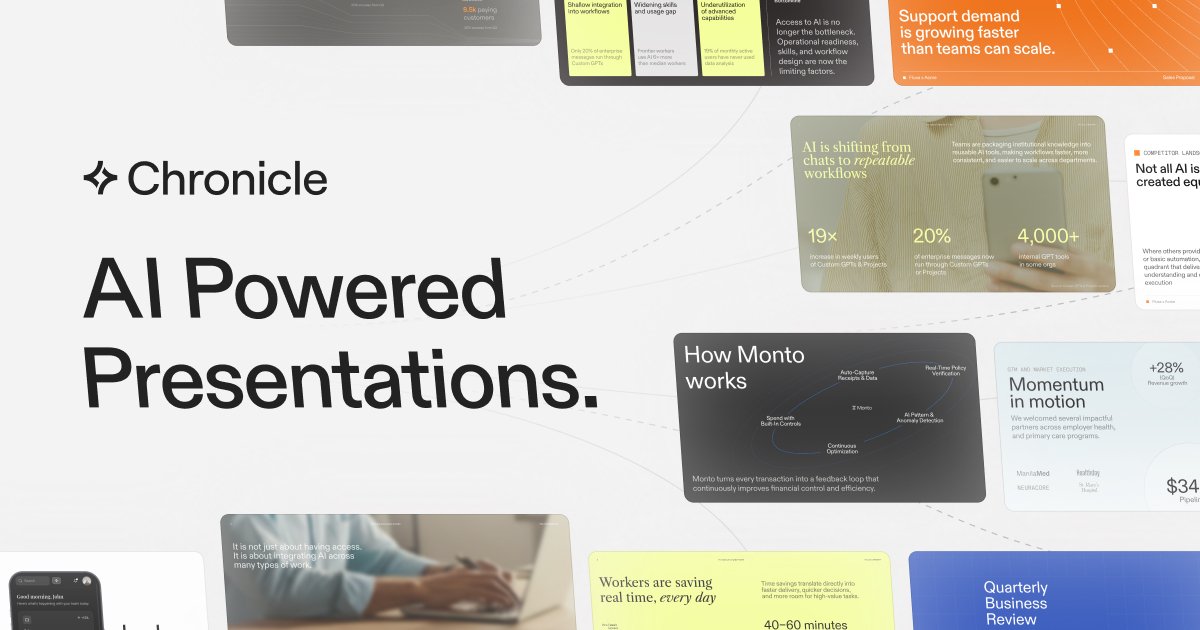
Chronicle is AI presentation software for teams that need to create professional, on-brand decks. It is positioned for high-stakes business presentations such as sales proposals, pitch decks, business updates, research reports, product showcases, and project plans.
The product combines AI generation with a freeform editing canvas. Users can start from raw notes, outlines, meeting docs, or existing decks, then ask Chronicle to generate slides, refine them with AI, and present or export the result in formats including PPT, PDF, and web pages.
Start with notes, outlines, meeting docs, or an existing deck. Chronicle brings the source material into one presentation so you can build from messy inputs instead of a blank slide.
Generate polished slides with on-brand layouts, diagrams, and visuals from a prompt or rough draft. The homepage positions Chronicle as a tool for high-quality presentations at scale.
Refine content by giving the product instructions, rather than rebuilding slides manually. Chronicle says it is built on a freeform canvas with full customizability and editing capability.
Set brand fonts, colors, and visual rules so decks stay consistent across a team. Chronicle also supports saving templates to a workspace on Plus.
Present, export, or publish in different formats. Chronicle supports export to PPT and PDF, plus publishing as a website; some plans also include exports to socials.
Work with charts, graphs, metrics, tables, and embedded tools. Chronicle highlights data visualization and the ability to embed hundreds of tools you already use.
Turn rough notes, meeting docs, or an existing deck into a cleaner presentation for a sales call, status update, or internal review.
Build pitch decks, proposals, and pipeline updates with brand-consistent layouts and AI-generated visuals that fit a customer-facing workflow.
Prepare product roadmaps, planning decks, and stakeholder updates where charts, metrics, and tables need to be presented clearly.
Create board materials, investor updates, and company narratives that need controlled branding, team review, and presentation-ready formatting.
Produce client pitches, strategy decks, and decision-ready deliverables for consulting or agency teams that need repeatable presentation workflows.
Chronicle can export presentations to PPT, PDF, or publish them as a website. It also supports exporting to PDF and socials on lower plans.
Chronicle is built for teams and supports a shared workspace, consolidated billing and admin controls on paid plans, plus real-time collaboration and guest editors.
Chronicle lets you start from raw notes, outlines, meeting docs, or existing decks, then generate and refine slides with AI on a freeform canvas.
The pricing page shows Free, Pro, Plus, and Max plans, with enterprise pricing available by contacting sales.
Chronicle uses AI models from Anthropic and OpenAI, along with its own custom-built tools, and the exact model mix may change over time.

Biji - это универсальная платформа, разработанная для повышения продуктивности с помощью инновационных инструментов и функций.

hob is an independent workspace for coding agents that keeps agent sessions, terminals, history, and follow-up work organized around the tools and providers you already use. It is aimed at developers who want local control over routing, history, and workspace structure rather than a bundled model stack.

Slidesgo is a presentation template platform for Google Slides, PowerPoint, and selected Canva workflows. It offers free and Premium templates, plus AI-assisted presentation creation and team-friendly access options.

Dcyde is a decision log for product teams that captures what was decided, the reasoning behind it, and the source in one shared place. It supports pinning decisions from Slack, Figma, or inside Dcyde and keeps the record searchable over time.

runevr is a connected workspace for creative teams that combines boards, media review, chat, recordings, drive, calls, and AI agents in one room-based environment. It is designed to reduce tool switching and keep project context together.

recall is an AI flashcard app that turns reading and notes into study cards through Claude, ChatGPT, or another MCP client. It uses one-time lifetime access pricing and spaced repetition review.