
Automatic background removal
Auto-Clip AI generates an initial cutout automatically, trained on many real-world images rather than a narrow set of example subjects.

Clipping Magic is a web-based background remover and cutout editor for product photos, business graphics, and other image workflows. It combines automatic background removal with manual refinement tools and batch settings for repeated editing.
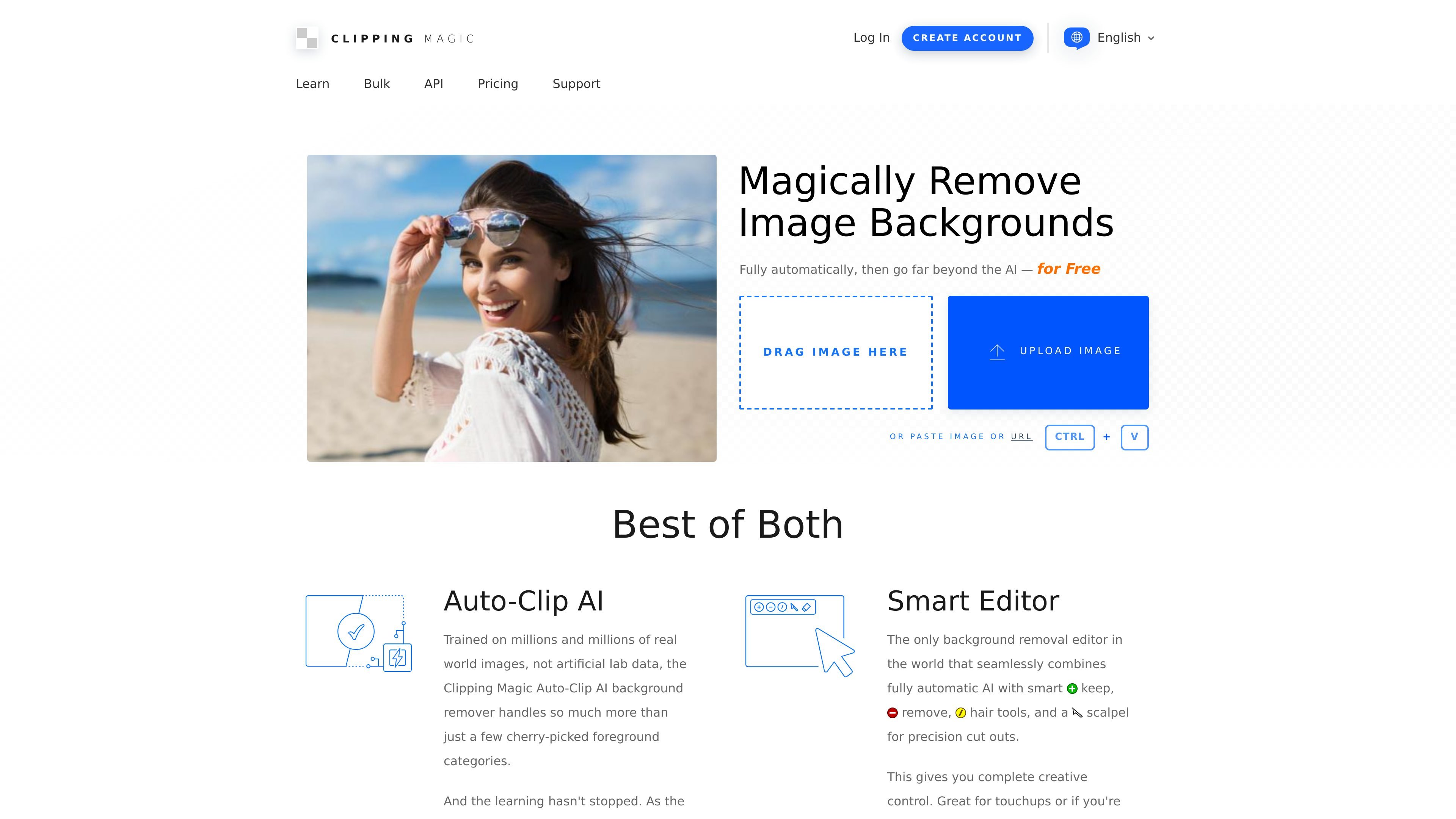
Clipping Magic is a web-based image background remover and cutout editor. It combines automatic background detection with manual refinement tools so users can cleanly isolate subjects, correct edges, and export finished images without relying on a traditional desktop editor.
The product is aimed at people who need consistent image cutouts for ecommerce, business graphics, design work, and other photo workflows. The site highlights product photos, large catalogs, logos, scans, hair detail, and low-contrast edges as common use cases, and it supports batch-oriented settings for repeat work.
Auto-Clip AI generates an initial cutout automatically, trained on many real-world images rather than a narrow set of example subjects.
Keep, remove, hair, and scalpel tools let you refine edges by hand when the automatic result needs correction.
Smart Edges, graphics mode, and a dedicated hair tool help handle fine detail, logos, scans, and difficult boundaries.
Auto crop, rotate/straighten, resize, background color, and color correction tools help turn a cutout into a finished image.
Bulk Clipping and sticky settings support repeated work by applying defaults and processing multiple images with consistent settings.
Export options include PNG for transparency, alpha channel masks, SVG clipping paths, and TIFF clipping paths, along with web optimization controls.
Create clean product photos for marketplaces or storefronts by removing the background, straightening the image, cropping to fit, and adjusting the background color when needed.
Process many similar images with shared defaults so catalogs or repeated product shots stay consistent in crop, color, and output settings.
Handle difficult cutouts such as hair, low-contrast boundaries, or logos by combining auto-clip with the scalpels, hair tool, and graphics mode.
Prepare marketing visuals, presentations, and other business graphics by turning subject photos into transparent or white-background assets with finishing touches.
Refine scans, team photos, or scrapbook-style images where the goal is a cleaner cutout rather than a fully automated one-click result.
Clipping Magic is a browser-based background removal editor. You upload an image, let the Auto-Clip AI generate a starting cutout, and then refine the result with keep/remove marks, hair tools, or the scalpel for precision areas.
Yes. The pricing page says you can upload and edit as many images as you like with full live preview, but a subscription is required to remove the watermark and download results.
The site says Clipping Magic supports exporting transparent results as PNG, and also offers output controls such as file format, DPI, color space, JPEG quality, alpha channel mask export, and clipping path export in SVG or TIFF.
Yes. Clipping Magic offers Bulk Clipping for processing multiple images and Sticky Settings for configuring defaults, which are useful when you need consistent output across a set of similar photos.
The site notes a 25 megapixel and 80 megabyte input limit, and says you can optionally use pre-crop to maximize the available upload resolution.

BgSub is a browser-based AI tool for removing or replacing image backgrounds. It supports automatic cutouts, background replacement, and color adjustment for people editing product images, photos, or web visuals.

Slazzer is an AI photo editor focused on automatic background removal, with access through the web app, API, desktop software, and plugins. It also includes related tools for upscaling, enhancement, relighting, shadows, sky replacement, and photo restoration.

Pixelcut is an AI photo editor for creating and editing product images, social content, and video assets. It offers free and paid plans, plus mobile app and browser access for individual users and teams.

Magic Eraser — это инструмент на основе ИИ, который позволяет пользователям быстро удалять нежелательные объекты, людей, текст и дефекты с фотографий с легкостью.

Airbrush is an AI-powered photo and portrait editor for web, desktop, and mobile. It helps creators, everyday users, and professionals retouch portraits, remove backgrounds, and enhance images with credit-based AI tools.

Aaavatar is a macOS portrait editor for teams that need consistent staff photos. It removes backgrounds, applies backgrounds or brand colors, and exports finished portraits to common professional channels.