
Chat-based video creation and editing
Describe a video in natural language and use conversational instructions to generate or revise the composition instead of building every edit manually on a timeline.

CutBay is a web-based AI video agent that creates and edits videos from ideas, presentations, URLs, documents, and uploaded media through natural-language chat. It supports workflows for marketers, educators, businesses, creators, and anyone repurposing source content into share-ready video.
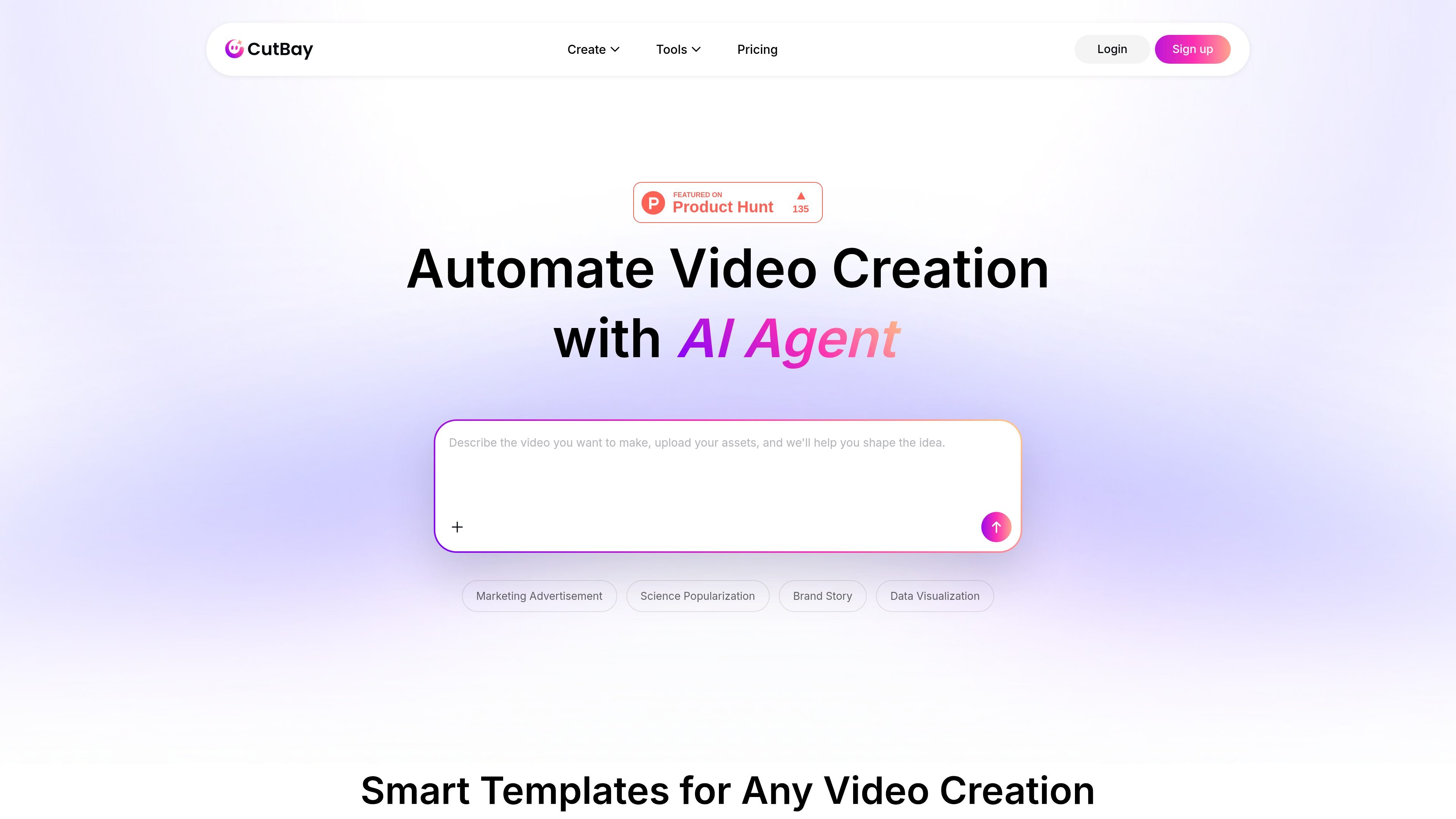
CutBay is a browser-based AI video creation and editing service built around a conversational agent. Users can start with an idea, URL, document, presentation, or their own media, then describe the desired result in natural language. The service is intended to turn source material into share-ready videos without requiring conventional editing software or an established editing workflow.
Its tools cover several production tasks, including presentation, document, URL, text, report, and talking-head video workflows. CutBay can analyze source content, organize a narrative, assemble scenes, and apply elements such as captions, animations, voiceover, music, charts, and B-roll in supported workflows. Users can preview results and continue requesting changes by chat; the detailed PPT workflow documents export to MP4, MOV, or WebM, while output options may vary by tool.
Describe a video in natural language and use conversational instructions to generate or revise the composition instead of building every edit manually on a timeline.
Start with ideas, prompts, links, PowerPoint files, documents, PDFs, spreadsheets, or uploaded media, depending on the selected workflow.
The PPT-to-video workflow analyzes presentation content, identifies key points, builds a narrative, and generates a script and storyboard before rendering scenes.
Generated videos can include animations, transitions, captions, voiceover, music, charts, and visual media; available elements depend on the workflow and instructions.
Talking-head editing can remove silence and filler words, create jump cuts, and add animated captions, contextual B-roll, and background music.
The documented PPT-to-video workflow supports MP4, MOV, and WebM export, with customizable resolution and frame rates and output up to 1080p.
Convert lesson slides, tutorials, and explanatory material into videos with narration, captions, animations, and a structure that can be viewed beyond the original presentation.
Turn product URLs, source materials, or uploaded brand assets into product showcases, promotional videos, and campaign content for social channels or other marketing uses.
Repurpose reports, presentations, and business documents into videos with visualized information, animated charts, voiceover, or captions for updates and internal communication.
Upload long talking-head footage and use automated removal of pauses and filler words, captions, B-roll, and prompt-based revisions to prepare clearer clips.
Use a PowerPoint as the foundation for a narrated, animated video, then adjust pacing, script, visuals, captions, or style through conversational revisions.
CutBay is an AI video agent that turns ideas, PowerPoint files, links, documents, and media assets into videos through conversational instructions.
You can upload a PowerPoint presentation, describe the intended result, let the agent analyze the content and generate a video, then request revisions through chat before exporting.
For supported PPT-to-video workflows, CutBay can export MP4, MOV, or WebM files with customizable resolution and frame rates; the page specifies output up to 1080p for that workflow.
CutBay offers free credits for trial use. Paid Pro and Ultra plans provide higher credit allowances, 1080p downloads, and no watermark; plan availability and limits are shown on the pricing page.
CutBay can edit talking-head footage by removing silence and filler words, creating jump cuts, and adding captions, B-roll, background music, and other requested changes through prompts.

ngram is an AI video generator and editor for teams and individual creators. It turns prompts, uploaded files, or screen recordings into editable videos for demos, training, onboarding, sales enablement, explainers, and launches.

艺映AI is a free AI video creation tool for generating video from text, images, or existing footage. It is positioned for short-form social content, promotional clips, and stylized AI video projects.

VIDEOAI.ME is an AI video generator for making spokesperson-style videos, ads, explainers, and social content from a script. It is aimed at founders, marketers, agencies, and creators who want to produce videos without filming.

Video Effects SDK adds real-time webcam effects such as background blur, background replacement or removal, denoising, framing, beautification, and color grading. It is built for teams shipping live video experiences on web, desktop, and mobile platforms.

Official HeyGen API documentation for building AI avatar videos, translations, lipsync, and interactive video-agent sessions. It supports direct API use plus MCP and CLI-style workflows for developers and AI agents.

DeepMotion is a web-based AI motion capture and 3D animation platform with Animate 3D for video-to-animation and SayMotion for text-to-animation. It helps creators and teams generate motion in a browser and export results in common production formats.