
Brand-aware input from a URL
Paste a product URL to pull brand assets such as logo, colors, and screenshots automatically, or set them manually if needed. This gives the generator source material without a separate design handoff.

DevMotion is a browser-based AI video tool for product launches, SaaS demos, ads, and feature announcements. It generates a finished video from a prompt and product URL, then lets users edit the result on a real timeline before export.
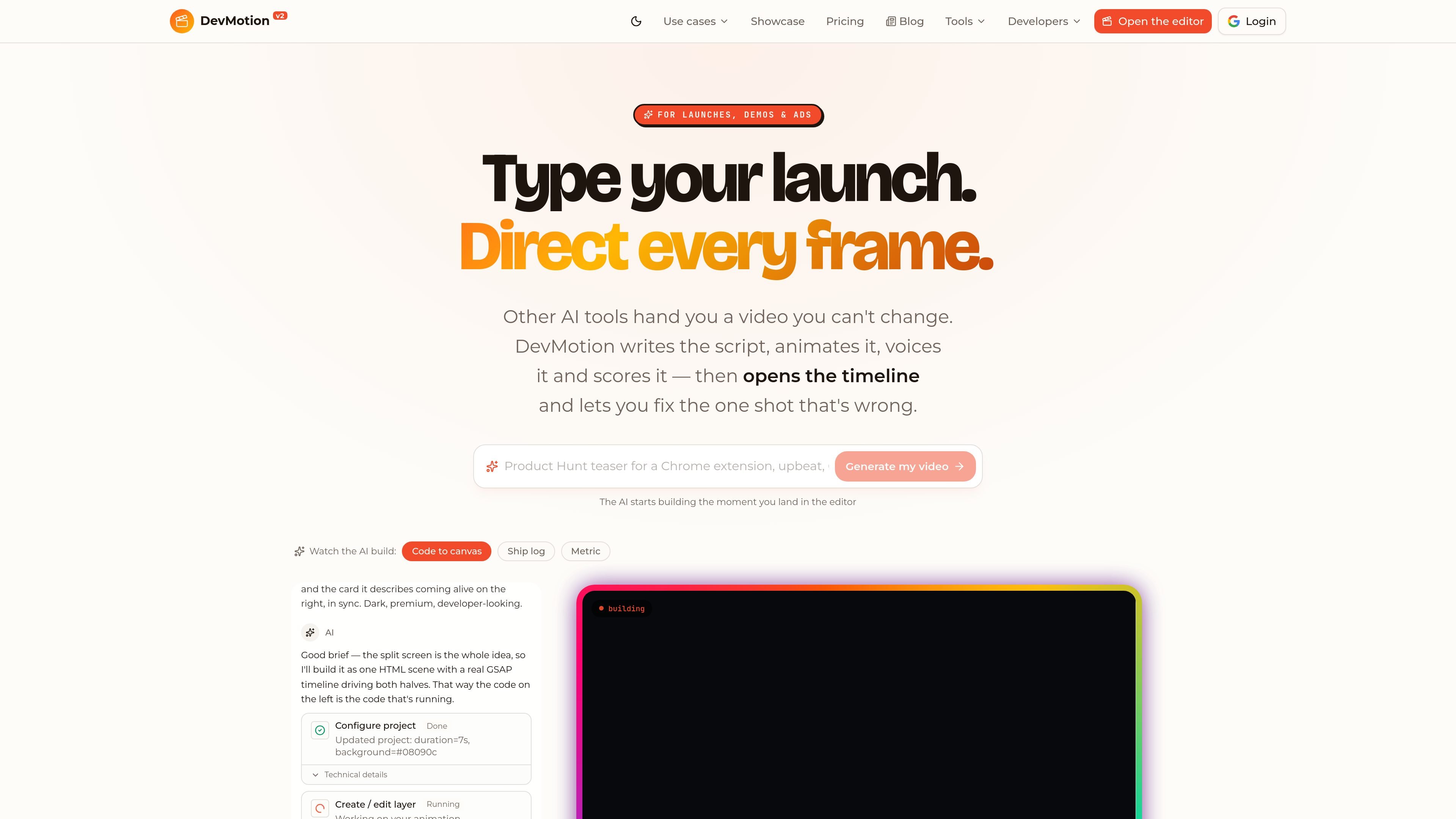
DevMotion is an AI video tool for launches, SaaS demos, ads, and feature announcements. Create videos from a prompt and product URL, then edit them on a real timeline.
Unlike a black-box generator that returns a file you cannot change, DevMotion opens a real timeline after generation so you can adjust the specific shot, line, or beat that needs work. The site also says projects are plain HTML, can be kept in Git, and can be rendered locally with a free CLI.
Paste a product URL to pull brand assets such as logo, colors, and screenshots automatically, or set them manually if needed. This gives the generator source material without a separate design handoff.
DevMotion turns a prompt into script, scenes, device mockups, text animation, voiceover, soundtrack, and sound effects. The result is presented as a finished video rather than a silent clip that still needs assembly.
A real timeline with layers, keyframes, and bezier easing lets you adjust individual parts after generation. The site emphasizes fixing one word, color, beat, or scene without rerolling the whole video.
The product supports 3D phone, laptop, and browser mockups, plus text, shapes, images, video, captions, buttons, code blocks, terminals, and other layer types. That makes it usable for launch videos, demos, and app promos with different visual structures.
Exports are available as MP4 files in 720p, 1080p, or 4K, with 16:9, 9:16, and 1:1 aspect ratios. The same project can be switched between formats for YouTube, TikTok, Reels, Instagram, and landing pages.
The pricing page says plans include REST rendering and generation APIs, webhook callbacks, and an MCP server for AI agents. The developers page also frames DevMotion as a workflow for HTML video projects with CLI-based rendering.
Turn a launch brief and product URL into a finished launch video with a hook, feature beats, narration, and a call to action. The product pages show this as the main workflow for founders and product teams shipping something new.
Create narrated demo videos that show a SaaS interface inside animated laptop or browser mockups. The use-case page highlights screenshots or recordings, feature callouts, and voiceover for landing pages, sales follow-up, and onboarding.
Produce short announcement videos for individual releases instead of writing a plain changelog entry. The homepage describes this as a 15-second format built from the same editable project structure.
Use the project as a starting point for social-first ads and vertical cuts. The site shows UGC-style and app-promo examples that can be exported in 9:16 for TikTok and Reels.
Let developers scaffold, edit, and render HTML video projects programmatically. The developers page positions the product for CLI workflows, REST rendering, and agent-driven automation.
DevMotion starts as a paid product rather than a free tier. The site says there is no free plan; instead, users can build and preview videos for free and only pay to export, or they can start on a paid plan from $29/month.
No. The site says you can build and preview videos for free, but exporting requires a paid subscription.
Yes. DevMotion says it uses a real timeline with editable layers and keyframes, so you can change individual words, colors, scenes, pacing, or other elements instead of redoing the whole video.
DevMotion says projects are plain HTML. You can keep them on your own disk, version them in Git, and render them locally with the free CLI after canceling.
The pricing page says every plan includes REST rendering and generation APIs, the MCP server for AI agents, and webhook callbacks. Rate limits and included volume vary by plan.

ngram is an AI video generator and editor for teams and individual creators. It turns prompts, uploaded files, or screen recordings into editable videos for demos, training, onboarding, sales enablement, explainers, and launches.

Wisry is an AI advertising studio for ecommerce brands that researches competitor ads, develops evidence-backed campaign concepts, and generates static and video creatives. It also supports editing and connected campaign workflows for Meta and Google.

艺映AI is a free AI video creation tool for generating video from text, images, or existing footage. It is positioned for short-form social content, promotional clips, and stylized AI video projects.

Topple.lol is a public pay-to-rank leaderboard where listings start at $1 and their bid balance decays over time and with clicks. It helps makers and marketers buy short-term visibility for product sites or X profiles while tracking live board stats.

VIDEOAI.ME is an AI video generator for making spokesperson-style videos, ads, explainers, and social content from a script. It is aimed at founders, marketers, agencies, and creators who want to produce videos without filming.

Video Effects SDK adds real-time webcam effects such as background blur, background replacement or removal, denoising, framing, beautification, and color grading. It is built for teams shipping live video experiences on web, desktop, and mobile platforms.