
Multiple creation workflows
Create narrated videos from prompts, scripts, URLs, blog posts, or presentations, then refine the result in the editor before publishing.

Elai is a browser-based AI video generator for creating training, presentation, and marketing videos from text, URLs, slides, or prompts. It supports avatars, voice cloning, translation, templates, and interactive video features for teams that need to produce video at scale.
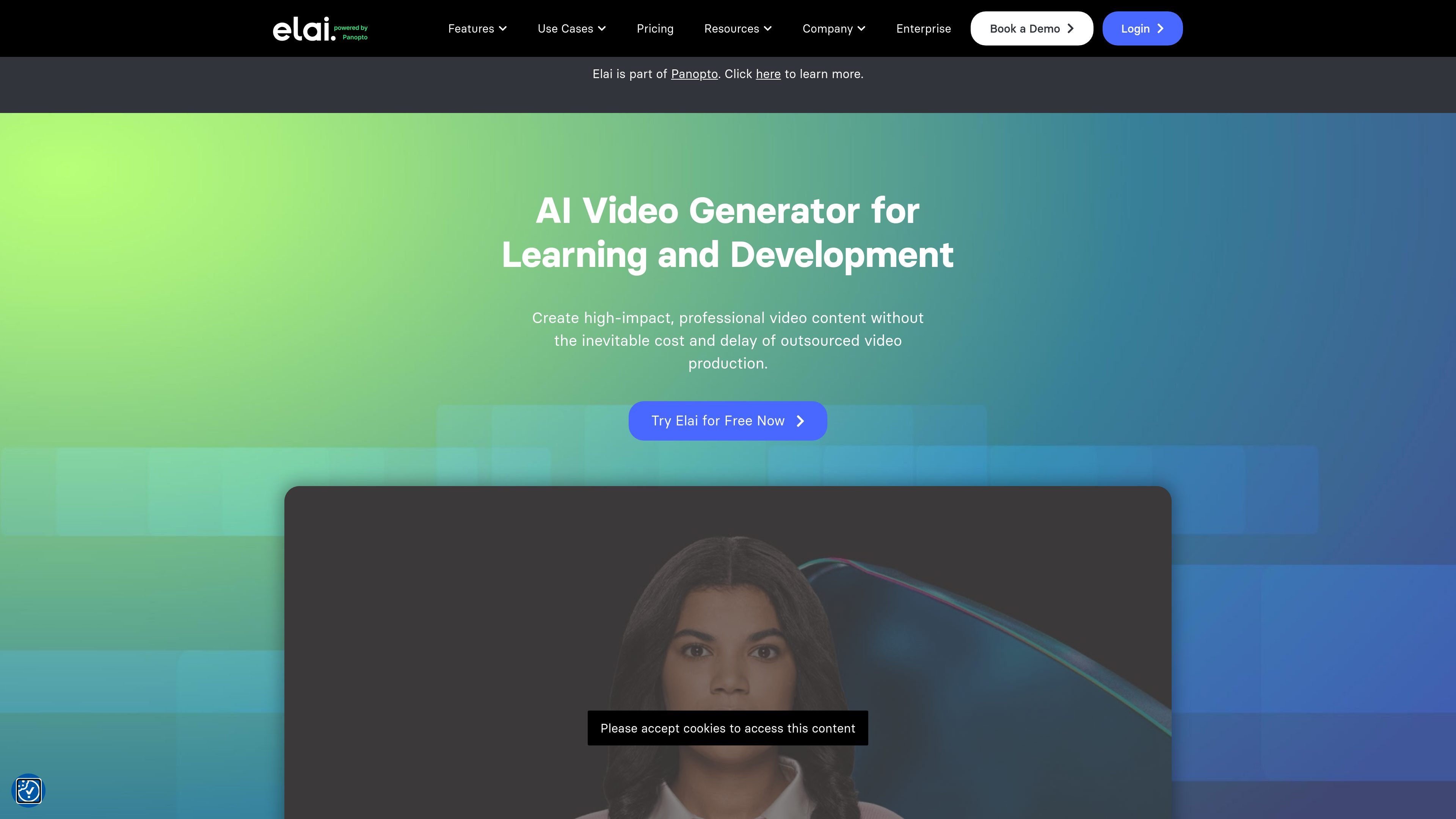
Elai is an AI video creation platform from Panopto that helps teams produce training and other instructional videos from text, presentations, URLs, and prompts. The product is built around a browser-based workflow that lets users create, customize, and present videos without traditional production crews or equipment.
The public site positions Elai for learning and development, enterprise communication, and other team video workflows. It emphasizes AI avatars, multilingual voice and translation options, template-based editing, and interactive elements that support scalable video production and localization.
Create narrated videos from prompts, scripts, URLs, blog posts, or presentations, then refine the result in the editor before publishing.
Choose from 80+ AI avatars, create custom avatars, and use avatar dialogs for scenario-based scenes and presentations.
Localize content with voice cloning, automated translation, 75+ languages, and a large voice library with standard and premium options.
Build interactive videos with branching, buttons, hotspots, quizzes, and analytics to track views, watch time, and engagement.
Support brand-controlled production with templates, custom templates, brand kits, fonts, images, and reusable media elements.
Record screens, add captions or subtitles, and export content for collaboration or learning workflows, including SCORM on supported plans.
Convert training scripts or course outlines into narrated videos with avatars and then add interactivity for learner engagement.
Turn blog posts, URLs, or articles into video explainers without rebuilding the content from scratch.
Transform slide decks or PPTX files into presentation-style videos with editable components and talking avatars.
Localize existing videos for different markets by translating scripts and cloning voices across multiple languages and accents.
Create team-facing or enterprise videos with shared workspaces, branded templates, and collaboration features.
Elai is a browser-based AI video creation platform that turns text, presentations, URLs, and prompts into videos with avatars, voiceovers, captions, and interactive elements. It is positioned for learning and development teams, enterprise users, and other teams that need to produce video content at scale.
The source shows a free plan, paid Creator and Team plans, and an Enterprise option that says to contact sales for custom setup and unlimited options. Pricing is offered on a subscription basis rather than pay-as-you-go.
Yes. The pricing page lists collaboration features on Team and Enterprise plans, including additional seats, workspaces, and team-oriented features such as Brand Kit and SSO on Enterprise.
Elai supports multiple creation workflows, including text prompts, article or URL input, presentation-to-video conversion, PPTX-to-video, screen recording, and AI storyboard generation.
The source indicates support for translation, voice cloning, avatars, and interactive video features, but it does not provide a complete compatibility matrix or every platform/integration detail on the public pages reviewed.

Official HeyGen API documentation for building AI avatar videos, translations, lipsync, and interactive video-agent sessions. It supports direct API use plus MCP and CLI-style workflows for developers and AI agents.

蓝藻AI是一款在线AI配音与语音合成产品,可将文字转成语音,并支持自助声音克隆。页面信息显示它面向短视频、有声书等需要配音的内容场景。

CAMB.AI Streams dubs live audio in multiple languages in real time for broadcasts on platforms like YouTube, Twitch, and X. It plugs into existing live workflows using common streaming protocols and avoids a post-production step.

VIDEOAI.ME is an AI video generator for making spokesperson-style videos, ads, explainers, and social content from a script. It is aimed at founders, marketers, agencies, and creators who want to produce videos without filming.

Talkpal is an AI-powered language learning web and mobile app for practicing speaking, listening, writing, and pronunciation. It offers guided courses, roleplays, and call-style conversation practice across 130+ languages.

Fylom is an AI podcast generator that turns a topic or question into a researched narrated episode. It supports typed or spoken prompts, voice selection, and recurring show-style listening.