
AI background removal
Automatically removes the background from supported images without requiring manual foreground selection.

Erase.bg is an AI background removal tool that makes image backgrounds transparent and supports related workflows such as batch processing, mobile editing, and API-based integration. The site presents it as free for personal use, with paid and enterprise options for larger or commercial needs.
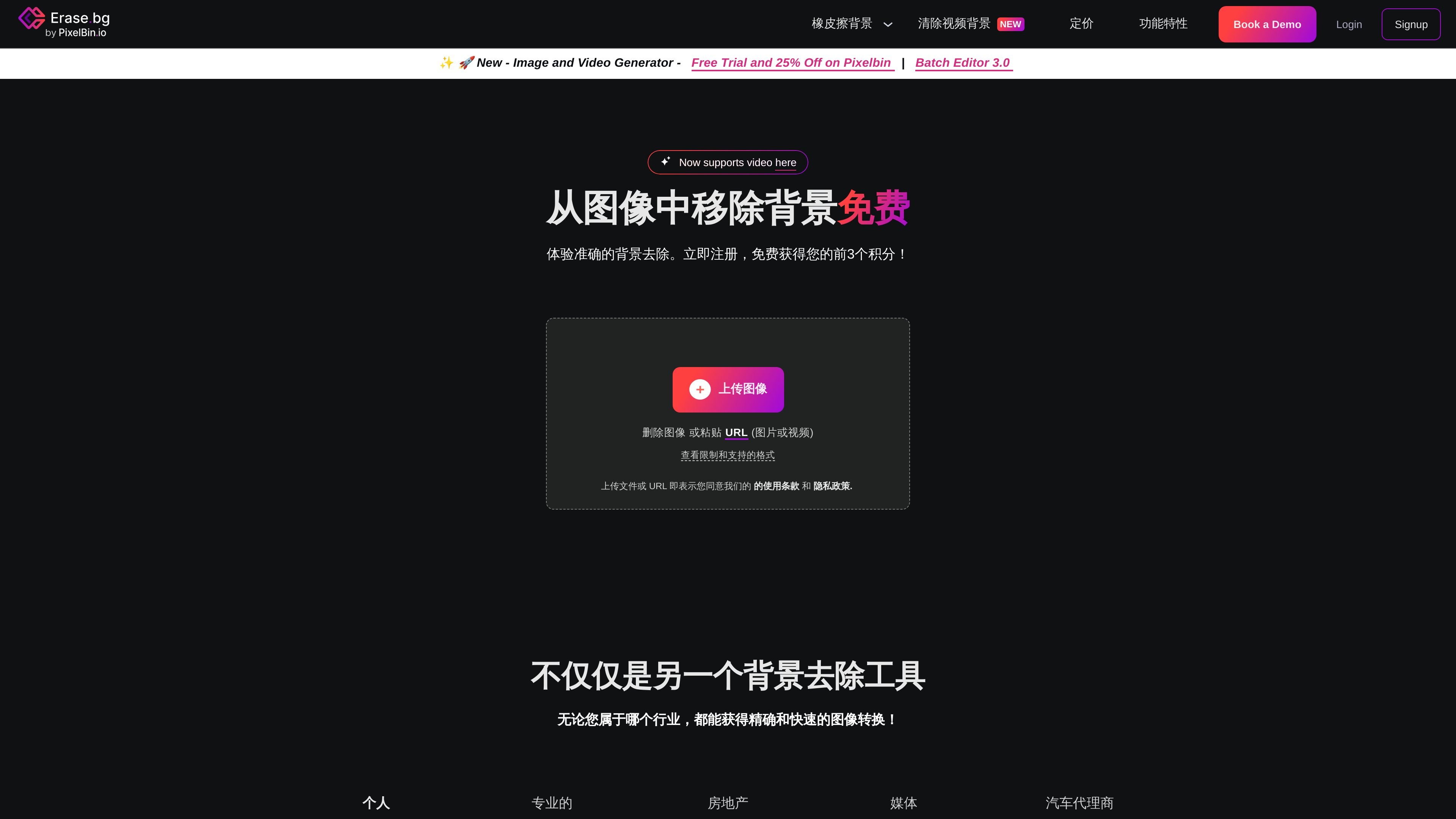
Erase.bg is an AI background removal tool from PixelBin that automatically makes the background transparent for images. The site is positioned for people working with people, animals, products, cars, and other clearly defined foreground subjects, and it is presented as free for personal use on the website.
The product flow is built around uploading an image or pasting a URL, letting the model process the file, and then downloading the result. The page also points to related workflows such as background editing on mobile, batch processing through PixelBin, and an API for integrating background removal into larger systems.
Automatically removes the background from supported images without requiring manual foreground selection.
Lets users upload a file or paste an image or video URL, which supports both direct uploads and link-based workflows.
Supports image files such as PNG, JPG, JPEG, WEBP, and HEIC, plus video formats MP4, MOV, and WEBM on the video page.
Shows output controls for downloading the result and, in the FAQ examples, editing the background to a solid color such as white.
Supports large media handling, including images up to 10,000 × 10,000 px and a documented 25 MB image limit in the FAQ.
Provides batch processing, enterprise planning, and API integration for larger workflows and system integration.
Create transparent product images for listings by uploading photos and downloading background-free results for use in e-commerce catalogs.
Prepare portraits, animal photos, or other subject-focused images by removing the background and then editing the result to a solid color or new backdrop.
Process larger image sets with batch mode or PixelBin.io when the work involves repeated transformations instead of one-off edits.
Integrate background removal into existing systems or product pipelines using the API mentioned on the site.
Remove backgrounds from short videos through the dedicated video remover page when the workflow is not limited to still images.
Erase.bg is an AI-powered background removal tool that automatically removes the background from images. The site also shows a video background remover page, so the product family includes both image and video workflows.
The pricing page says new users receive 3 free credits, which can be used to download 3 HD images. For bulk tasks or regular use, the site points to paid plans and an enterprise option.
The site lists PNG, JPG, JPEG, WEBP, and HEIC for images, and MP4, MOV, and WEBM for video. It also says uploaded images can be up to 10,000 × 10,000 px, and the FAQ notes a 25 MB maximum for images.
The FAQ explains that batch tasks are handled through PixelBin.io, and the pricing page says Pro includes batch mode for processing multiple images at once. The site also mentions API integration for workflow automation.
Yes. The FAQ and pricing pages say the product is available for personal use, while commercial or professional use is handled through PixelBin.io or paid plans. The terms page also says the API can be used by developers to integrate with systems.

Pixelcut is an AI photo editor for creating and editing product images, social content, and video assets. It offers free and paid plans, plus mobile app and browser access for individual users and teams.

Airbrush is an AI-powered photo and portrait editor for web, desktop, and mobile. It helps creators, everyday users, and professionals retouch portraits, remove backgrounds, and enhance images with credit-based AI tools.

BgSub is a browser-based AI tool for removing or replacing image backgrounds. It supports automatic cutouts, background replacement, and color adjustment for people editing product images, photos, or web visuals.

Slazzer is an AI photo editor focused on automatic background removal, with access through the web app, API, desktop software, and plugins. It also includes related tools for upscaling, enhancement, relighting, shadows, sky replacement, and photo restoration.

ToSVG is a free online PNG to SVG converter with background removal and resizing in the same workflow. It also offers REST API plans for developers who want to integrate conversion into applications or automation.

Aaavatar is a macOS portrait editor for teams that need consistent staff photos. It removes backgrounds, applies backgrounds or brand colors, and exports finished portraits to common professional channels.