
Whiteboard-style information organization
Supports common whiteboard workflows such as mind maps, tables, sticky notes, image organization, and link collection, making it suitable for managing ideas, materials, and structure on the same canvas.

Fabrie Lite 本地版是一款面向创意整理和白板式构思的桌面应用,支持本地存储、离线使用,并可通过云盘或 NAS 实现跨设备访问。它适合需要把灵感、素材和结构放在同一工作区的人。
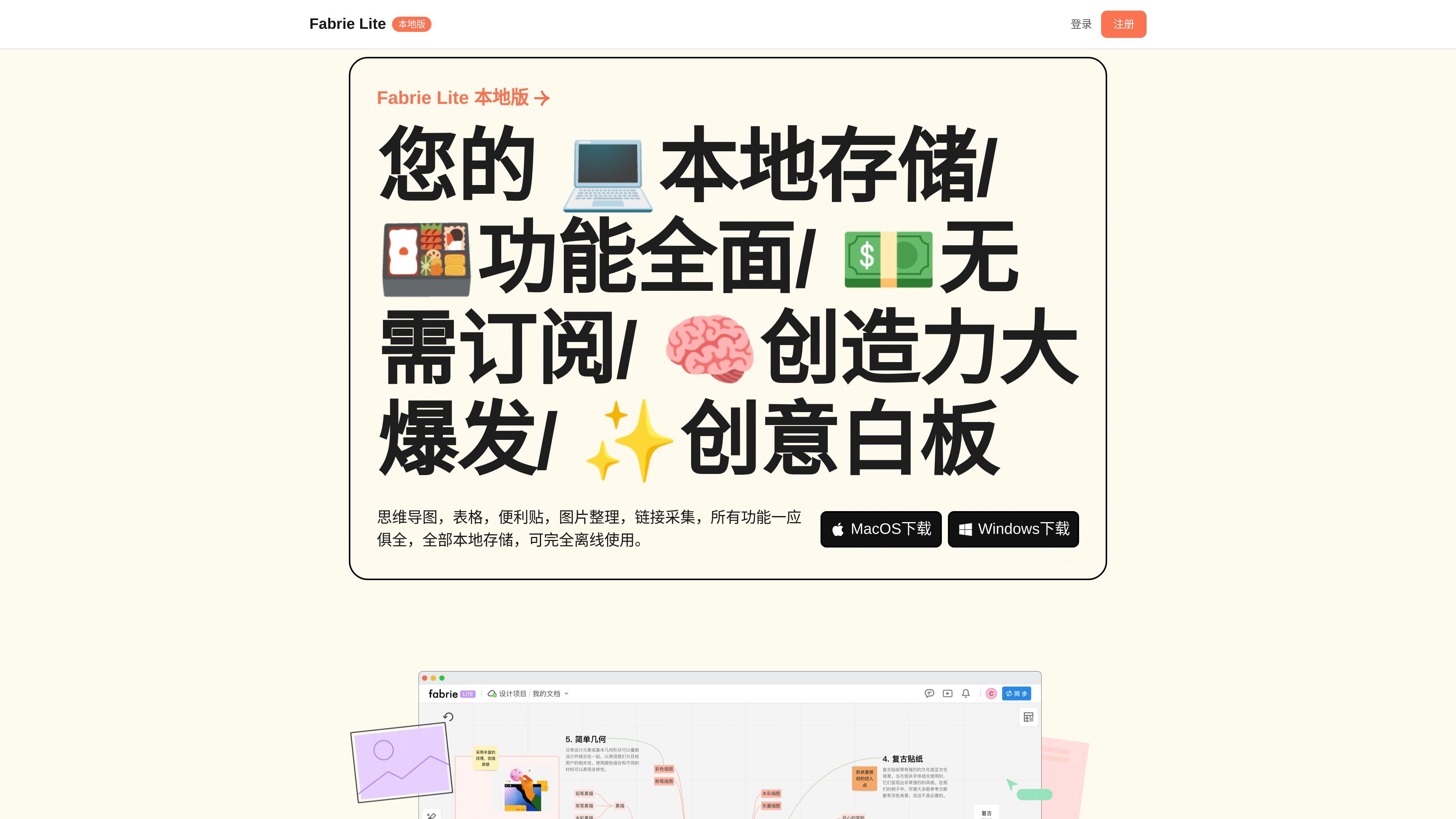
Fabrie Lite 本地版 is a locally stored creative whiteboard tool that provides mind maps, tables, sticky notes, image organization, and link collection. It is positioned as an offline-usable workspace for collecting ideas, organizing content, and expressing structure.
Its core characteristic is that files are stored on the computer’s hard drive, basic functions can be used without an internet connection, and it supports downloads for MacOS and Windows. The page also offers a one-time purchase for lifetime use, as well as a solution for cross-device access through a third-party cloud drive or NAS.
Supports common whiteboard workflows such as mind maps, tables, sticky notes, image organization, and link collection, making it suitable for managing ideas, materials, and structure on the same canvas.
Supports freeform drawing and annotations, and can also use automatic layouts for waterfall or center alignment, making it easy to turn rough sketches into clearer structures quickly.
You can search for keywords within a whiteboard to find content, reducing the time spent digging through large amounts of material.
Supports one-click asset saving, a template marketplace, third-party embeds, and a format painter, making it easier to reuse content and handle external web pages directly in the whiteboard.
Supports local storage, offline use, and cross-device syncing with cloud drives or NAS.
Put brainstorming, material collection, and structural organization on the same whiteboard, suitable for personal idea libraries, knowledge graphs, or concept sketches.
Combine mind maps, frames, and layout content into a presentation structure close to a PPT, for reporting or project presentations.
Organize mood boards, project concepts, and visual narratives in design, curation, fashion, architecture, and other work that centers on visual and structural organization.
When using NAS or a third-party cloud drive inside a company, store Fabrie files in the corresponding path and use syncing to enable access across multiple devices.
Try the basic features locally first, then decide whether to purchase based on whether you need advanced features, cloud-drive syncing, or long-term use.
Fabrie Lite 本地版 uses a one-time payment for lifetime use. The online version is subscription-based; they are separate products with separate billing systems.
After registering or logging in, you can get a 7-day free trial. After the trial ends, you can decide whether to purchase.
Basic features can be used completely offline, including mind maps, tables, sticky notes, and image organization. Some advanced features require an internet connection.
One license code can be used on two computers. The page also states that each account can be bound to up to two devices.
The local version supports storing files in a cloud drive path and uses third-party cloud drives or a local-area-network NAS for syncing between devices; however, this is asynchronous sharing and is not the same as the real-time collaboration in the online version.

Biji - это универсальная платформа, разработанная для повышения продуктивности с помощью инновационных инструментов и функций.

hob is an independent workspace for coding agents that keeps agent sessions, terminals, history, and follow-up work organized around the tools and providers you already use. It is aimed at developers who want local control over routing, history, and workspace structure rather than a bundled model stack.

Dcyde is a decision log for product teams that captures what was decided, the reasoning behind it, and the source in one shared place. It supports pinning decisions from Slack, Figma, or inside Dcyde and keeps the record searchable over time.

runevr is a connected workspace for creative teams that combines boards, media review, chat, recordings, drive, calls, and AI agents in one room-based environment. It is designed to reduce tool switching and keep project context together.

Lucid Train is a local-first AI coding harness that turns repository code into architecture diagrams and uses those diagrams as specifications for coding agents. It is available as a desktop app and a lightweight Rust CLI, and it can run with local models or your own API keys.

Carbon Voice is an asynchronous voice messaging app for teams and individuals, with transcripts, AI catch-up, and cross-device access. It helps people and agents communicate without needing a live call.