
Client vaults for access memory
Each client gets a single vault for passwords, usernames, recovery codes, 2FA setup keys, notes, ownership context, and handoff details, so related access information stays together.

Forgot Password is a secure client account memory system for agencies. It stores client logins, recovery details, 2FA setup keys, and handoff notes in one protected workspace.
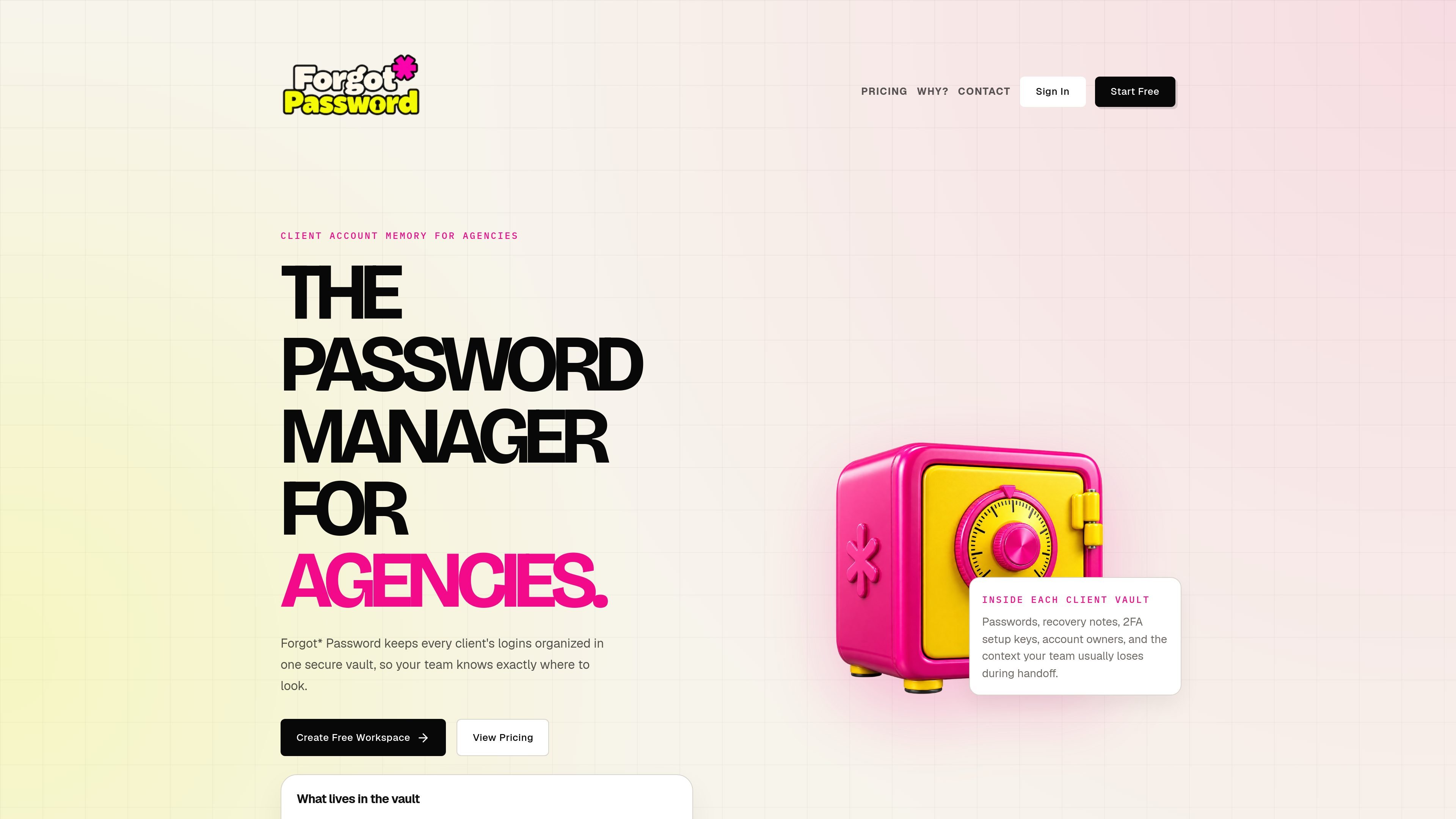
Forgot Password is a secure client account memory system for agencies. It helps teams keep client logins, recovery details, 2FA setup keys, notes, and handoff context in one protected workspace instead of spreading them across chats, spreadsheets, and browser profiles.
The product is built around one client vault per account so the next teammate can find the reset steps, ownership notes, and access history without reconstructing the history from scattered documents. Its security model combines encrypted storage, step-up verification before reveals, logging, and rate limits to reduce casual exposure while still supporting team workflows.
Each client gets a single vault for passwords, usernames, recovery codes, 2FA setup keys, notes, ownership context, and handoff details, so related access information stays together.
Stored credential payloads are encrypted before they are written to the database, using AES-256-GCM according to the security page.
Users must re-enter their own account password before a secret is decrypted and shown, making access to sensitive data a deliberate step rather than a casual click.
The product records actions such as sign-in, sign-up, credential creation, successful reveals, failed reveal checks, invites, and role changes, giving teams an audit trail to review.
Reveal attempts are rate-limited, and failed checks are tracked so repeated bad attempts are harder to miss.
The security pages say the app uses server-managed sessions and organization boundaries checked again at reveal time, supporting team access without treating every logged-in session as full access.
Teams can keep passwords, recovery codes, and 2FA setup keys in one client vault instead of searching across chats and spreadsheets when work needs to move quickly.
When staff change, vacations happen, or a project is transferred, the stored ownership notes, reset paths, and access context help the next person continue without guessing.
Before a campaign launch or other time-sensitive client task, the team can check the vault for the exact login, recovery path, or setup detail they need without depending on a single person’s memory.
Agencies that want multiple teammates to work from the same client records can use the shared workspace, role-based access, and audited reveals to keep access coordinated.
Teams that care about operational review can use the audit trail to see who revealed what, when invites or role changes happened, and whether failed reveal attempts occurred.
Forgot Password is built for agencies that need one protected place to keep client logins, recovery details, 2FA setup keys, and handoff notes. The site describes it as a secure client account memory system rather than a general consumer password manager.
Yes. The pricing page includes a free plan for up to 25 client profiles, with an Agency Pro plan at $15 per month or $150 per year once an agency grows beyond that limit.
The product supports deliberate reveal workflows: a user re-enters their account password before stored secrets are shown, and reveal activity is logged. The security pages also say reveals are rate-limited and the plaintext view is short-lived.
No. The security pages explicitly say Forgot Password is not zero-knowledge. The server can decrypt stored secrets during an approved reveal, which is presented as a tradeoff to support team workflows, auditing, and recovery.
The contact page says the team can help with onboarding, workspace setup, team roles, reveal workflows, plan questions, and security conversations. It also gives [email protected] as the contact address.

Struere is an AI-native platform for turning spreadsheet data into structured operational software with dashboards, alerts, and automations. It is aimed at teams that want to replace manual spreadsheet workflows without building custom tools from scratch.

Goldfish is an AI memory app for macOS that helps you reply, write, summarize, and continue using the context already on your Mac. It stores memory locally and writes in your tone.

Lasso is an ecommerce product data platform for enriching catalog records, processing supplier files, generating product content, and monitoring competitors. It combines a web app with a REST API, SDK, and MCP server for teams and developers.

ArtDeck is a visual reference board app for iPhone, iPad, and Mac that lets artists collect mixed reference material on one canvas and study it with ToolBox lenses. It works offline, supports optional iCloud sync, and is sold as a one-time purchase with no account required.

Codex Plugins bundle reusable skills, app integrations, and MCP servers into workflows you can install in the Codex app or use from Codex CLI. They help extend Codex with connected-service tasks, reusable instructions, and shared team workflows.

garden-md is an open-source Node.js CLI that turns meeting transcripts into a local company wiki. It links entities across transcripts, keeps the original text intact, and renders the result as a browsable wiki.