
Join existing or new meetings
Paste a Google Meet link or start a new meeting, then dispatch a specialist into it. The site says this flow also works with Zoom and Teams.

gstack adds Garry Tan’s open-source specialist personas to live meetings as voice bots. It supports Google Meet, with support also mentioned for Zoom and Teams, and runs through a bring-your-own-brain workflow using a local coding-agent session.
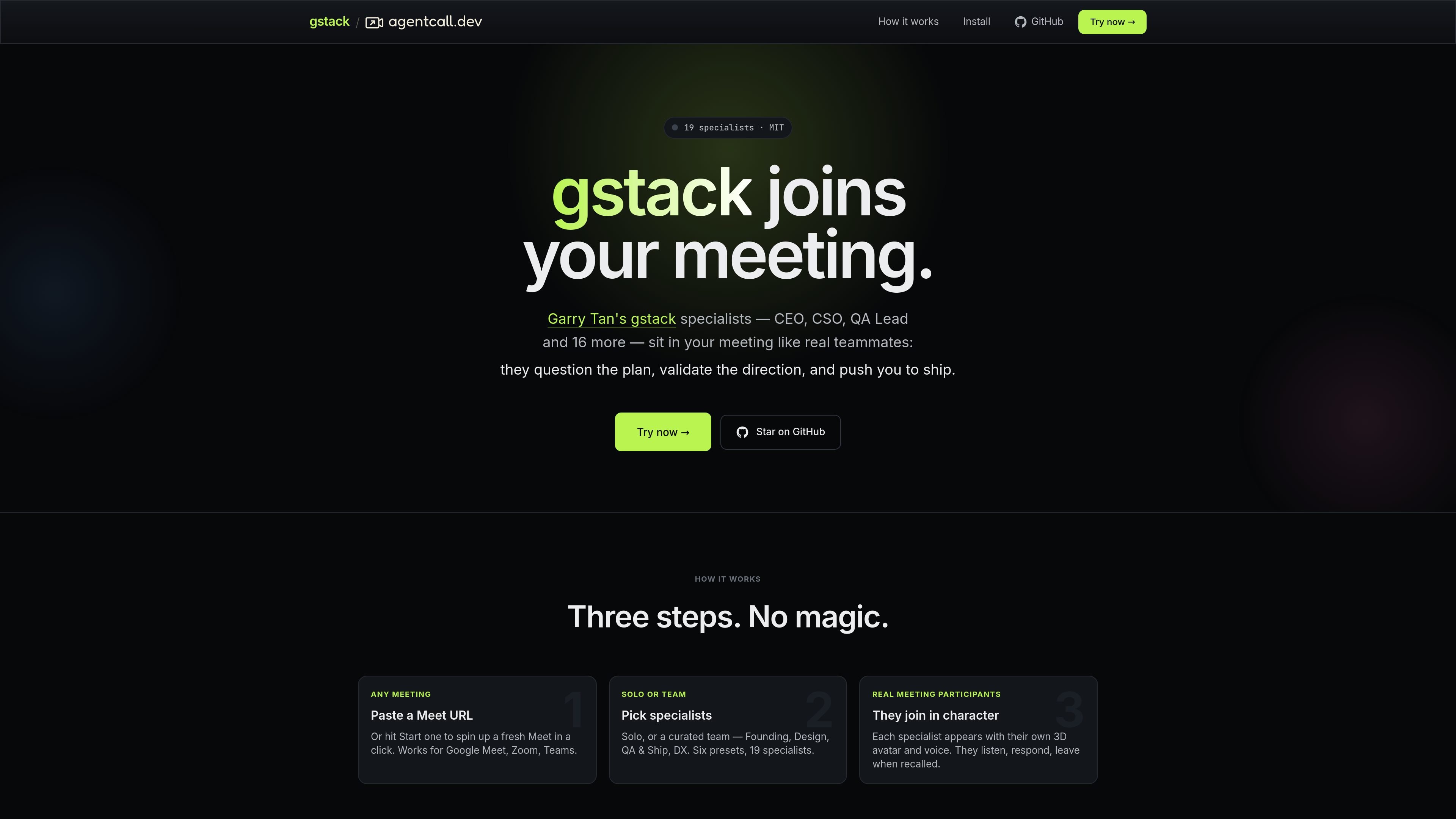
gstack joins live meetings as a voice bot version of Garry Tan’s open-source gstack specialists. The product lets you paste a meeting link or create a meeting, then choose a specialist or preset team to participate in the call.
According to the site, each specialist joins in character with a voice and 3D avatar, can listen and respond in real time, and can be recalled when no longer needed. The product is aimed at meetings where opinionated specialist feedback is useful, such as pair programming, standups, design reviews, office hours, and other team discussions.
The site also describes a bring-your-own-brain model: the specialist is powered by a coding-agent session on your own machine, such as Claude Code, Codex, or Cursor. The site says that keeps the repo, context, and conversation on your side while the agent handles the reply logic for the call.
Paste a Google Meet link or start a new meeting, then dispatch a specialist into it. The site says this flow also works with Zoom and Teams.
Choose an individual specialist or one of six team presets. The roster includes 19 specialists, such as CEO, CSO, QA Lead, and Release Engineer.
Each specialist shows up with its own 3D avatar and voice, and can listen, respond, and leave when recalled.
Specialists are powered by a coding-agent session on your machine, using tools such as Claude Code, Codex, or Cursor as the “brain.”
The site says the bot only sees what you dispatch through the session, and that your repo, context, and conversation stay on your side rather than on the vendor’s servers.
The product is wired through AgentCall, which provides the meeting plumbing for live voice, barge-in, interrupts, and a live 3D avatar tile.
Use a single specialist when you want one focused perspective in a live discussion, such as a CEO, CSO, QA Lead, or DX role.
Use a preset team when a meeting needs several perspectives at once, such as Founding, Design, QA & Ship, or DX.
Bring the bot into standups, design reviews, pair programming, or office hours where a real-time participant can question assumptions and push the discussion forward.
Use the local brain model when you want the reply logic to come from your own coding-agent session rather than a hosted remote agent.
Choose gstack when you need a meeting participant that can join, respond, and then be recalled without leaving the call open indefinitely.
gstack is presented as a way to bring Garry Tan’s gstack specialists into live meetings. You paste a Meet URL or start a new meeting, then choose a specialist or a preset team and dispatch it through your coding-agent session.
The site says it works with Google Meet, Zoom, and Teams. It also says the specialists are powered by a coding-agent session such as Claude Code, Codex, or Cursor running on your machine.
The byob page says a brain is a coding-agent session on your laptop. It only sees what you dispatch through it, and when you close it, it stops; nothing persists on the server beyond the dispatch history shown in the dashboard.
The home page describes solo use or curated teams such as Founding, Design, QA & Ship, and DX. That suggests the product is meant both for single specialists and for grouped meeting roles.
The pricing URL currently returns a 404/offline page, so the public site does not show active pricing details in the collected sources.

Wallie is an open-source AI streamer that watches your screen, hears chat, and generates live commentary in a configurable persona. It runs locally on your machine with your own keys and is aimed at faceless content, autonomous streams, and real-time reactions.

Flunkey is a voice-first productivity layer for Windows that converts speech into text, AI-assisted outputs, and remembered context. It is built for users who want to capture ideas and actions without leaving the app they are working in.

Lasso is an ecommerce product data platform for enriching catalog records, processing supplier files, generating product content, and monitoring competitors. It combines a web app with a REST API, SDK, and MCP server for teams and developers.

MeetStream is a meeting bot API for Zoom, Google Meet, Microsoft Teams, and Webex. It helps developers record, stream, and analyze meetings programmatically, with usage-based pricing and a $5 free credit to start.

Liam is an AI copilot for managing inboxes, writing replies, prioritizing email, and scheduling meetings. It is offered free for individuals, with custom pricing for teams and enterprise.

Все-в-одном AI платформа, которая объединяет инструменты для изображения, видео, голоса, письма и чата для повышения креативности и сотрудничества.