
Ask questions over documents
Upload documents and ask questions across all of your files. Humata is positioned as a document-focused AI agent rather than a general chatbot.

Humata is an AI document assistant that turns uploaded files into a searchable knowledge base for question answering, summarization, and document comparison. It is built for teams and individuals who need cited answers from their own documents.
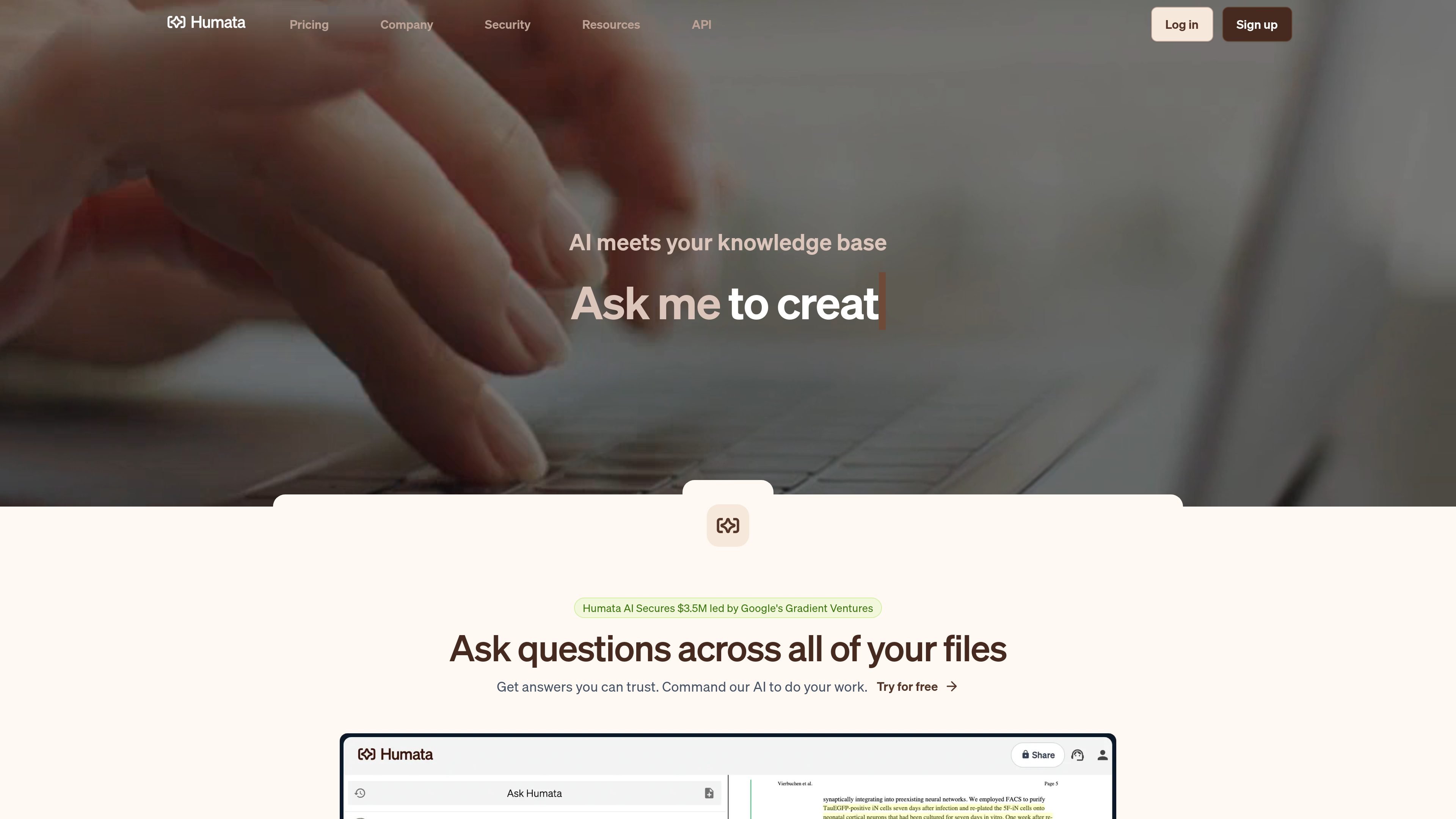
Humata is an AI agent for working with documents and file collections. It turns uploaded content into a searchable knowledge base so teams can ask questions, summarize material, compare files, and pull out answers with citations back to the source documents.
The product is aimed at people who need to read and synthesize dense material quickly, including researchers, teachers, and teams that keep important information in long technical papers or older files. The homepage and company page position Humata as a tool for experts who want faster analysis and more accessible document-driven answers.
Upload documents and ask questions across all of your files. Humata is positioned as a document-focused AI agent rather than a general chatbot.
Get answers that include citations to source files, so readers can trace the output back to the original document text.
Summarize findings, compare documents, and search for information without manually reading every page.
Upload unlimited files and keep asking follow-up questions until you get the level of detail you need.
Embed the PDF AI in a webpage so visitors can ask questions against documents on the site.
Team-oriented security options include private cloud storage, role-based access, department and folder permissions, OCR for images and scanned text, response personalization, and single sign-on listed as coming soon.
Use Humata to query long PDFs or document sets when you need fast answers without manually searching each file.
Turn dense reports or technical papers into shorter summaries for a quicker read-through and easier handoff.
Compare multiple documents to spot differences, overlaps, or supporting evidence across files.
Publish a document-based Q&A experience on a webpage so customers can ask questions against your docs.
Equip teams with permissions, OCR, and response personalization when working with shared internal files.
Yes. The pricing page shows a Free plan, and the homepage describes a complimentary version for exploring the platform.
Yes. The pricing page says subscriptions can be upgraded or downgraded after you start, so users can change plans as their needs change.
Humata says subscriptions can be canceled at any time.
Billing is described as a monthly subscription model with self-serve plans. The pricing page also notes some plans include pay-as-you-go charges for additional pages beyond the included allowance.
Humata says it partners with Stripe for invoicing and can include extra invoice details on request.

Gerty is a local AI assistant for Apple silicon Macs that handles chat, writing, documents, voice and selected Mac app tasks without sending data to the cloud. It works offline after model downloads and is designed for users who want private everyday AI without an account or subscription.

Falconer is an AI-powered company brain that keeps internal documentation accurate, searchable, and up to date by syncing with tools like GitHub, Slack, and Linear. It helps engineering and cross-functional teams centralize knowledge and answer questions from a shared source of truth.

ClayHog — платформа для AI-поиска, которая помогает отслеживать видимость бренда в ChatGPT, Gemini, Perplexity, Claude и Google AI Overviews из одной панели.

Grok — это бесплатный ИИ-помощник, разработанный xAI, который ставит во главу угла правдивость и объективность, предлагая расширенные возможности, такие как доступ к информации в реальном времени и генерация изображений.

nolainocr is an AI OCR tool that extracts structured data from PDF invoices, receipts, forms, contracts, and bank statements. It helps teams move document data into Excel, Google Sheets, JSON, or CSV without manual entry.

qbrin is an enterprise AI search and governed agent platform that turns company knowledge into cited answers and can abstain when evidence is missing. It is built for teams that need source-backed responses, policy controls, and traceable AI actions.