
Pinned comments
Reviewers can attach comments to specific elements in a live prototype, retaining page and element context for follow-up.

Inflight is a feedback layer for live prototypes and deployment previews. It helps designers and reviewers capture pinned comments, videos, polls, and decisions, then makes that feedback available to compatible coding agents through MCP.
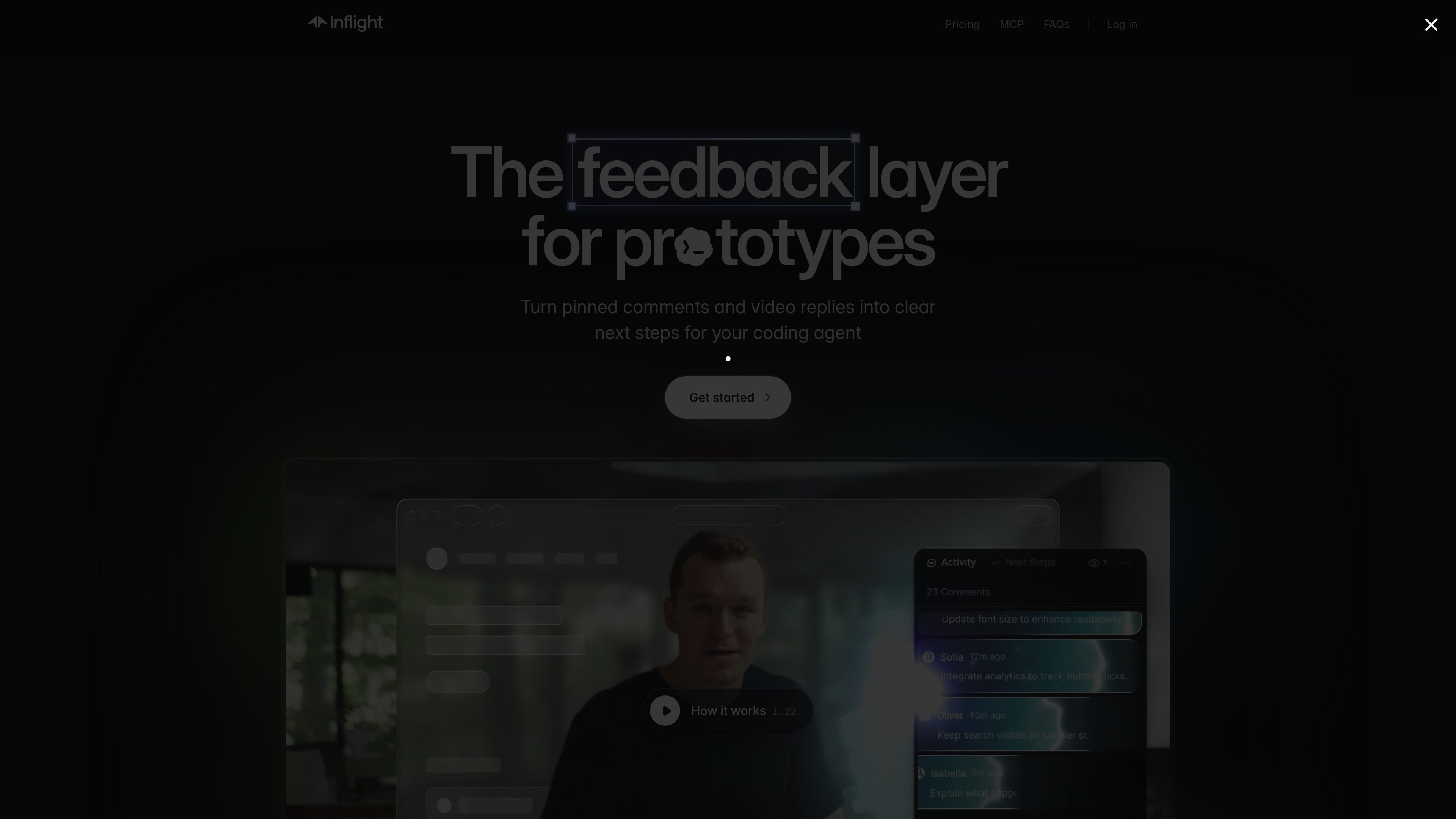
Inflight is a feedback and collaboration layer for interactive prototypes and deployment previews. It gives reviewers a shared link where they can pin comments to interface elements, record video feedback, answer structured prompts, and vote on polls.
The product is designed to carry review context into an agent-assisted implementation workflow. Its MCP server lets compatible coding agents retrieve feedback, transcripts, and generated next steps, then mark work complete while reviewers can see progress in the toolkit.
Reviewers can attach comments to specific elements in a live prototype, retaining page and element context for follow-up.
Video feedback is recorded in the prototype rather than sent as a separate recording link. Agents can retrieve transcripts, cursor activity, and frames from a recording through MCP.
Creators can ask targeted questions and collect votes in the review toolkit, helping teams gather input on a defined decision.
Inflight organizes reviewer input into next steps that can be retrieved by a connected coding agent and marked complete as work lands.
When Slack is connected, feedback on an Inflight link is posted to its Slack thread and thread replies sync back into Inflight and MCP-accessible feedback.
A script tag can add the toolkit to a preview URL or HTML file. Projects can be organized with versions and folders.
Share a staging or deployment-preview link with stakeholders, let them annotate specific UI elements or leave video feedback, and keep the response attached to the relevant version.
Use polls and specific prompts inside a prototype to gather a decision from teammates, rather than collecting general comments across separate messages.
Connect Slack so that review comments appear in the link's thread and replies from the thread return to the prototype feedback record.
Have an MCP-connected agent pull outstanding feedback for a branch, preview, or shared link, implement the requested changes, and report completed next steps in the review interface.
Publish a standalone HTML concept through an agent without connecting a repository, then send the resulting review page to external or internal reviewers.
You can share an HTML prototype from the dashboard or ask a connected agent to share it. For repository-based work, an agent can add Inflight to a deployment preview and return a review link.
Any host that provides a preview URL per push can work, including Vercel, Netlify, and custom setups. Standalone HTML prototypes can also be hosted as Inflight pages through the MCP workflow.
Reviewers can open the shared link without an account and leave feedback under a display name. Workspace members sign in with email, Google, or SSO to publish and manage work.
The MCP tools can retrieve comment threads, pinned-element context, video transcripts, and generated next steps. An agent can then mark next steps complete, with progress shown in the review toolkit.
Workspace dashboards are limited to workspace members. A password can be added to a build, inherited by new versions, and changed to end open sessions.

Biji - это универсальная платформа, разработанная для повышения продуктивности с помощью инновационных инструментов и функций.

hob is an independent workspace for coding agents that keeps agent sessions, terminals, history, and follow-up work organized around the tools and providers you already use. It is aimed at developers who want local control over routing, history, and workspace structure rather than a bundled model stack.

Tavus is an AI video platform for building real-time, face-to-face agents, digital twins, and AI companions. It combines APIs, custom replicas, and multilingual conversational workflows for developers and teams.

HiringPartner.ai is an autonomous AI recruiting platform for sourcing, screening, and interviewing candidates 24/7. It supports ATS-connected workflows, bulk resume uploads, and reviewable interview outputs for hiring teams.

CAKIE is a Mac app for recording your screen and voice for an AI agent. It adds a transcript and screenshot highlights, then lets you copy a prompt and paste or attach the context in another AI app.

Dcyde is a decision log for product teams that captures what was decided, the reasoning behind it, and the source in one shared place. It supports pinning decisions from Slack, Figma, or inside Dcyde and keeps the record searchable over time.